11.1 Generic Measurements
Generic Measurement - Caliper key (hard key)
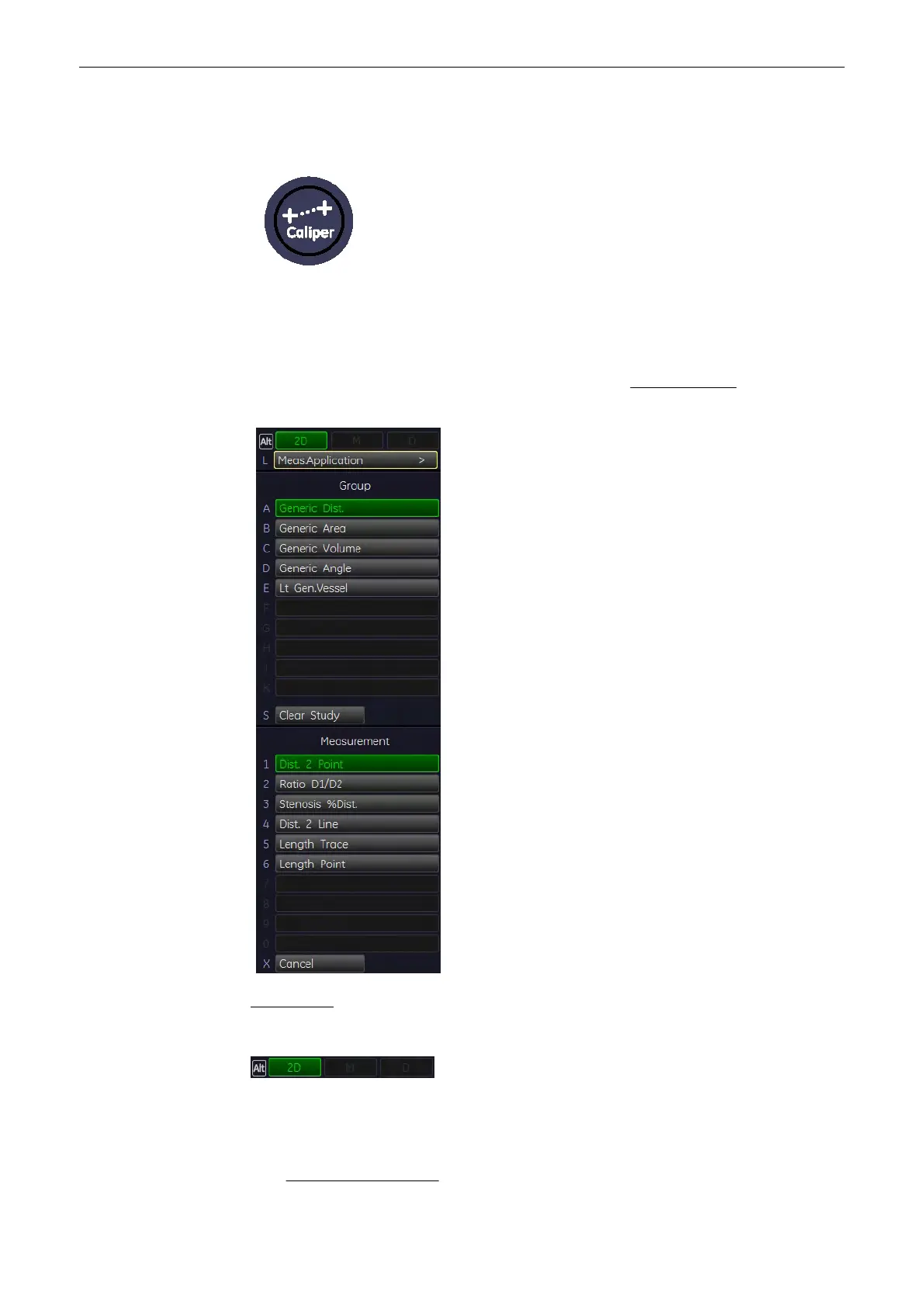
By pressing the [Caliper] key the Generic Measurement functions are switched on and a
cursor appears in the image area.
For description of Generic Measurement functionality review: Basic Operations
(chapter
'Basic
Operations'
on page 11-3
)
.
For Example:
2D+D the active menu is for 2D mode
By means of these items, the mode can be changed and the corresponding measurements will
be shown in the menu area on the screen. When a key is greyed out, this menu is not
accessible at the moment.
•
2D Mode measurements
(chapter
'2D Mode Measurements'
on page 11-5
)
Measurements and Patient Worksheets (Reports)
11-2
Voluson® S6/S8 Basic User Manual
5433669-100 Revision 4



 To Next Page