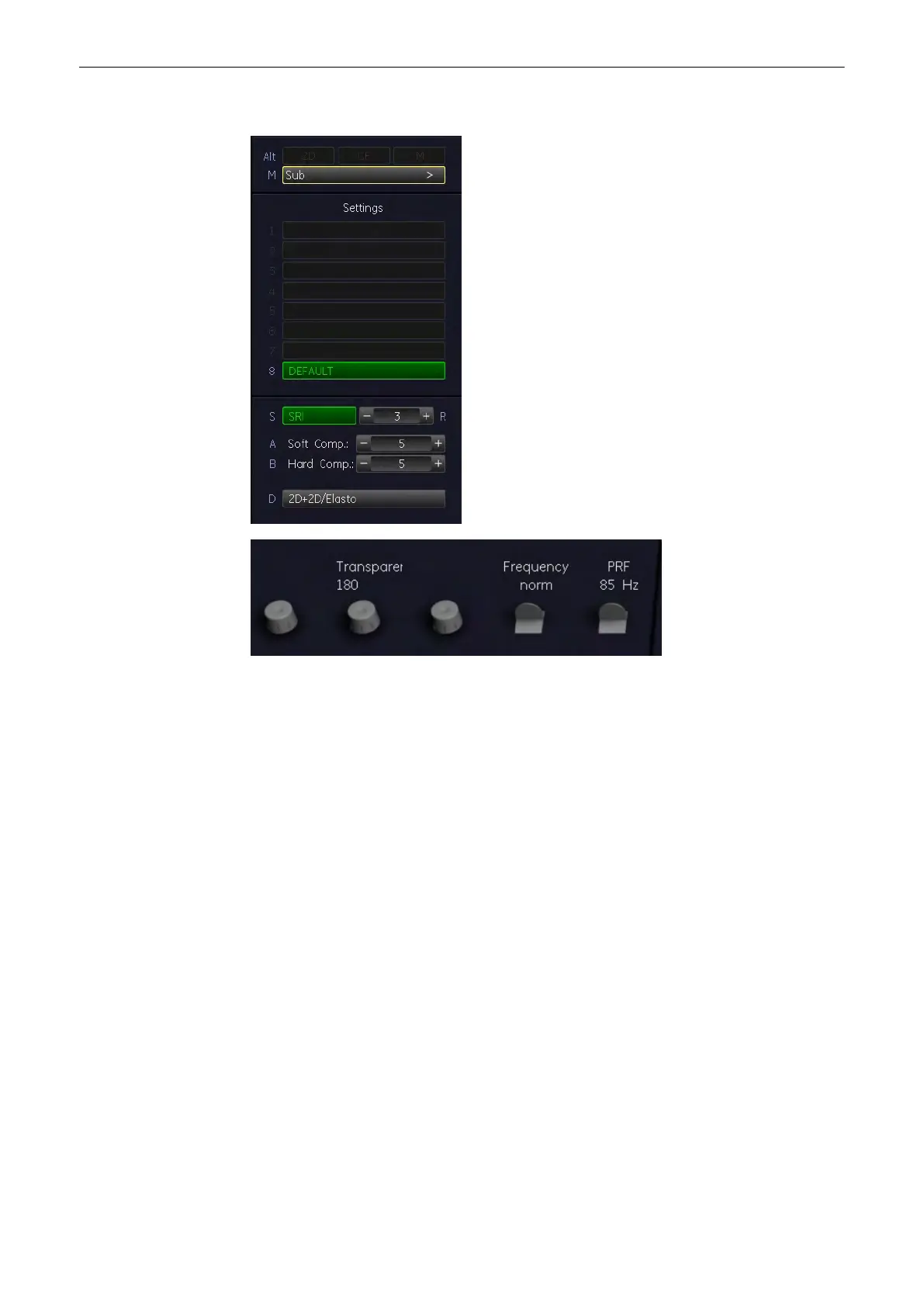
When the [Elasto] key is pressed the Elastography main menu appears on the screen:
Change the size and the position of the Elastography box by using the trackball key.
Change between size and position by using the upper trackball key.
10.2.1 SRI
'Speckle Reduction Imaging (SRI)'
on page 9-46
10.2.2 2D+2D/Elasto
View 2D image + 2D image including Elastography on the screen simultaneously.
Operation
1. Activate Simultan mode by pressing the [2D+2D/Elasto] key in the main menu.
Both modes are appearing on the screen side by side (2D on the left, 2D/Elasto on the
right)
2. Turn of the simultan mode by pressing the [2D+2D/Elasto] key in the main menu.
Using the image format hardkeys (1/2 or 1/4 image) will also deactivate the simultan
mode.
10.2.3 Transparency
Transparency of the Elastography image.
Elastography Mode
10-4
Voluson® S6/S8 Basic User Manual
5433669-100 Revision 4



 To Next Page