12.1.1 Patient Data Area
Patient ID:
Last Name:
First Name:
Middle Name:
DOB (Day of Birth)
Age
ID number
patient’s last name
patient’s first name
patient’s middle name
patient day of birth
patient age
max. 32 characters
max. 32 characters
max. 15 characters
max. 15 characters
Sex ---- , female, male (selection in pull down menu)
Note
Upon entering the day of birth: The age is calculated and displayed automatically.
To conduct a search enter the required criteria and press the [Search] button, see 'To Search
in the Patient List'
on page 4-26
.
12.1.2 Application Area
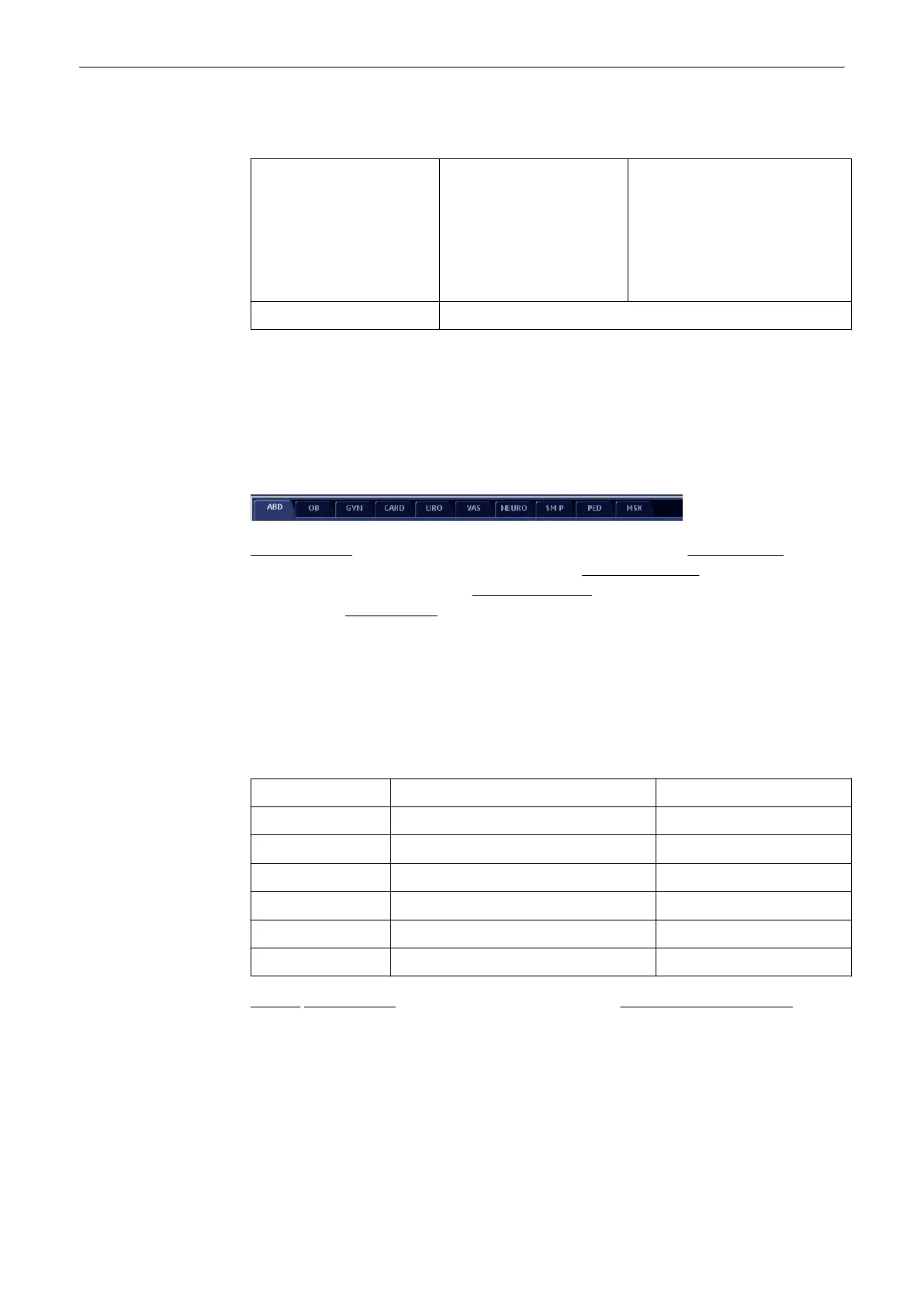
Abdomen (ABD)
(chapter
'“Patient Information” screen'
on page 4-13
)
Obstetrics (OB)
(chapter
'“Patient Information” screen'
on page 4-13
)
Gynecology (GYN)
(chapter
'“Patient
Information” screen'
on page 4-13
)
Cardiology (CARD)
(chapter
'“Patient Information” screen'
on page 4-13
)
Urology (URO)
(chapter
'“Patient Information” screen'
on page 4-13
)
12.1.2.1 Scan Assistant
To select a saved Scan Assistant use the dropdown menu ('Scan Assistant Settings'
on page
13-62
). To activate it for the current patient click on the small box on the right side.
12.1.3 Additional Study Information Area
Perf. Physician: Name of the Performing Physician max. 32 characters
Ref. Physician: Name of the Referring Physician max. 32 characters
Sonographer: Name of Sonographer max. 32 characters
Exam Type: Type of Exam max. 32 characters
Accession # accession number max. 32 characters
Indication: Indication max. 32 characters
Exam: Comment Comment max. 32 characters
Review: Standard Input
(
'Standard Input'
on page 4-21
)
or To search in the Patient List
(
'To
Search in the Patient List'
on page 4-26
)
Note
The arrow keys on the keyboard can be used to scroll throu the menu-items!
Archive
12-4
Voluson® S6/S8 Basic User Manual
5433669-100 Revision 4



 To Next Page