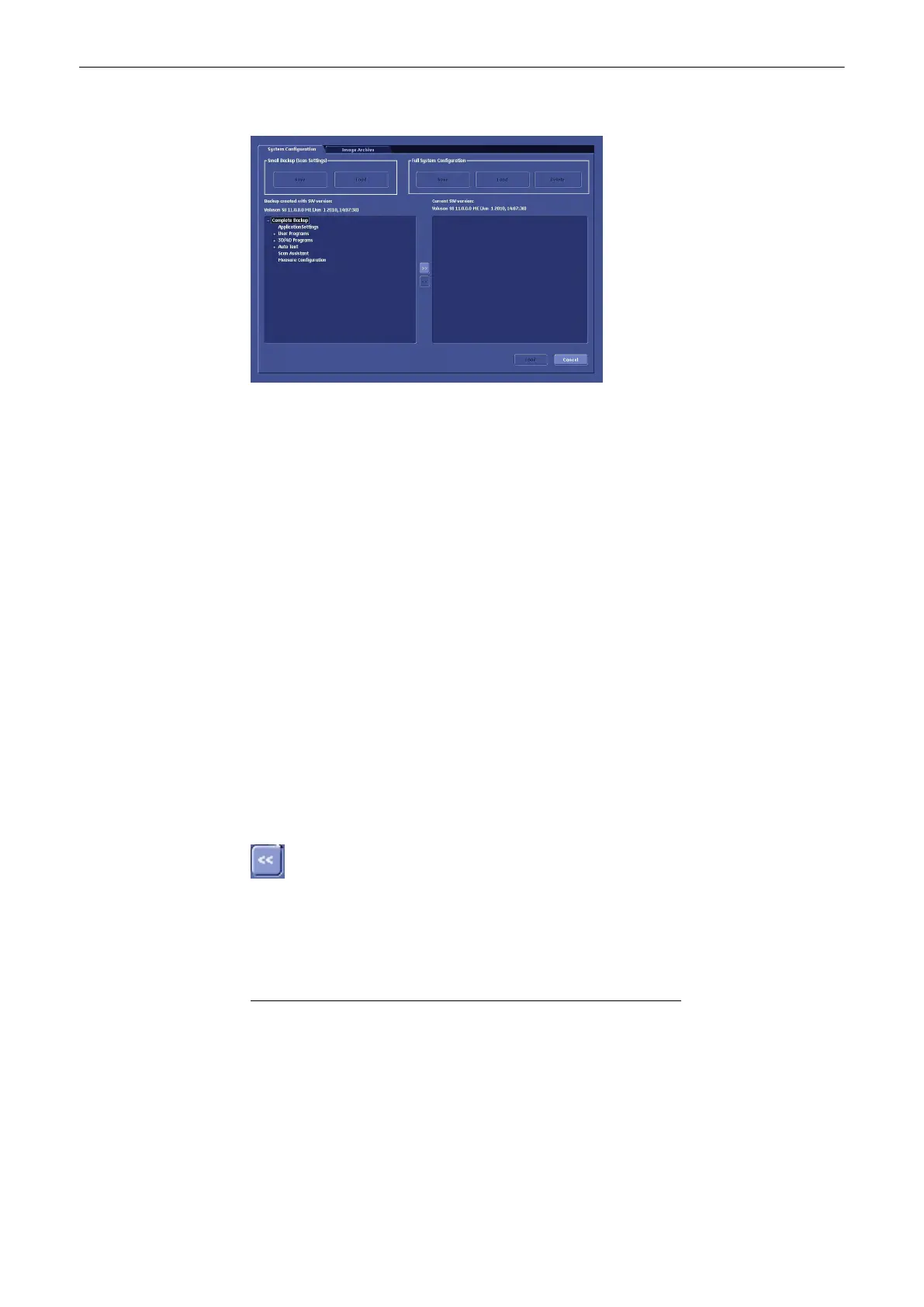
Click the plus [+] sign to open the content tree.
User Progra ms:
Select the appropriate group (all probes, probe & all applications, etc..) down to the final single
program within the displayed tree. Click the [Arrow] button to copy the selected item into the
Load Data field. Click the [Load] button. The load procedure starts to load the selected item of
Backup into the system.
Auto Text:
Select the Auto Text group. Click the [Arrow] to copy the selected item into the Load Data field.
Click the [Load] button. The load procedure starts to load the selected item of Backup into the
system.
3D/4D Programs:
Select the appropriate group (all probes, probe & all applications etc..) down to the final single
program within the displayed tree. Click the [Arrow] button to copy the selected item into the
Load Data field. Click the [Load] button. The load procedure starts to load the selected item of
Backup into the system.
Checklists
Select the appropriate group (all checklist/scan assistant lists...) down to the final single
program within the displayed tree. Click the [Load] button. The load procedure starts to load
the selected item of Backup into the system.
To return selected items from the Load Data field to the Backup Data field select the [<<]
button or click [Cancel].
13.2.6.1.3 Save Full System Configuration
A full system configuration backup always contains the following data:
•
Patient demographic and exam data (database containing the patient data and
measurements)
•
Archive image data (NOT available when saving to the internal hard disk, DVD/CD or
MOD)
•
User Settings (databases and files containing gray curves and the user settings.)
•
Image transfer settings (DICOM settings e.g., DICOM servers, AE Title, Station Name,
etc.)
Utilities and System Setup
13-50
Voluson® S6/S8 Basic User Manual
5433669-100 Revision 4



 To Next Page