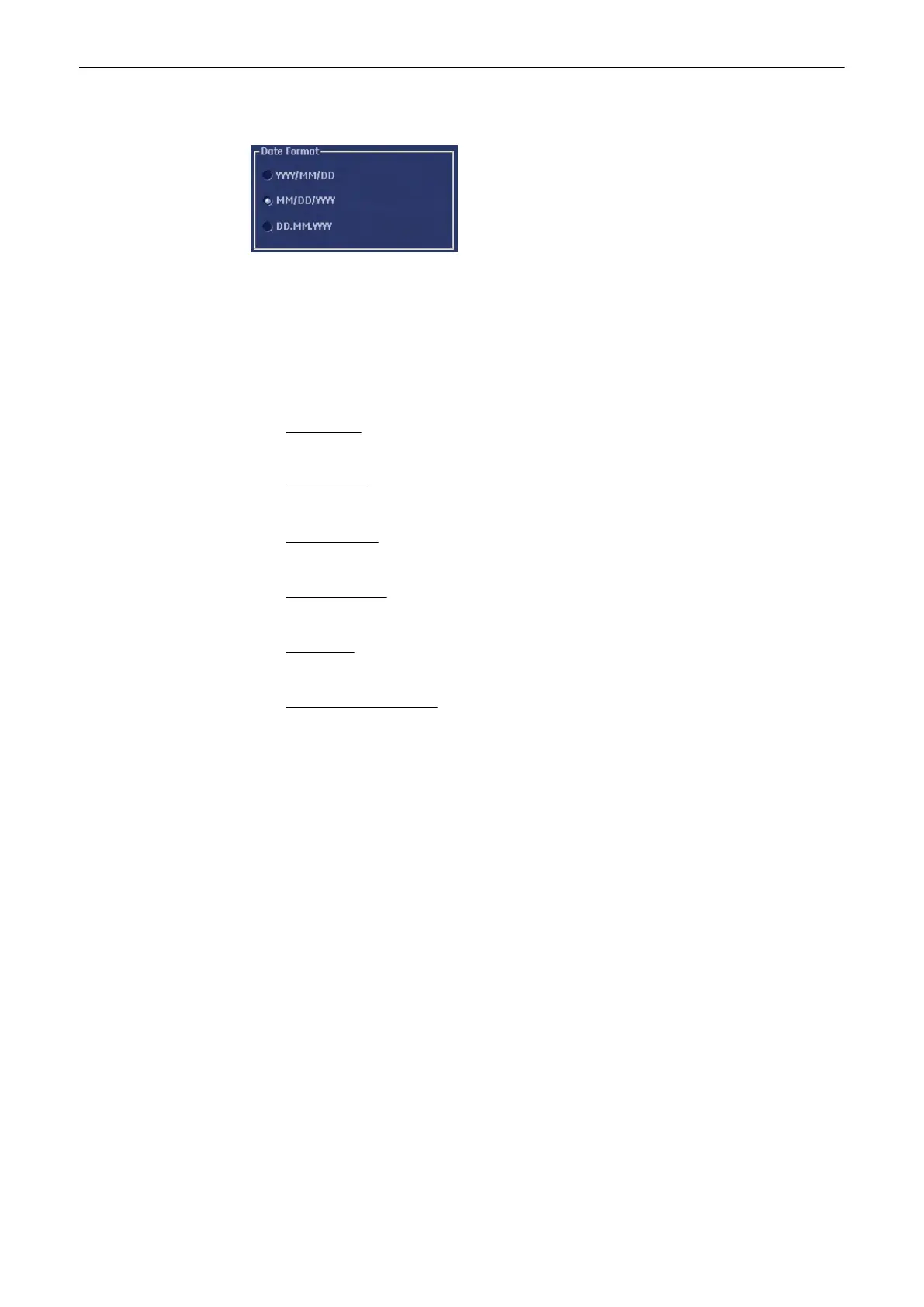
13.2.3.1.3 Date Format
Activate the corresponding option button (only one can be active) to select the order of the
date format desired (day-DD, month-MM and year-YY).
13.2.3.1.4 Display
(each button is an on/off switch)
Activate the desired option buttons.
•
TGC curve :
TGC-graphic display on/off.
•
Screen Lock:
Screenlock on/off, see
'Lock Screen'
on page 13-8
•
Screen Saver :
on: 5 min after last operation the screen saver starts. off: Press any hard key.
•
Auto Scan Stop:
2 min after the last operation the system activates the freeze -Mode, if not yet active.
•
Beeper off:
switch off the “Beep” sound which is audible when pressing system hard keys
•
3D/4D Screen Controls :
Click this box to switch on/off the 3D/4D on-screen controls.
13.2.3.1.5 Clinic Name
Select the text box to enter a new clinic name and use the keyboard to enter information. The
clinic name will be copied into the Hospital ID in the information header of the screen, after
closing the setup with [Save&Exit].
13.2.3.1.6 Screen- saver Text
The entered text will be shown when the screensaver is activated.
13.2.3.1.7 Language
Open pull down menu and select the language desired.
Note
Only languages available on the system are listed. If a new language is installed, it is
automatically added to the list. After [Save&Exit] the system will prompt with a dialog box to
reboot the system. There is a National Language Support for the whole measurement package
(generic and calculation measurements, Measurement setup and worksheets/reports).
Note
After changing the language the system must be rebooted!
13.2.3.1.8 EUM Language
Open pull down menu and select the language desired.
Utilities and System Setup
Voluson® S6/S8 Basic User Manual
5433669-100 Revision 4 13-17



 To Next Page