•
Saving Files to Archive, see
'Saving Files to Archive'
on page 12-9
12.2.1 Appearances of the Clipboard
12.2.1.1 Changing pages
You can save a number of images onto clipboard that is only limited by the hardware.
However, a maximum of 8 images can be displayed on one page of the clipboard.
If a page is full, Archive automatically opens another page.
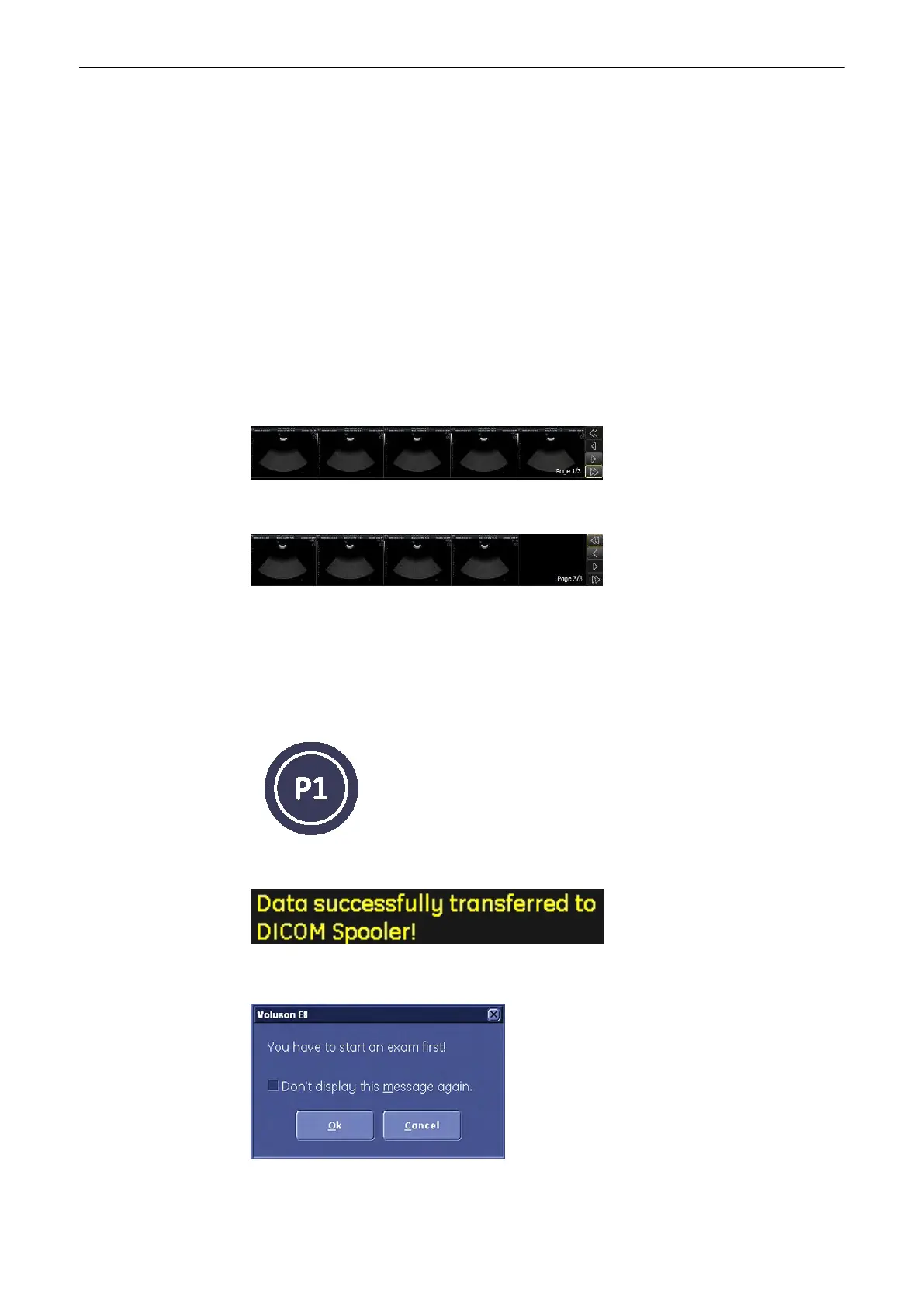
The page information (current page # / total page # ) are displayed on the clipboard.
To change between the pages:
1. Press the [Pointer] hardkey, if the cursor is inactive.
2. Click the >> to go to next pages.
Click this << to go to the previous page.
Click this arrow to swap to the previous page.
12.2.1.2 Saving onto the Clipboard
Use the P1 - (default value) programmable button to store pictures onto the clipboard. Press
the [P1] hardkey and a scaled-down picture will appear in the clipboard area.
Additionally a message appears in the message area:
Note
If you press [P1] without having started an exam the following dialog appears.
Archive
Voluson® S6/S8 Basic User Manual
5433669-100 Revision 4 12-7



 To Next Page