Ultrasound images are consuming a lot of the system’s memory resources. Therefore, the
JPEG-compression method can be applied to the images to reduce their size. When selecting
the JPEG-compression less than 100% a message appears.
Note
Volume Wavelet Quality is only enabled if Volume Compression is wavelet lossy.
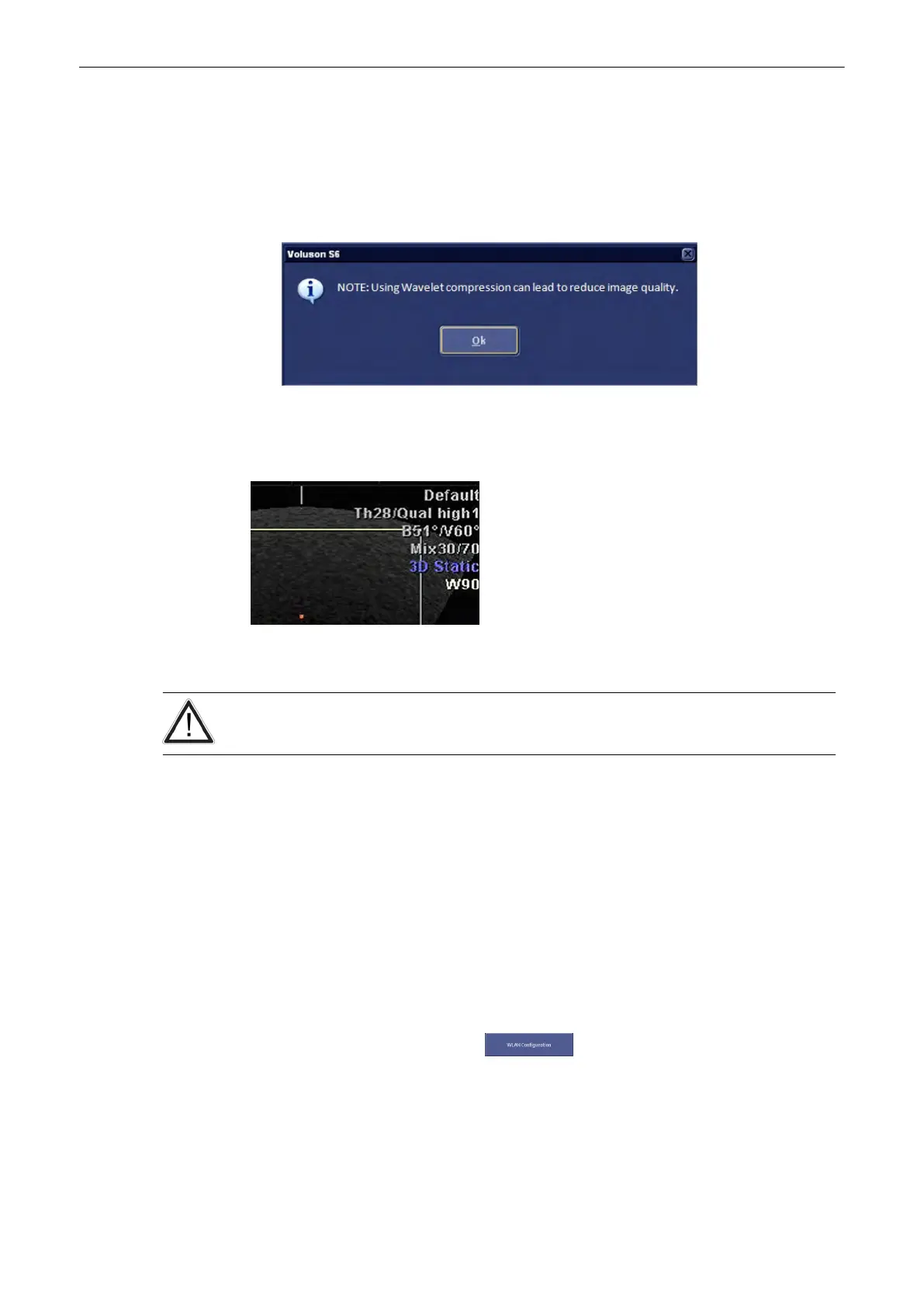
Whenever lossy compression is activated the following dialog appears:
If the volume contains color information, the color part of the volume is compressed with a
setting that is 5 points better than the selected setting, e.g. Setting 90 → color compression 95,
grey compession 90
If a volume is compressed using lossy wavelet compression, a yellow sign (Wxx; xx =
compression factor, e.g. W9) is added when reloading the image.
A lossy compression reduces image quality, which can lead to a false diagnosis!
13.2.5.2.5 WLAN Configuration
WLAN is the abbreviation of Wireless Local Area Network.
In order to use the WLAN of your location you need a WLAN adapter.
How to configure the WLAN:
•
Plug in the WLAN adapter into the USB socket
•
Press the [Utilities] hardkey.
•
Press [System Setup] on the screen.
•
Select Connectivity on screen.
•
Select Device Setup on screen.
•
Select [WLAN Configuration].
The following screen will appear.
Utilities and System Setup
Voluson® S6/S8 Basic User Manual
5433669-100 Revision 4 13-41



 To Next Page