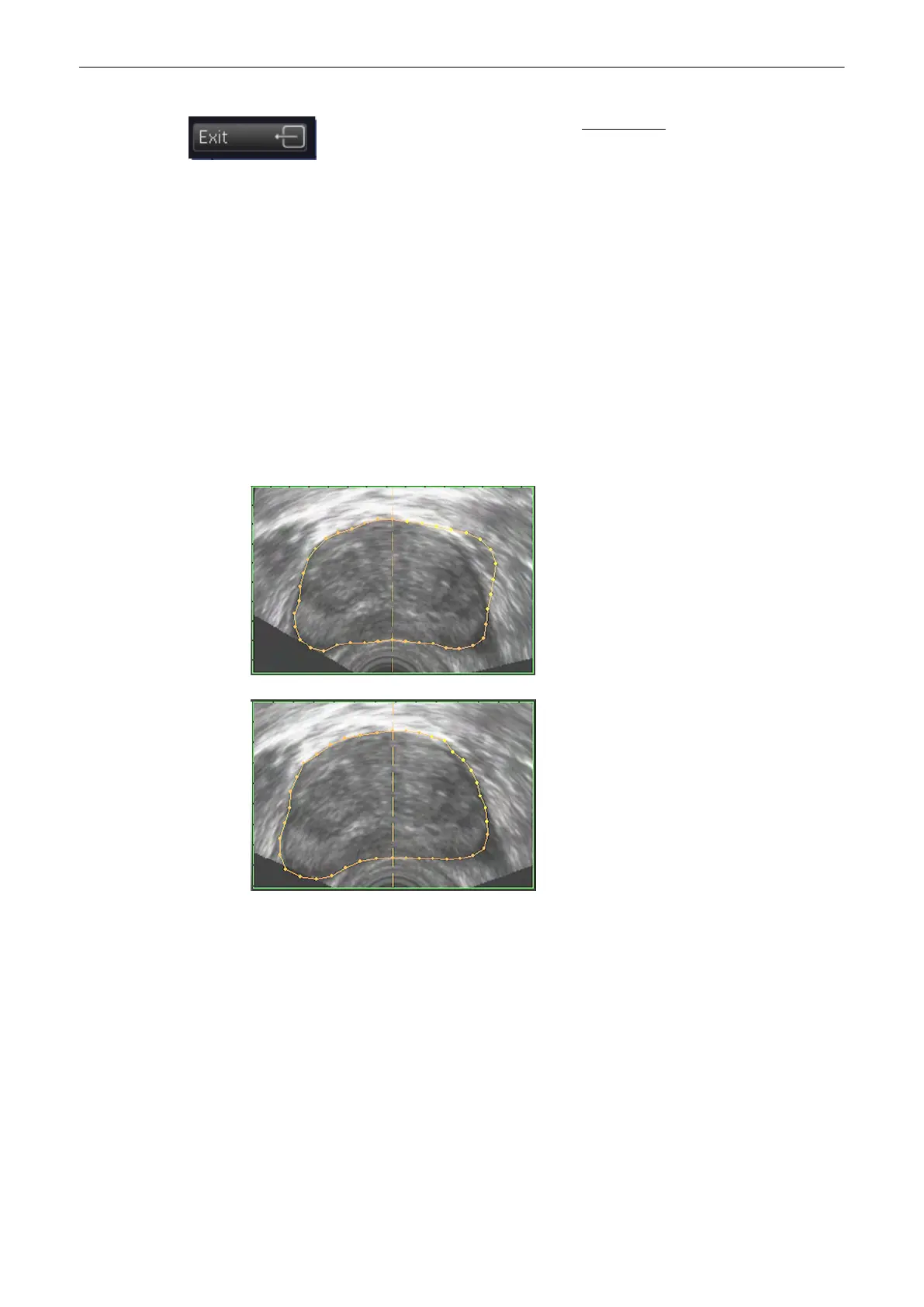
If necessary, edit the contour, review: VOCAL - Edit
(chapter
'VOCAL - Edit'
on page 9-124
)
, otherwise select this key to accept the computer-assisted
contour.
9.12.4.3 Save VOCAL
After accepting the ROI the VOCAL image can be stored in the archive by using the P-keys.
To customize the P-keys,
Chapter 14
9.12.5 VOCAL - Edit
The monitor screen appears as follows:
•
The reference image shows the first generated contour, outlined with red and yellow
dots.
•
In the orthogonal slices the intersection curves between the shell geometry and the
different image planes are outlined as a yellow contour.
•
The shell geometry is visualized in the lower right quadrant.
The “VOCAL - Edit” menu appears on the menu area.
Volume Mode
9-124
Voluson® S6/S8 Basic User Manual
5433669-100 Revision 4



 To Next Page