Select this key to exit the “T.U.I. Adjust Slices” menu.
Remarks: If VCI Static, which is a visualization mode, was engaged before entering T.U.I.,
the slices are displayed with VCI rendering,. The VCI settings cannot be changed in T.U.I.
visualization mode. The measurements are possible in the planes, but not across the planes
and not in the overview image.
'Generic Measurements'
on page 11-2
)
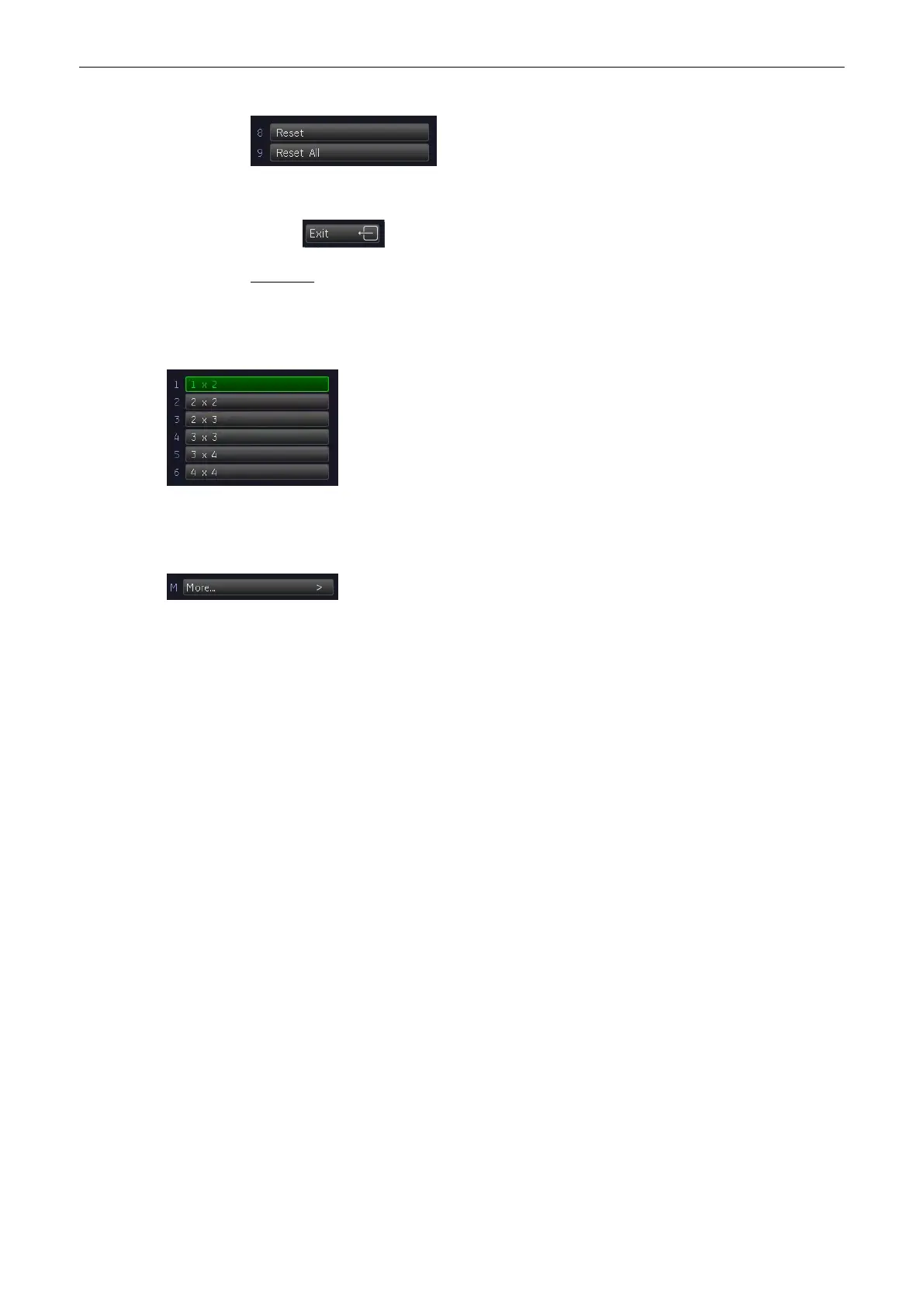
It is possible in TUI to choose between 6 different display formats: 2x2, 3x3,
4x4, 1x2, 2x3, 3x4
9.3 Sub Menus
The [More...] key is available in all Volume acquisition menus (freeze - and
scan mode).
Select the [More...] key on the upper, right side of the menu area.
The “3D/4D Sub Menu” appears.
Volume Mode
Voluson® S6/S8 Basic User Manual
5433669-100 Revision 4 9-43



 To Next Page