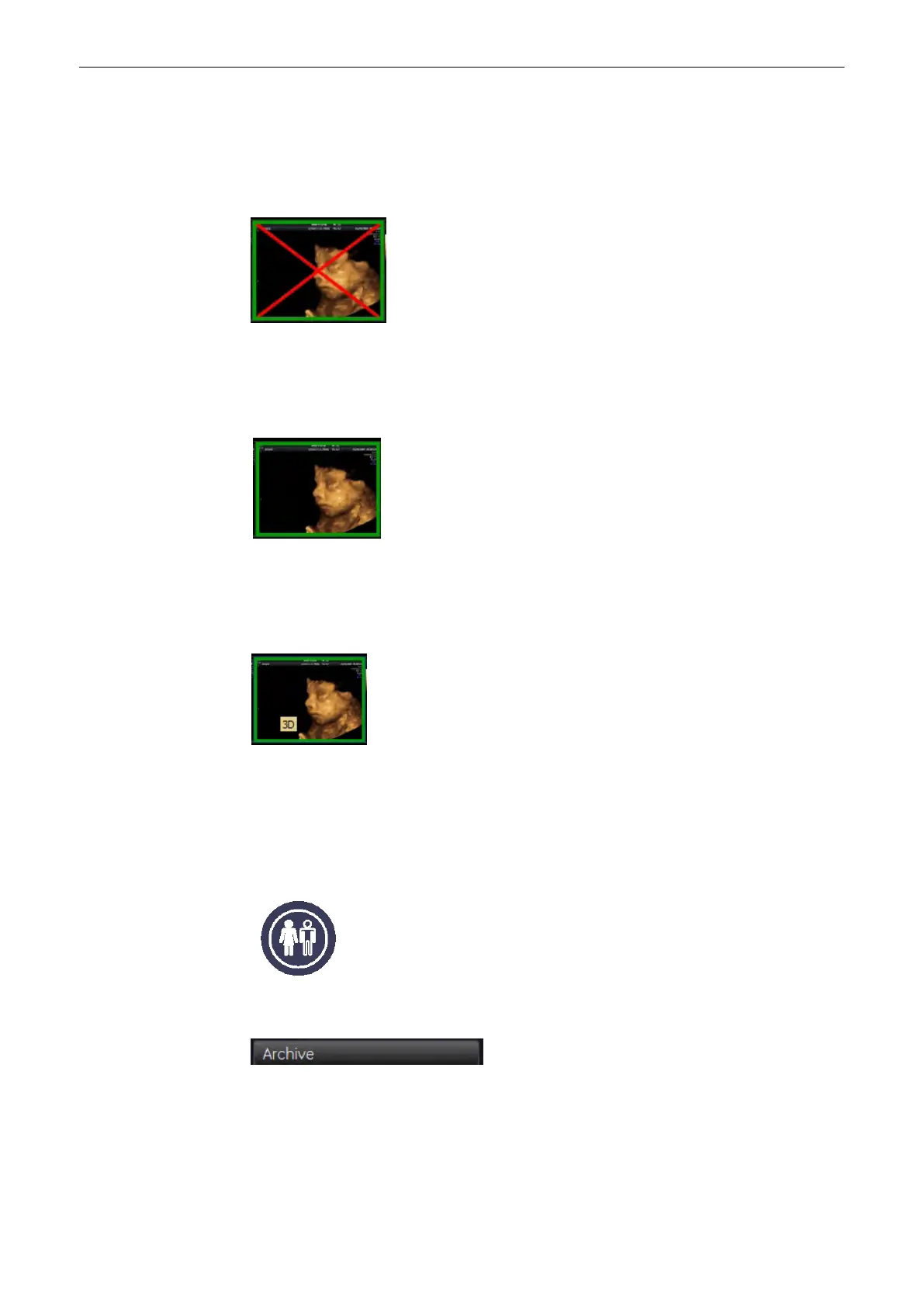
12.2.4.3 Deletion Mark
When you want to delete an image from the clipboard, mark it using the trackball, and a red
cross appears in the image. The actual deletion will be performed upon pressing the [End
Exam] hardkey.
12.2.4.4 Open Image
For adding measurements or text to an image the image needs to be opened i.e. the raw data
must be loaded. This state is denoted by a green frame around the image.
12.2.4.5 Tool Tip
While the mouse cursor is positioned over a clipboard-image, the Acquisition mode of this
image is shown.
Possible readouts: 2D, CFM, PD, CW, BF, TD, XTD, Contrast, 3D, 4D, STIC, VCI, 4D Biopsy
12.3 Patient Archive
The Patient Archive, like a database, allows you to search for patients and exams
Press this key to shift from scan mode to Current Patient Dialog.
Press the [Archive] Button to evoke the Archive Screen.
1.Archive Screen (Patient and Exam table)
Archive
12-10
Voluson® S6/S8 Basic User Manual
5433669-100 Revision 4



 To Next Page