upper trackball key (right mouse button): no function in system desktop
right trackball key (left mouse button): sets, fixates markers and activates pages/buttons etc.
marked by the pointing device
Note
There is a National Language Support for the whole measurement package (generic and
calculation measurements, Measurement setup and worksheets/reports). Supported
languages are: English, German, French, Italian and Spanish. To change the language,
review: General (chapter
'General'
on page 13-15 )
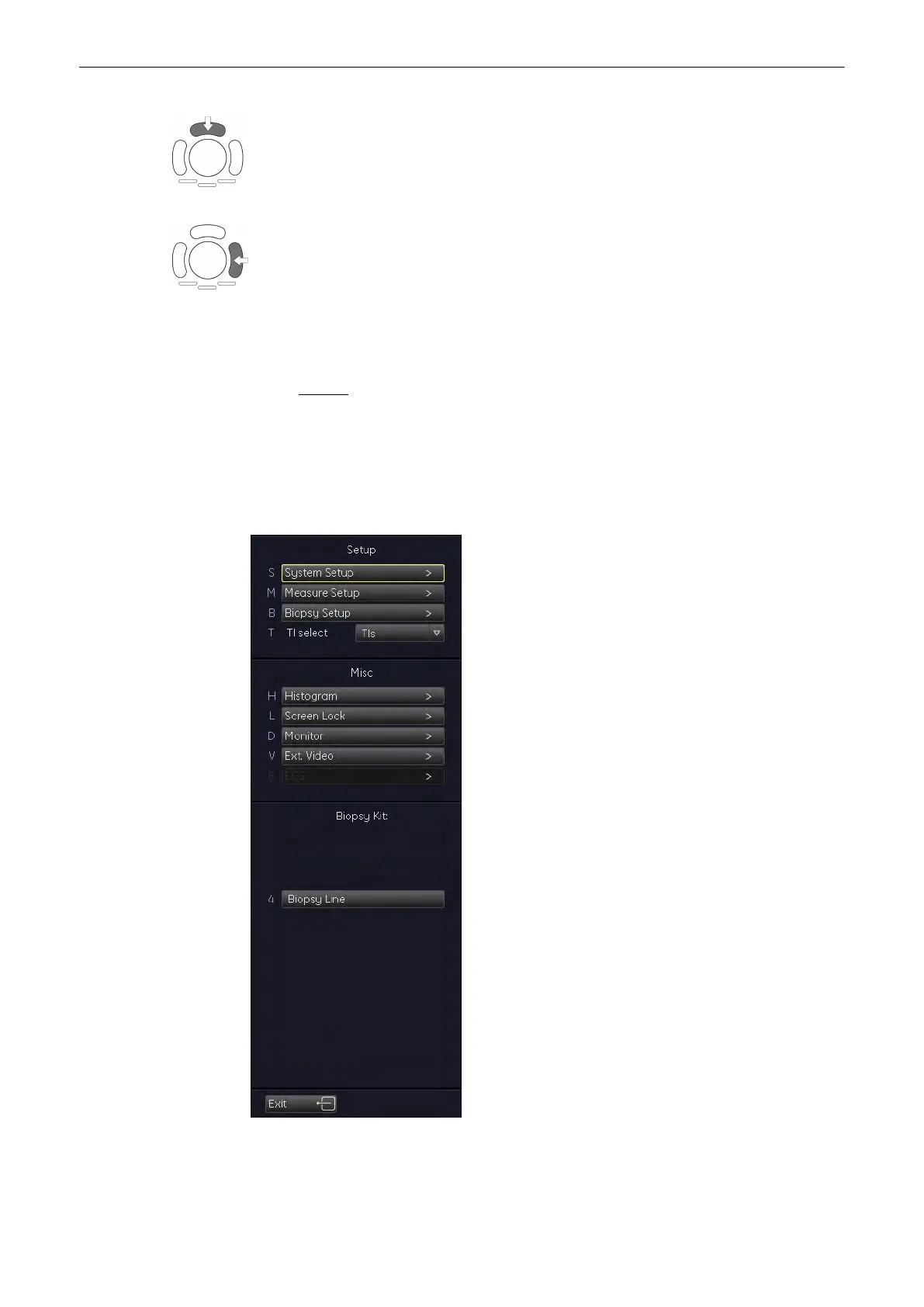
11.5.1 To Invoke the Setup Procedure
1. Press the [Utility] key.
2. In the “Utilities” menu select the [Measure Setup] item.
Measurements and Patient Worksheets (Reports)
11-108
Voluson® S6/S8 Basic User Manual
5433669-100 Revision 4



 To Next Page