Clear Current:All temporary patient data is cleared
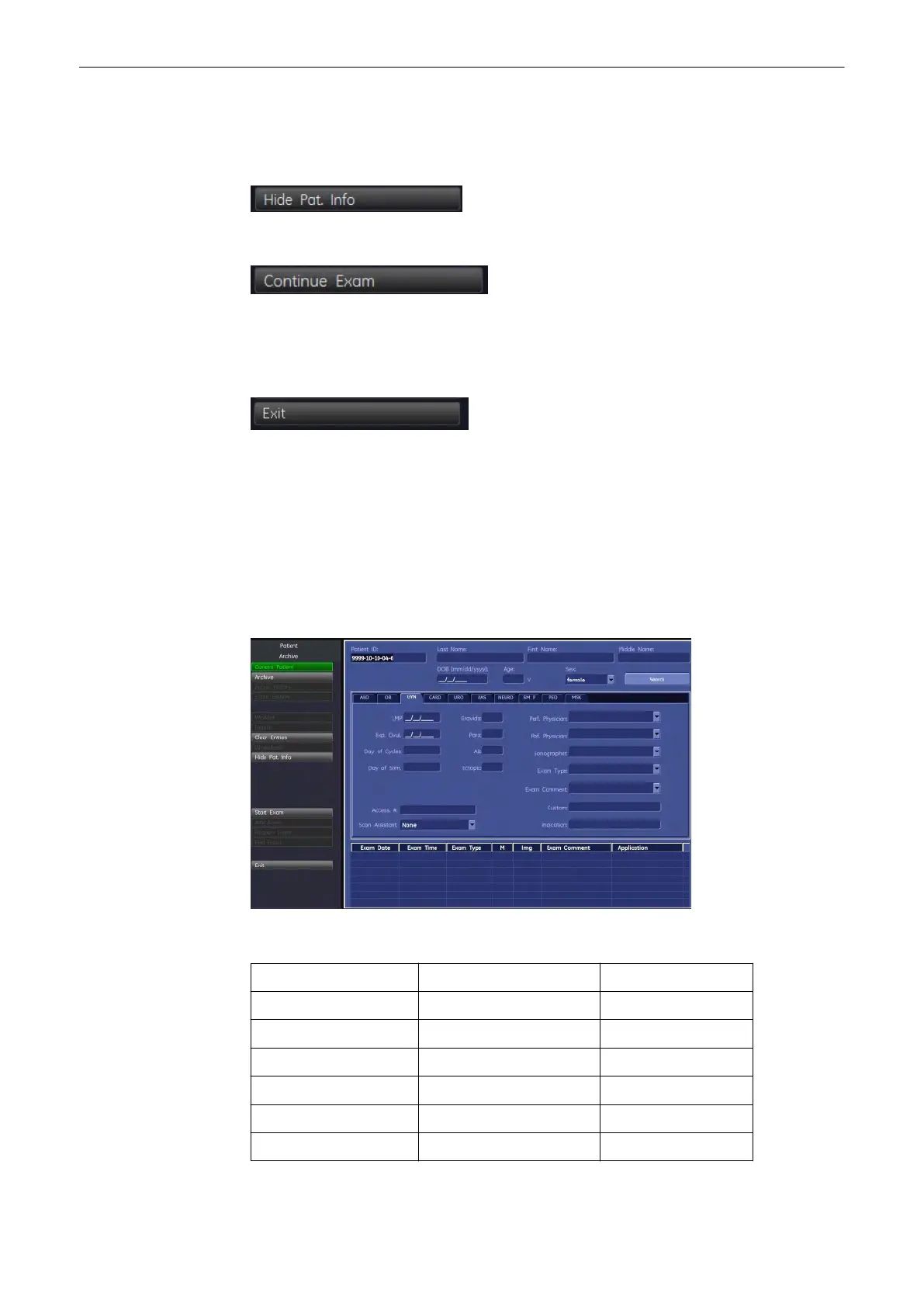
'“Patient Information” screen'
on page 4-
13
If MPPS is used, and a step is in progress, send MPPS discontinue message to cancel
the step.
Hide Patient Info:Hides the patient info on screen during an exam
Continue Exam:Starts an exam with the current patient. The patient information is temporarily
stored.
This can also be done by pressing the upper trackball key.
Exit: Exit the patient procedure to previous operating state. All patient information which has
been entered previously will be cleared.
Note
The ID number cannot be edited. If 3D/4D data are loaded from Archive back into the system,
editing is impossible (the [Edit] key is grayed). If Patient Dialog is open, it is possible to start
and stop recording by pressing the [VCR] key.
4.8.3 “Patient Information” screen
1. Enter Patient Data.
Area Description max. Characters
Patient ID: ID number 32
BSN Social Service Number 32
Last Name: patient’s last name 32
First Name: patient’s first name 15
Middle Name: patient’s middle name 15
DOB (Day of Birth) patient day of birth -
Operating the System
Voluson® S6/S8 Basic User Manual
5433669-100 Revision 4 4-13



 To Next Page