Chapter 4, Fine Tuning the Cutter 51
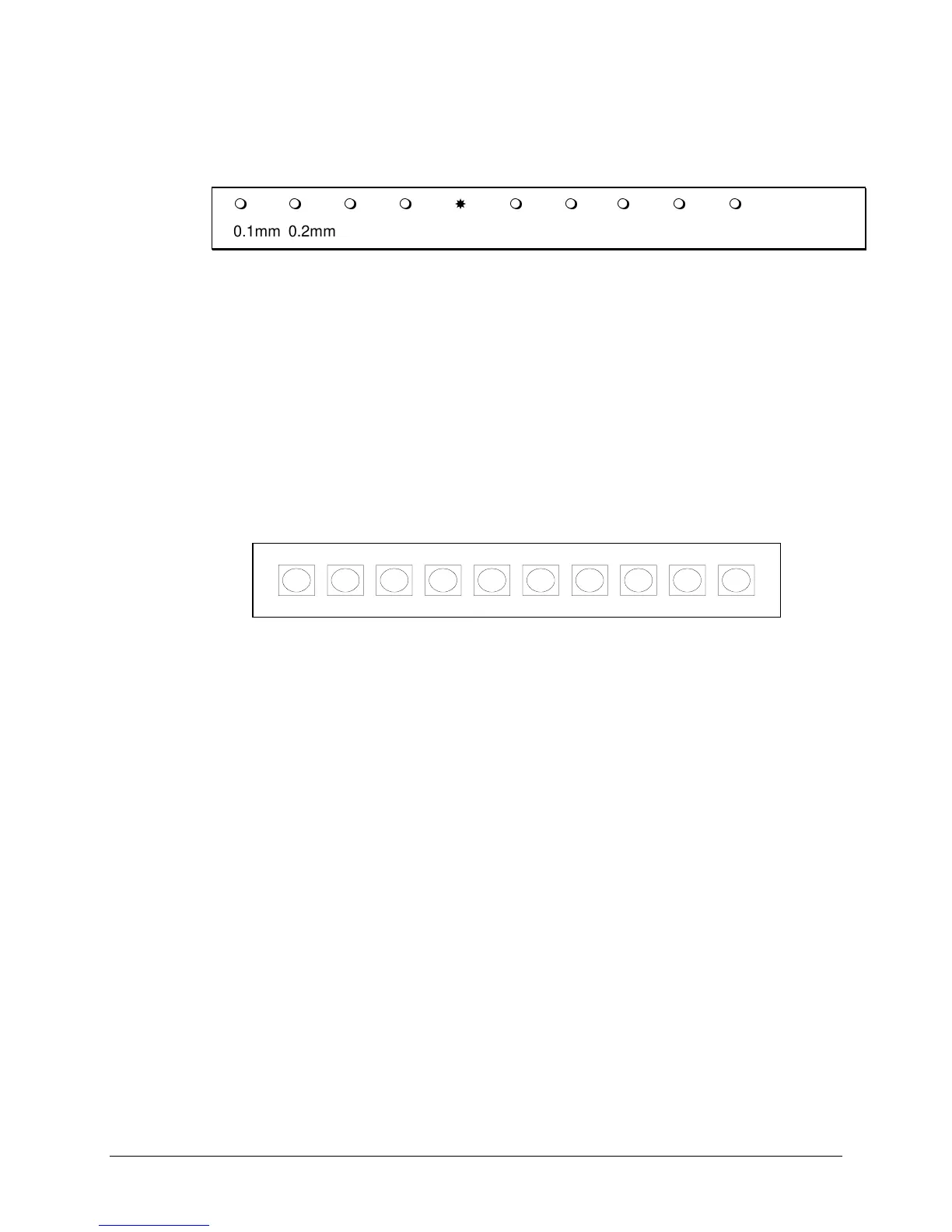
The flashing LED on the LED bar now shows the BASE OFFSET
VALUE. Depending on the LED which is flashing, the base value can
range from 0.004" (0.1 mm) to 0.04" (1 mm) as shown below.
0.1mm 0.2mm 0.3mm 0.4mm 0.5mm 0.6mm 0.7mm 0.8mm 0.9mm 1mm
6. Using the VALUE +/- keys, adjust the base value to match the offset
value of the blade installed in your knife holder. The base offset value
is indicated on the box in which the blades are packed. For the blades
that come with the cutter, this value is 0.02" (0.5 mm).
7. Press ENTER to confirm the BASE OFFSET value.
The cutter will now be
offline
, indicated by the ONLINE LED indicator
not lit. This gives you the opportunity to adjust any settings necessary
(SPEED, ACCELERATION, FORCE).
8. Press the ONLINE key to switch the cutter
online
.
The cutter will now generate a set of test patterns, each of them with a
different offset.
If the base offset is set to 0.02" (0.5 mm), the generated offsets will
vary from 0.018" (0.46 mm) up to 0.022" (0.55 mm). When the test cuts
are completed, the cutter will advance the material.
9. Check the patterns and determine which of them gives best quality.
Look for optimum quality of the corners, closure of the circles, and
easy weeding.
After the machine has drawn the 10 squares to select the best offset,
the head is no longer positioned above the most left one. It is now
positioned above the square belonging to the base offset.
10. You can now use the test cut squares the same way you use the menu
selection line to select and enter your choice for blade offset. Using the
½
and
¾
(left and right slew) keys, move the tool head to the square
with the best quality. You will see an LED on the LED bar move
according to your choice. When the tool head is moved, the material is
partially retracted, but in such a way that the test squares remain
visible.
11. Press ENTER to confirm your choice.
The cutter is now in LOCAL mode.
12. If needed, you can now restart the offset adjustment routine to
experiment with a different force, speed and/or acceleration. (Step 5)



 To Next Page