WR1000-UM-251–01–9380 3 – 1
3. DISASSEMBLY AND REASSEMBLY
3. DISASSEMBLY AND REASSEMBLY
3.1 Notes on Disassembly and Reassembly
• During disassembly, disconnect the cables from the specified connectors as necessary.
• During reassembly, double-check to ensure that the proper cables have been correctly re-connected to the
pertinent connectors.
• Some areas of the control panel unit possess a high electrical potential, so exercise caution to avoid an
electrical shock.
• When handling the LCD shield and LCD protective plate, be careful not to leave fingerprints or other marks
on them.
3.2 Replacing an Amp Unit
3.2.1 Replacing an Amp
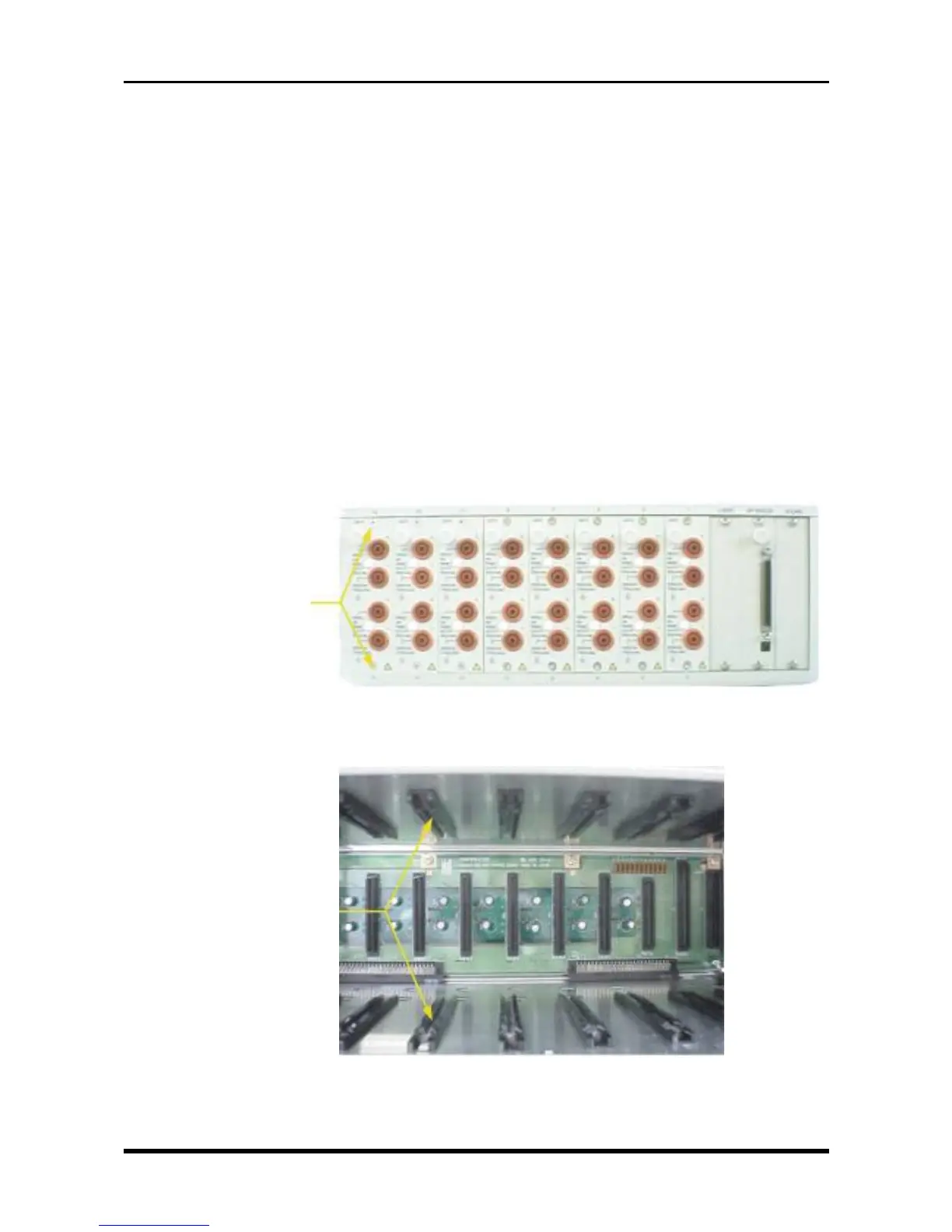
To remove an amp, unfasten one screw each at the top and bottom of the amp, then grasp the amp’s knob to
pull it out toward you.
Fig. 3-2-1
To install an amp board, insert it properly along the upper and lower guide rails of its installation slot.
Fig. 3-2-2
M3L6 countersunk-head screws
Guide rails



 To Next Page