WR1000-UM-251–01–9380 6 – 23
6. INSPECTION AND CHECK PROCEDURES
6.2.12 Slant of Chart Feeding
Preparation
Prepare a glass scale.
Setting Procedure
The setting procedure is identical to that described in Subsection 6.2.11, “Chart Feeding Precision.”
Measurement
(1) Turn on the printer.
(2) Press the
START
key to initiate measurement. Allow the chart paper to be advanced about 30 cm plus
an additional 1.2 meters, then press the
STOP
key to stop measurement. (No signal input is required.)
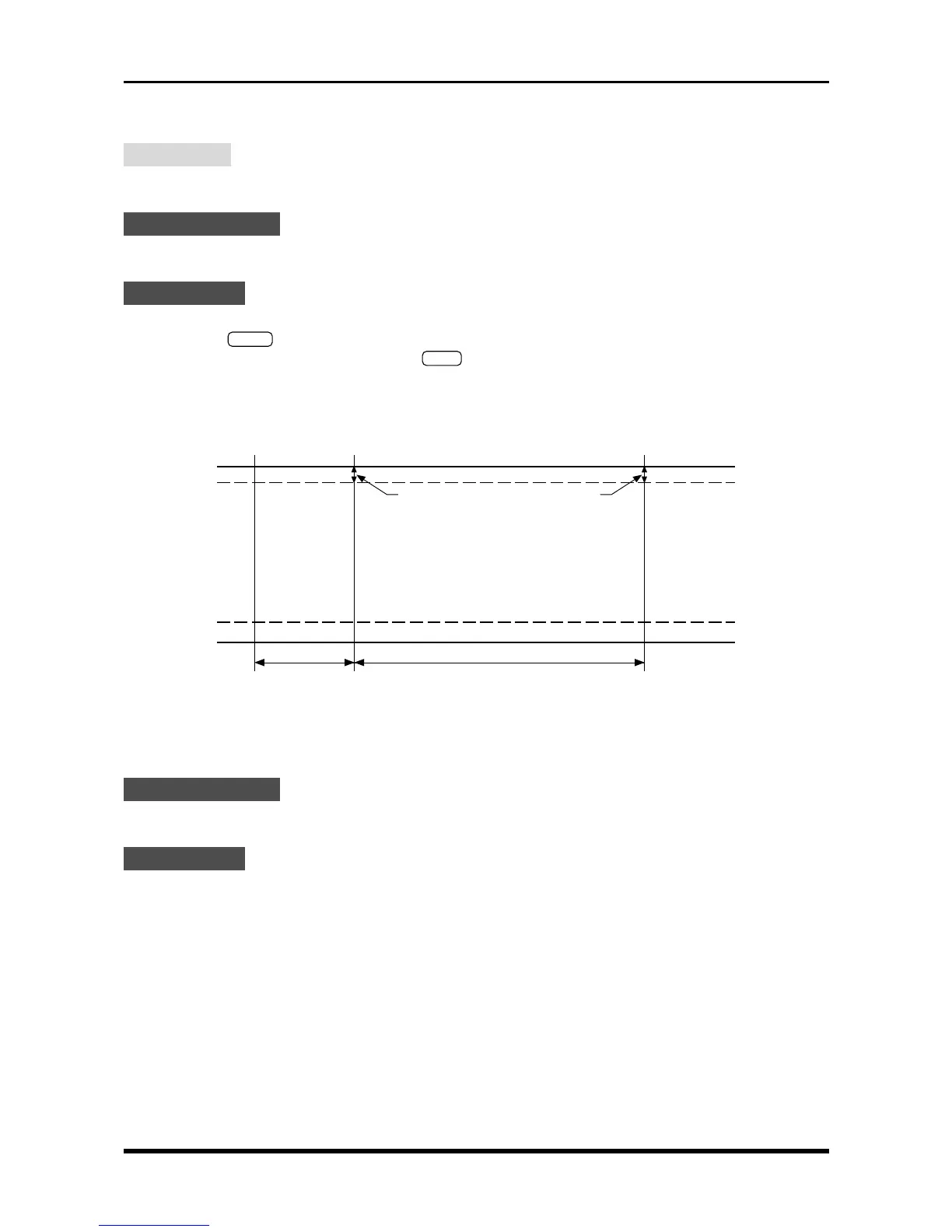
(3) As shown in the figure below, measure the distance from the chart paper’s edge to the grid line at
distances of both 30 cm and 1.3 meters from the starting point of measurement. Check that the differ-
ence between (a) and (b) is within the rated range.
Rating: (a) – (b) = within ±1.5 mm
(a)
30 cm
START
1 m
(b)
Grid line
Fig. 6-2-30
6.2.13 Printing Performance
Setting Procedure
The setting procedure is identical to that described in Subsection 6.2.11, “Chart Feeding Precision.”
Measurement
(1) Turn on the printer.
(2) After turning the TRACE CONTRAST dial fully to its maximum position, press the START key to start
printing.
Check that the grid dots being printed on the chart paper do not disappear.
(3) During the printing operation started in Step (2), check that the print density changes when the TRACE
CONTRAST dial is turned to its minimum position.
Chart paper’s edge



 To Next Page