WR1000-UM-251–01–9380 3 – 29
3. DISASSEMBLY AND REASSEMBLY
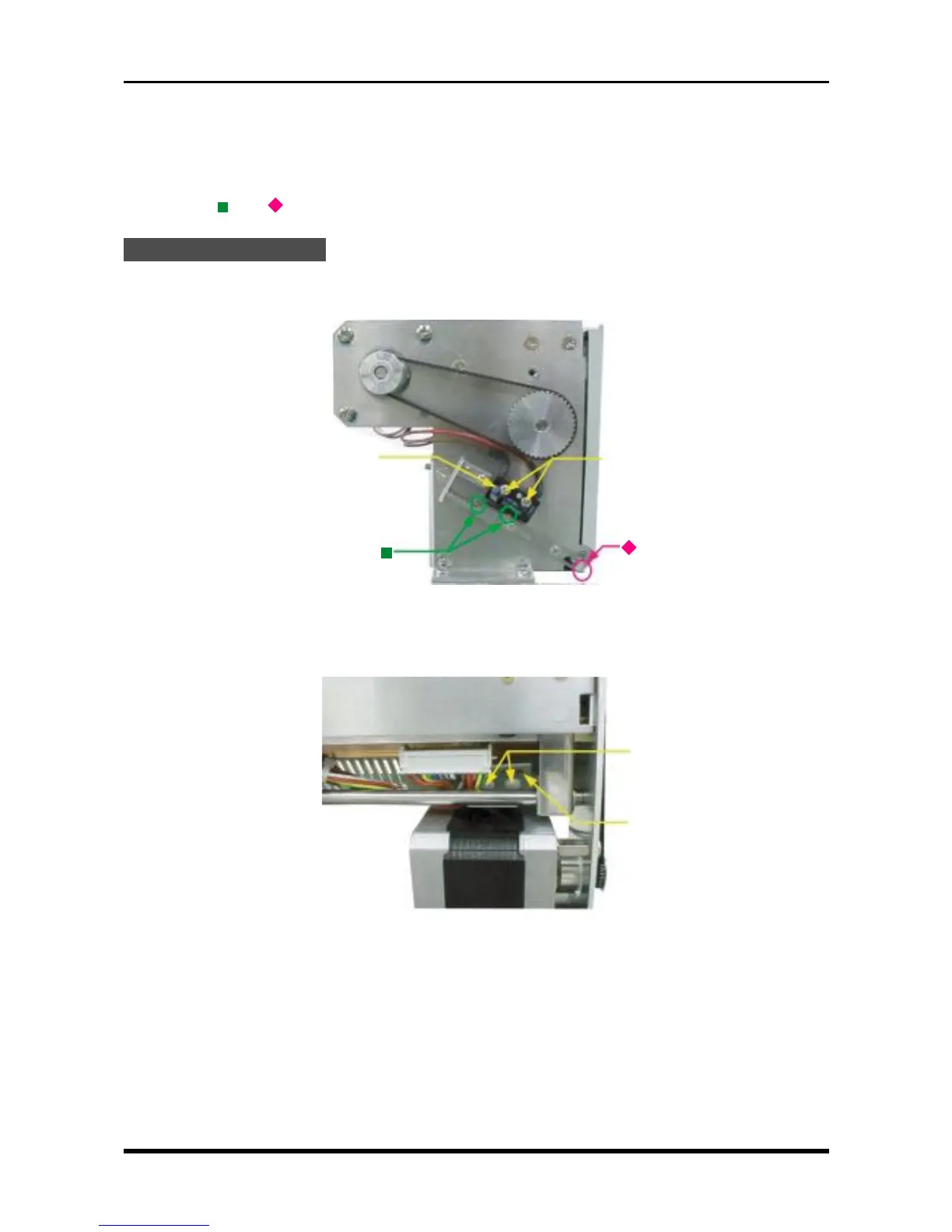
3.5.5 Replacing the Sensor Assembly
The sensor assembly consists of the chart detection sensor that checks the presence/absence of chart paper
and a sensor that checks the open/closed status of the printer cover.
Replace the sensor assembly as described in the steps below. After replacement, check that the parts indi-
cated by the “ ” or “ ” symbol in the following figures operate normally during the reassembly process.
Replacement Procedure
(1) Remove the printer unit (see Subsection 3.5.1, “Replacing the Thermal Printhead”).
(2) Unfasten the two screws, then remove the micro-switch.
Fig. 3-5-21
(3) Unfasten the two plastic rivets, remove the paper detection sensor board, then replace the sensor as-
sembly.
Fig. 3-5-22
3 × 4.5 ivory plastic rivets
Paper detection sensor board
M2L10 binding-head screws
M2 spring washers
Micro-switch



 To Next Page