WR1000-UM-251–01–9380 3 – 11
3. DISASSEMBLY AND REASSEMBLY
3.3.3 Replacing the LCD Protective Plate
For instructions on replacing the LCD protective plate, see Subsection 3.3.2, “Replacing the LCD Panel.”
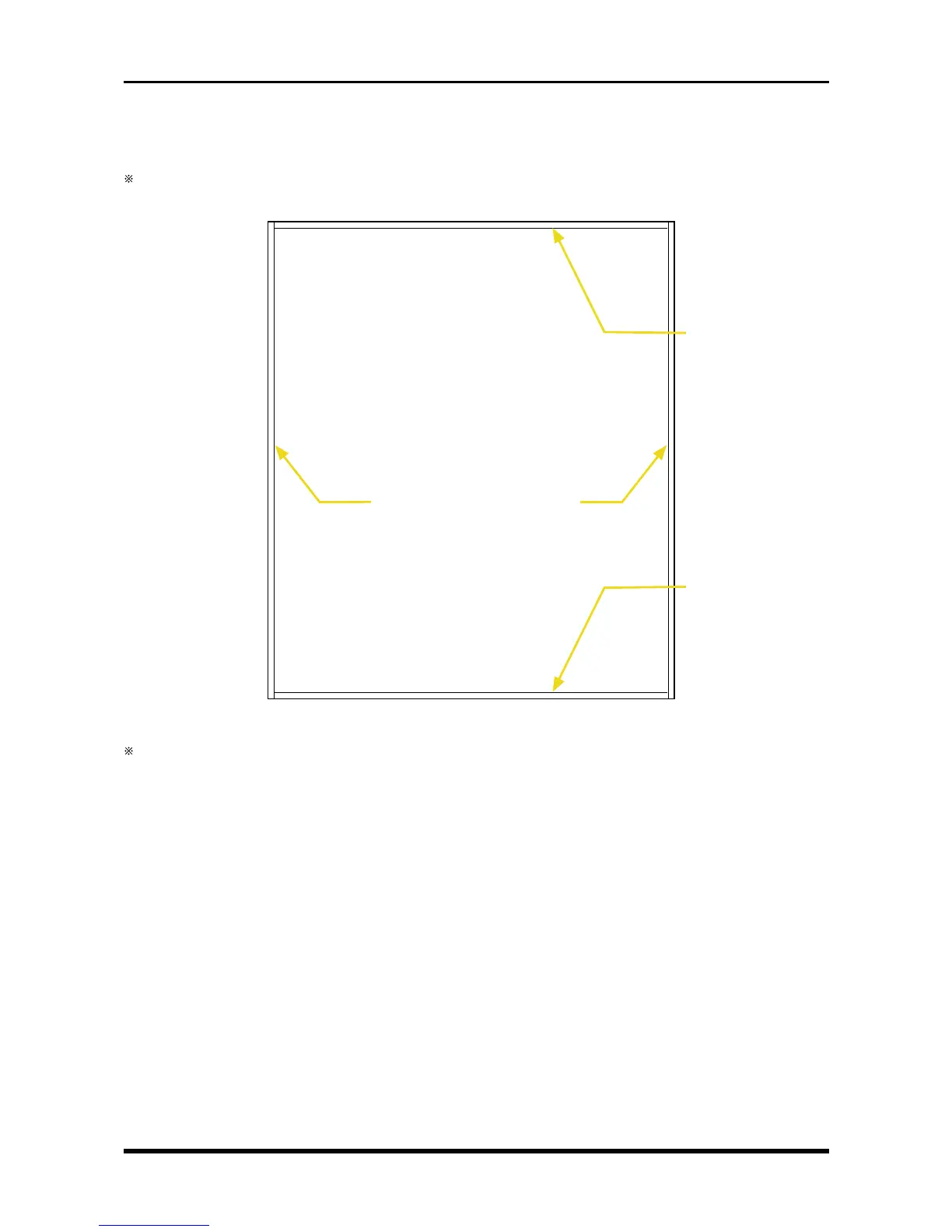
When attaching a new LCD protective plate, don’t forget to attach two spacers each along the length and
width of the protective plate.
Fig. 3-3-13
The LCD protective plate has different front and back surfaces. Attach the spacers to the surface with the
unprinted protective paper after removing the protective paper.
Horizontal protective
plate spacer
Horizontal protective
plate spacer
LCD protective plate
Vertical protective plate spacers



 To Next Page