WR1000-UM-251–01–9380 6 – 20
6. INSPECTION AND CHECK PROCEDURES
6.2.10 FDD Operation
Prepare a formatted floppy disk and insert it in the FDD (Floppy Disk Drive) before starting the following test.
(1) Press the
SYSTEM
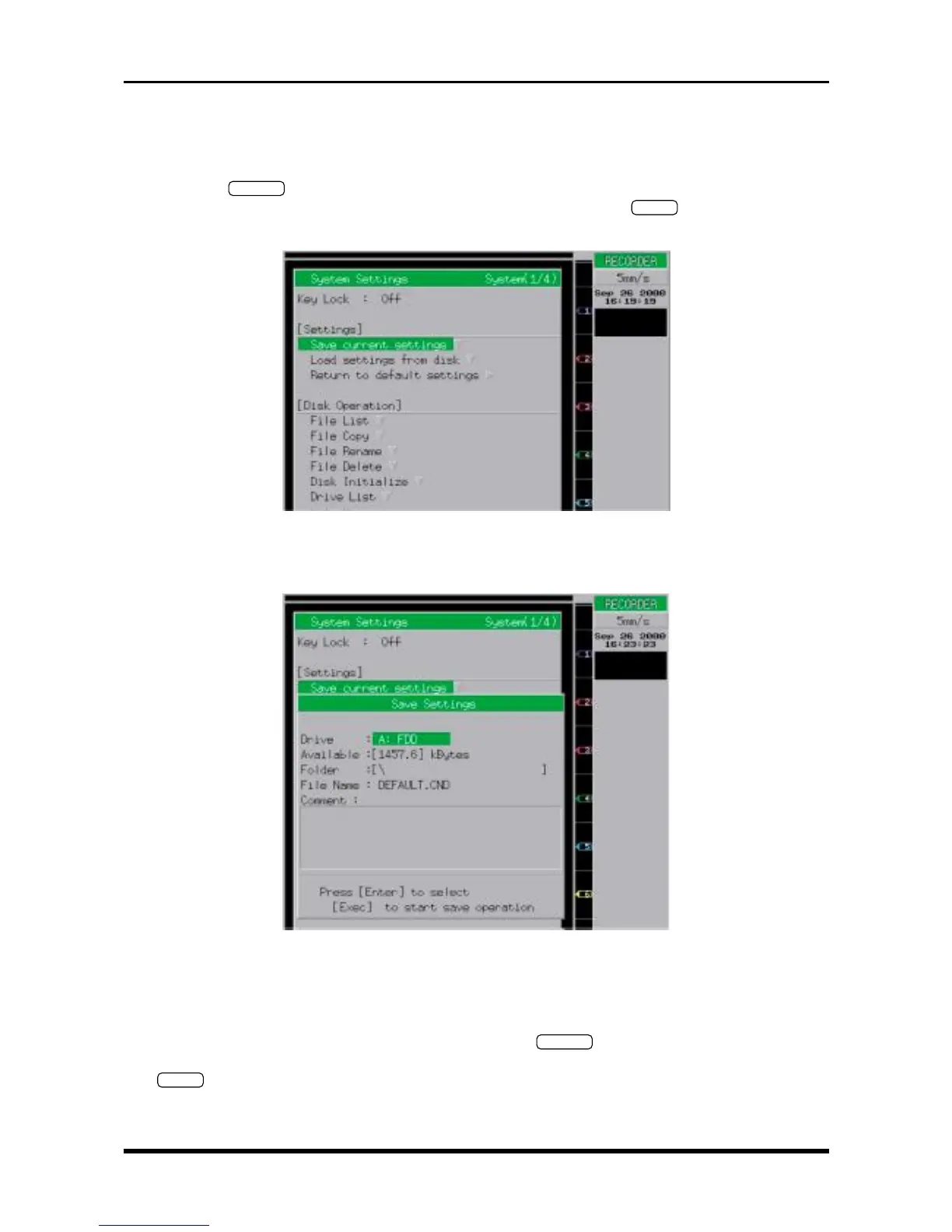
key on the Conditions panel to display the System Settings window shown below,
move the cursor to the “Save current settings” position, then press the
ENTER
key to open the Save
Settings menu.
Fig. 6-2-24. System Settings window
(2) Set the parameters on the Save Settings menu as follows to save the current measurement conditions.
Fig. 6-2-25
Drive A: FDD
Folder Select an appropriate folder (or leave this setting as shown above)
File Name Specify an appropriate filename.
(3) Change a few of the measurement conditions, press the
SYSTEM
key to display the System Settings
window shown in Fig. 6-2-24. Move the cursor to the “Load settings from disk” position, then press the
ENTER
key to open the Load Settings menu.



 To Next Page