WR1000-UM-251–01–9380 6 – 24
6. INSPECTION AND CHECK PROCEDURES
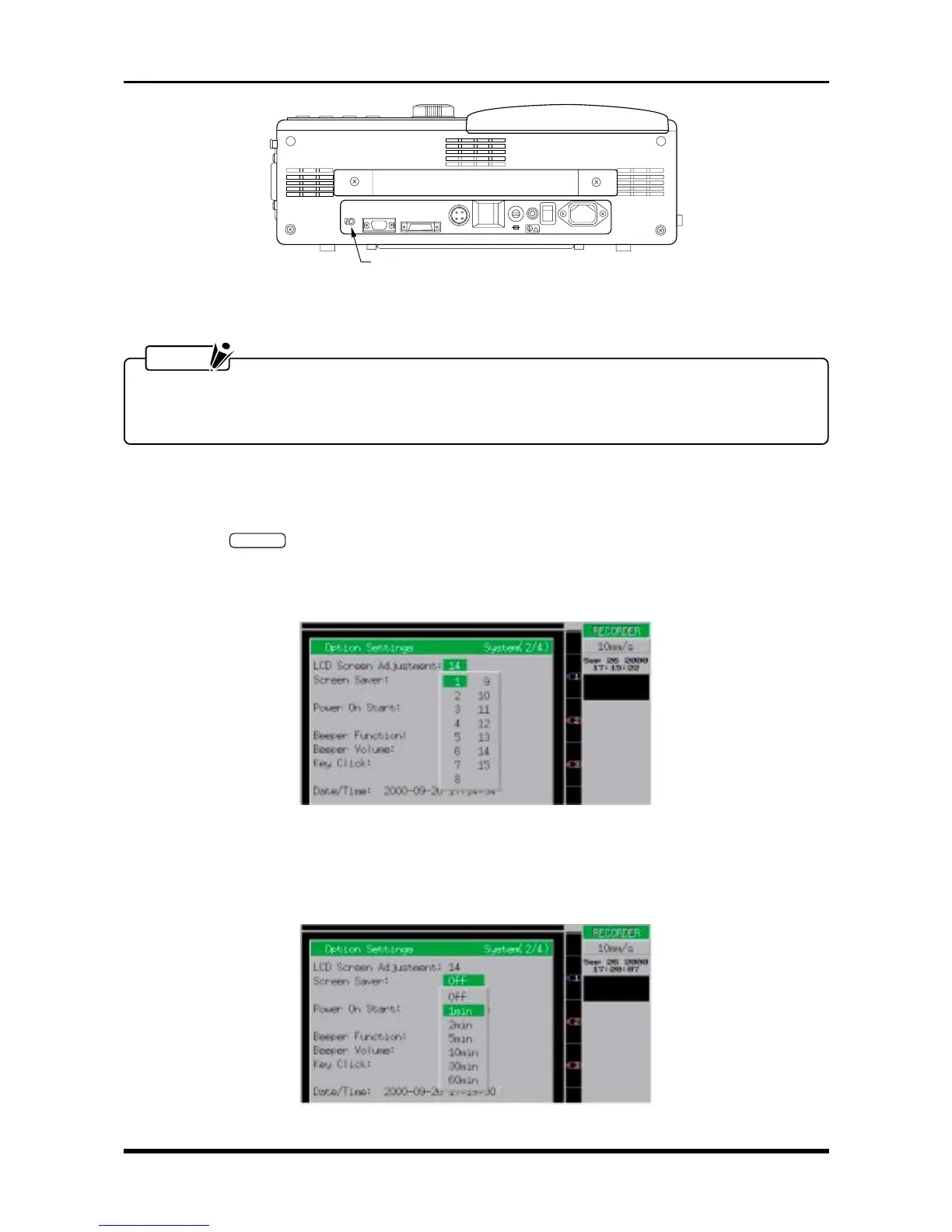
AC-LINE 100-120/200-240V
POWER
DC-FUSE
DC-POWER
DC-LINE 12V
REMOTE
RS-232C
TRACE
CONTRAST
!
TRACE CONTRAST dial
• Turn clockwise to increase the contrast.
• Turn counter-clockwise to decrease the contrast.
Fig. 6-2-31
NOTE
When the TRACE CONTRAST dial is set to its minimum position, the grid dots will disappear. The
printing performance is satisfactory if the dots do not disappear when the TRACE CONTRAST dial is set
to its maximum position.
6.2.14 Other Functions
(1) Adjusting the LCD Screen
Press the
SYSTEM
key on the Conditions panel twice to display the Option Settings window shown
below. Move the cursor to the “LCD Screen Adjustment” parameter and then check that the screen’s
brightness level changes when the LCD Screen Adjustment setting is set to 1 and then to 15. (The
brightness does not change greatly.)
Fig. 6-2-32
(2) Checking the Screen Saver
Move the cursor to the “Screen Saver” parameter and set it to 1min, then check that the screen display
goes off after one minute has lapsed without any key input or other operation at the WR1000.
Fig. 6-2-33



 To Next Page