WR1000-UM-251–01–9380 6 – 25
6. INSPECTION AND CHECK PROCEDURES
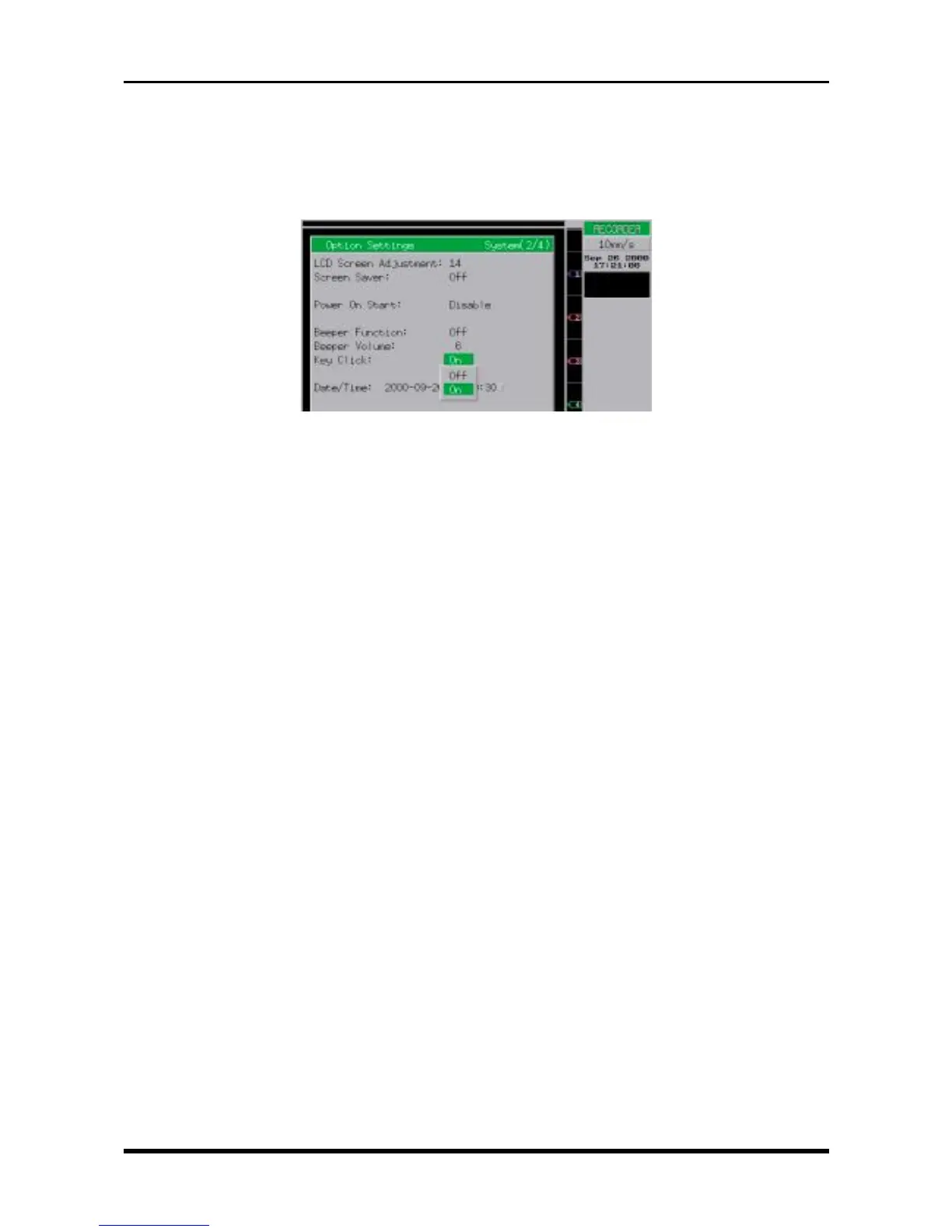
(3) Checking the Key Click Sound
Move the cursor to the “Key Click” parameter and then check that the WR1000 operates as follows when
the Key Click setting is switched On or Off.
On : A click sound is audible whenever a key is pressed.
Off : No click sound is generated even when a key is pressed.
Fig. 6-2-36
(4) Checking the Fan Motors
With the WR1000, the On/Off control of the fan motor is determined by the number of channels installed
and the Chart Speed setting. Check that the fan motors are operating properly by observing their On/Off
operation as follows.
16-channel model:
• Normally, both fan motors are On.
8-channel model:
• In standby status, the fan motor near the handle (near the Power switch) is ON and the front fan
motor is OFF.
• When the Chart Speed setting ranges from 50 to 200 mm/s, both fan motors are ON.



 To Next Page