WR1000-UM-251–01–9380 4 – 1
4. SETUP PROCEDURES
4. SETUP PROCEDURES
4.1 Entering the Setup Mode
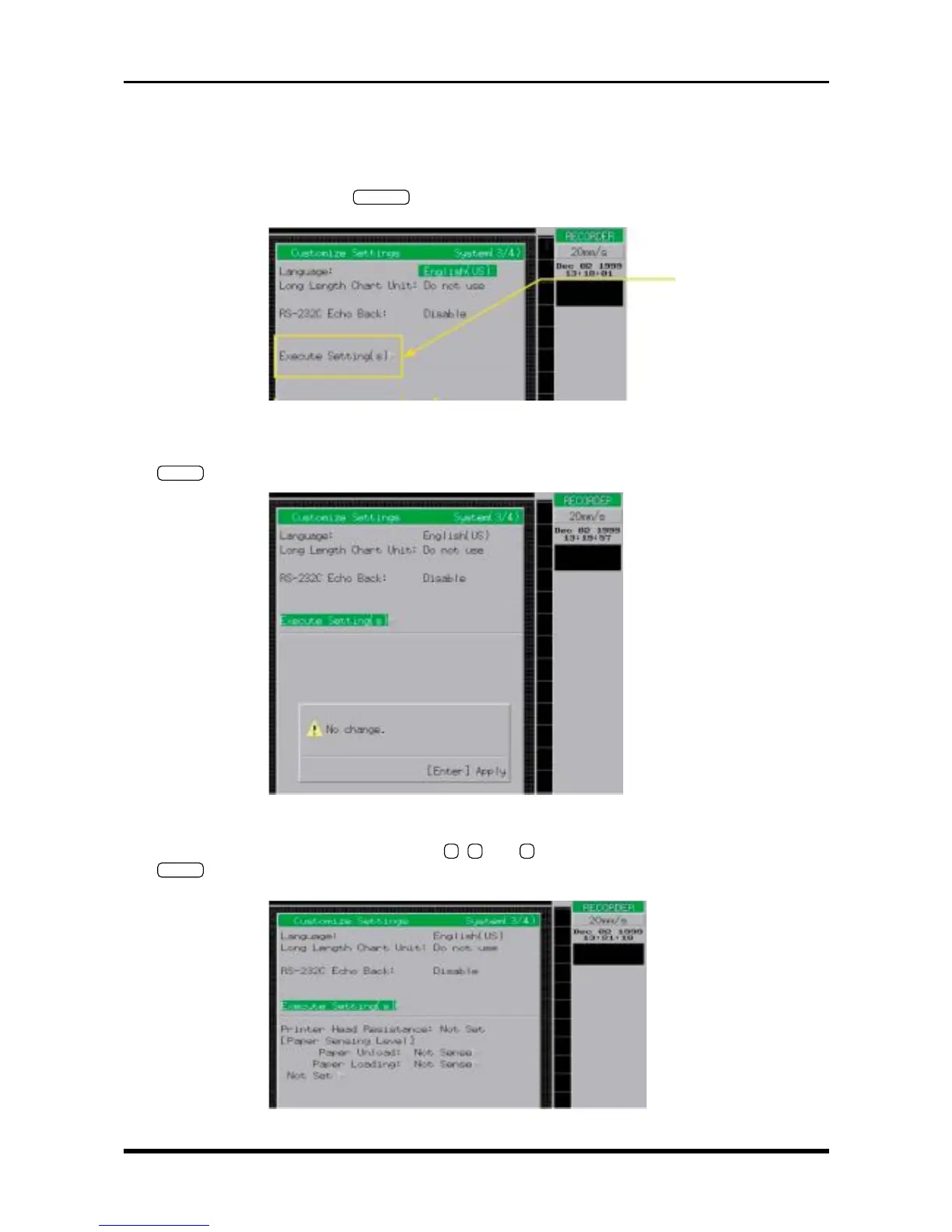
(1) Press the Conditions panel’s
SYSTEM
key three times to open the Customize Settings window shown
below.
Fig. 4-1-1
(2) After moving the cursor to the Execute Setting(s) position as shown above, press the Conditions panel’s
ENTER
key to display the “No change.” message shown below.
Fig. 4-1-2
(3) In the above status, consecutively press the
7
,
3
, and
8
keys on the numeric keypad. Next, press the
ENTER
key at the Conditions panel to display the menu below from which you can execute the various
Setup operations.
Fig. 4-1-3
Move the cursor to here



 To Next Page