WR1000-UM-251–01–9380 4 – 5
4. SETUP PROCEDURES
4.5 Setting Up the M (Multi-Input) Type Amp
Always perform this Setup operation whenever an M type amp unit has been replaced.
4.5.1 Setup 1 (Voltage)
Preparation
• Have a voltage generator on hand that can output voltage up to 1 VDC (four-digit output).
• Mutually connect the ground terminals of the voltage generator and the WR1000.
Setup Procedure
(1) Use the main control panel’s
MODE
key to select RECORDER as the measurement mode.
(2) Turn on the WR1000 and leave it on for at least 30 minutes to allow ageing.
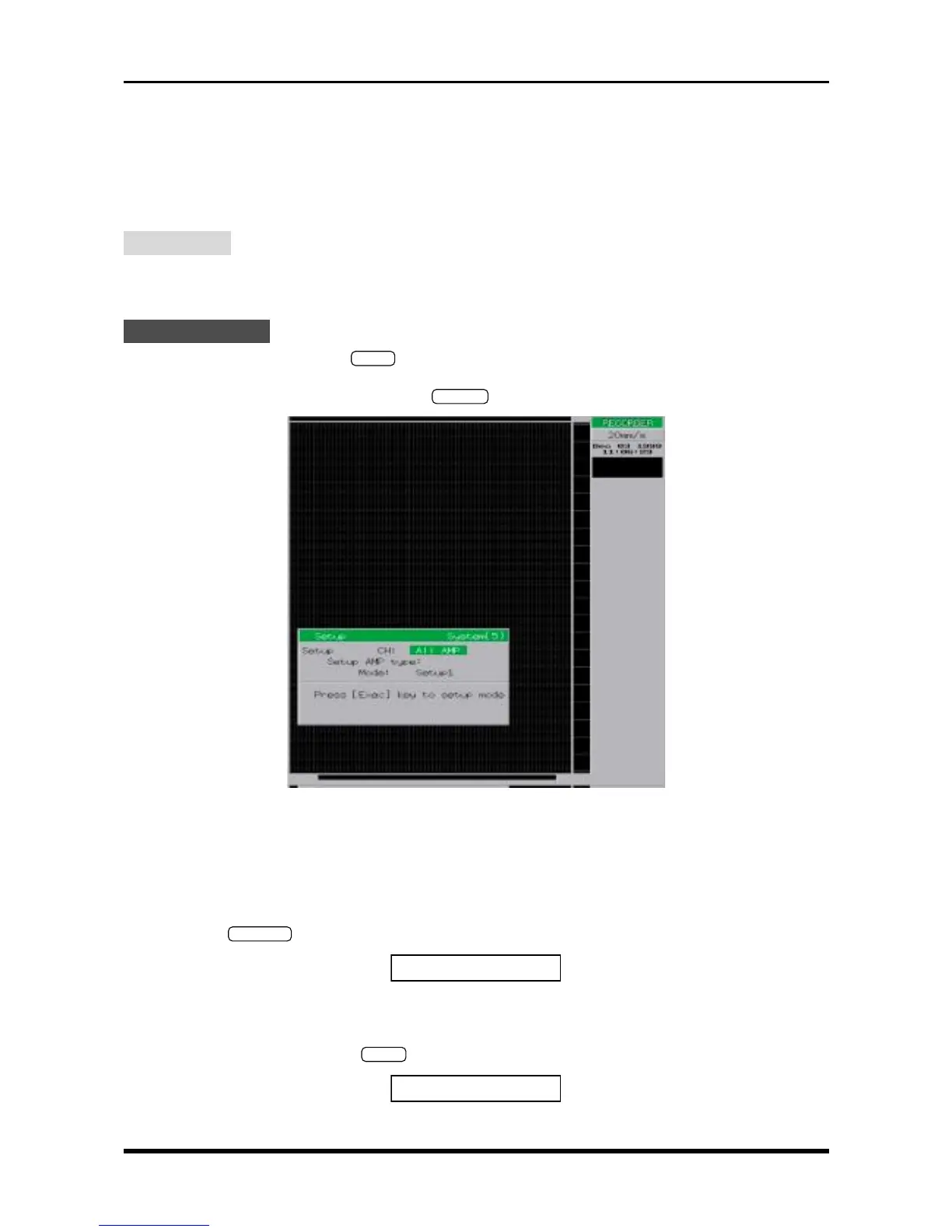
(3) After entering the Setup mode, press the
SYSTEM
key twice to display the prompt below.
Fig. 4-5-1
(4) Specify the measurement conditions as follows.
Setup CH All AMP
Setup AMP type M
Mode Setup1
(5) Press the
EXECUTE
key at the Conditions panel to display the prompt below.
GND:
[
Start
]
to exec.
Fig. 4-5-2
(6) Input 0.00 mV from the voltage generator to the target amp’s input terminals.
(7) Press the main control panel’s
START
key to display the prompt below and initiate the Setup operation.
Exec:
[
Stop
]
to abort.
Fig. 4-5-3



 To Next Page