WR1000-UM-251–01–9380 3 – 31
3. DISASSEMBLY AND REASSEMBLY
3.5.6 Replacing the Chart Feed Motor
(1) Remove the printer unit (see Subsection 3.5.1, “Replacing the Thermal Printhead”).
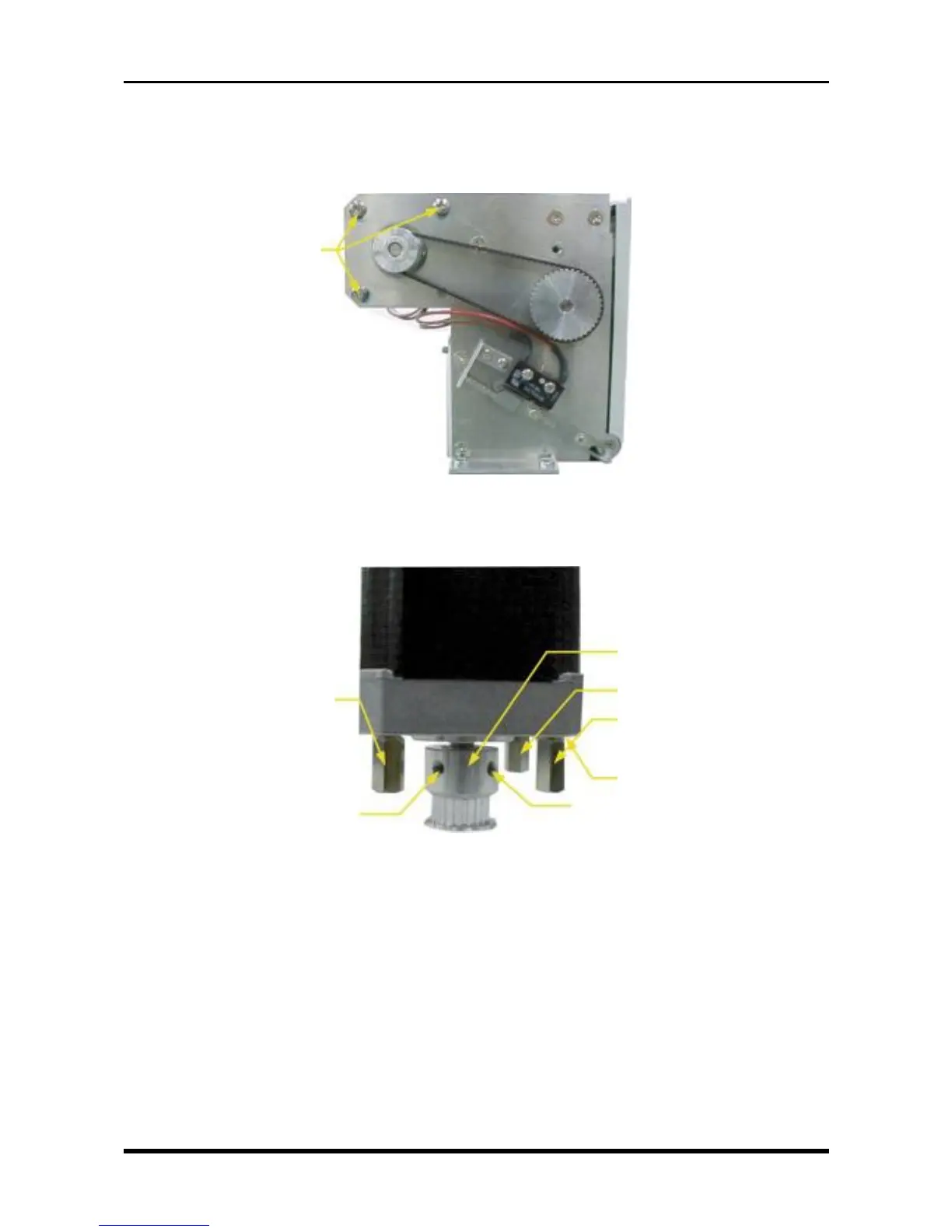
(2) Unfasten the three screws, then remove the motor assembly.
Fig. 3-5-25
(3) Remove the three spacers.
(4) Unfasten the two setscrews, then remove the motor pulley.
Fig. 3-5-26
(5) Replace the chart feed motor.
M3L6 binding-head screws
Motor pulley
SQ-10 spacer
SQ-10 spacer
Spring washer (M3)
SQ-10 spacer
M3L3 setscrew
M3L3 setscrew



 To Next Page