WR1000-UM-251–01–9380 6 – 11
6. INSPECTION AND CHECK PROCEDURES
6.2.6 Frequency and Filter Characteristics
Preparation
• Have on hand an oscillator capable of the types of output described below.
Output waveforms : sine waves
Frequency : 1.0 Hz to 50 kHz
• Mutually connect the GND terminals of the oscillator and the WR1000 before measurement.
Setting Procedure
(1) Press the main control panel’s
MODE
key to select RECORDER as the measurement mode.
(2) Press the
RECORD
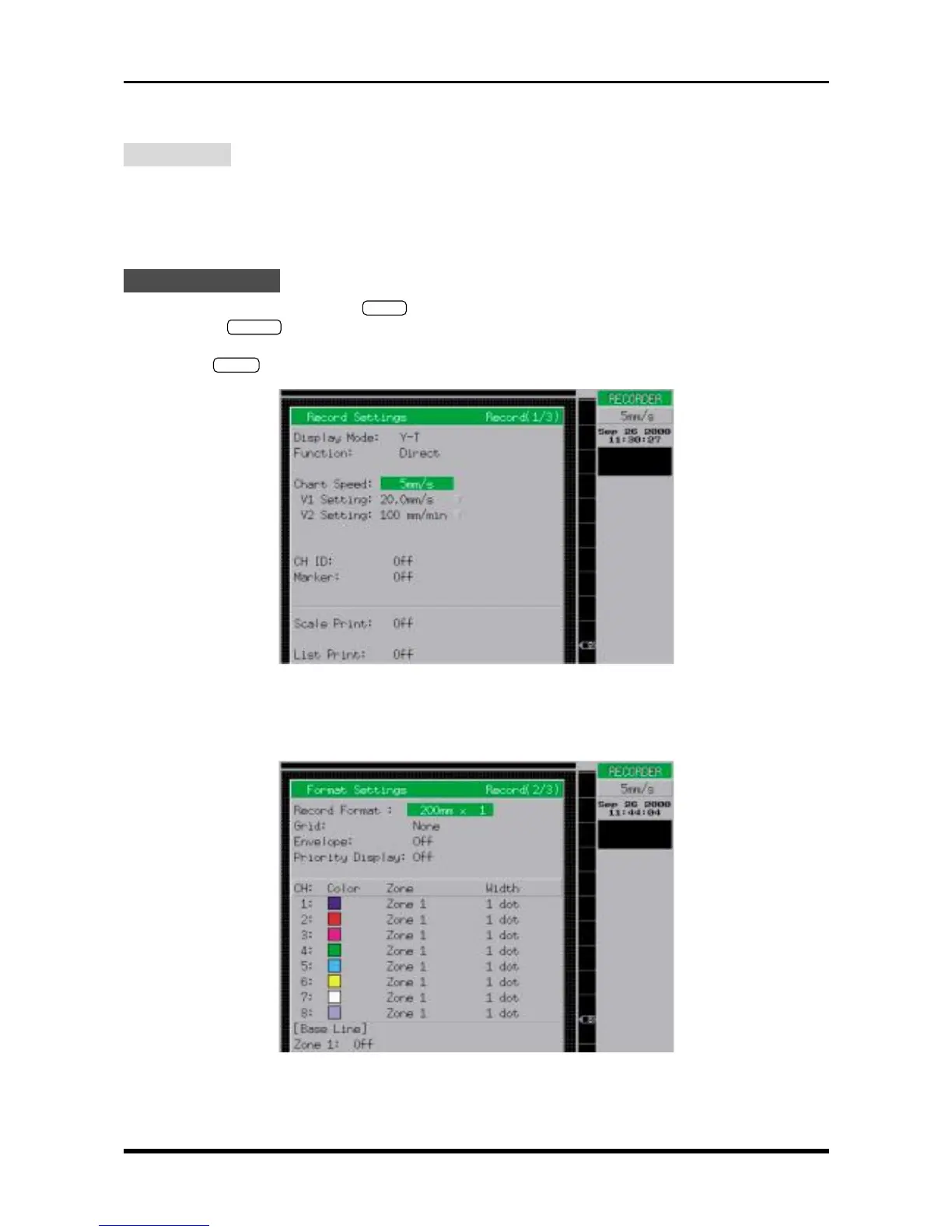
key on the Conditions panel to respectively display the Record Settings and Format
Settings windows. At each window, use the arrow keys to move the cursor to the desired parameter, then
use the
ENTER
key and arrow keys to enter the following settings.
Fig. 6-2-12. Record Settings window
Display Mode Y-T
Function Direct
Chart Speed 5mm/s
Fig. 6-2-13. Format Settings window
Record Format 200mm × 1
Grid None
Width 1 dot



 To Next Page