WR1000-UM-251–01–9380 4 – 2
4. SETUP PROCEDURES
4.2 Setting the Paper Sensing Level
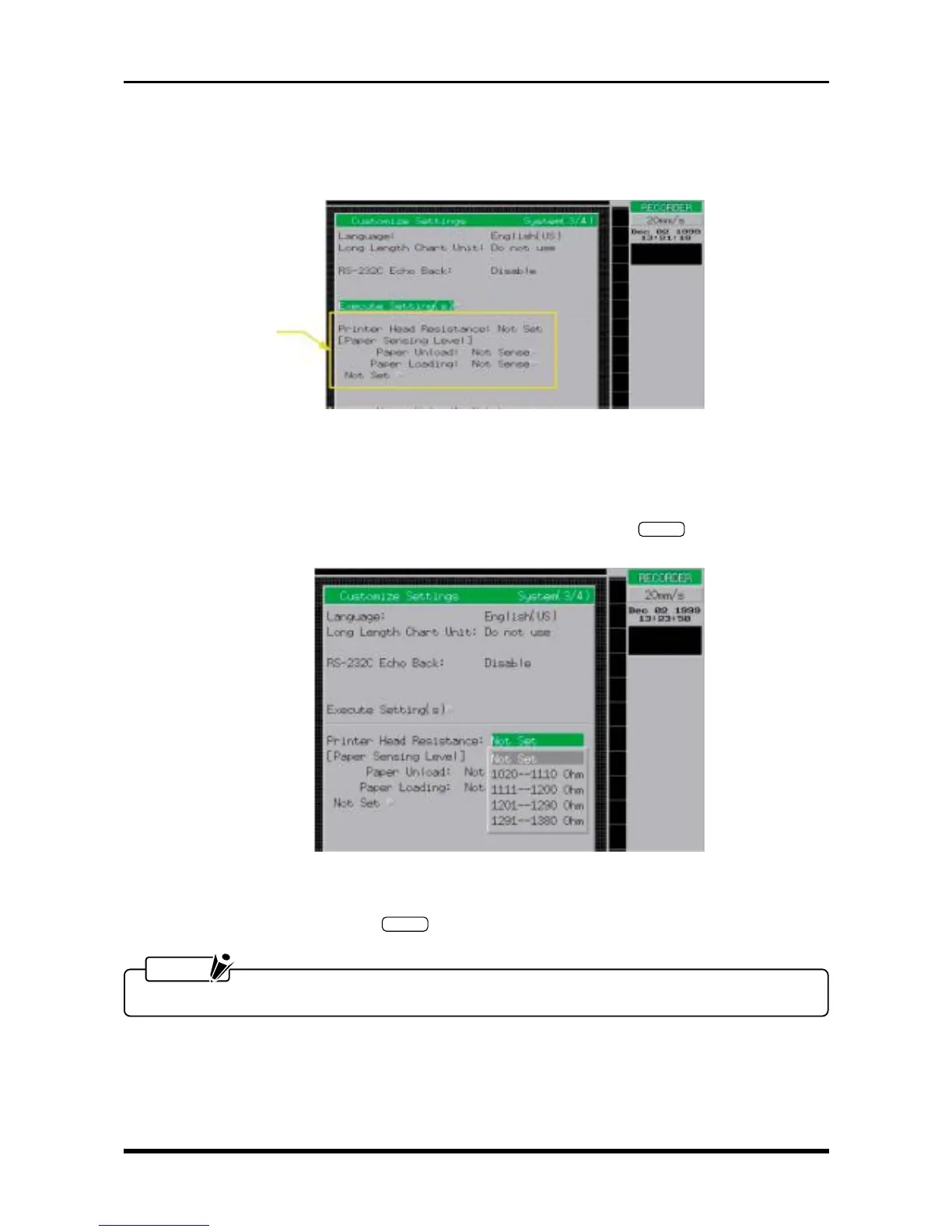
The Paper Sensing Level parameters need not be specified. In the menu shown below, therefore, leave both
the Paper Unload and Paper Loading settings under Paper Sensing Level to Not Sense.
4.3 Setting the Resistance of the Thermal Print Head
Always perform this operation after you have replaced the thermal printhead or the main control board.
(1) Move the cursor to the Printer Head Resistance parameter, then press the
ENTER
key at the Conditions
panel.
Fig. 4-3-1
(2) Move the cursor to the value corresponding to the resistance value of the newly or currently installed
thermal printhead, then press the
ENTER
key.
NOTE
To exit the SETUP mode, reset the WR1000 by turning it off then back on again.
The Paper Sensing
Level parameters need
not be specified.



 To Next Page