WR1000-UM-251–01–9380 3 – 30
3. DISASSEMBLY AND REASSEMBLY
Operational Check
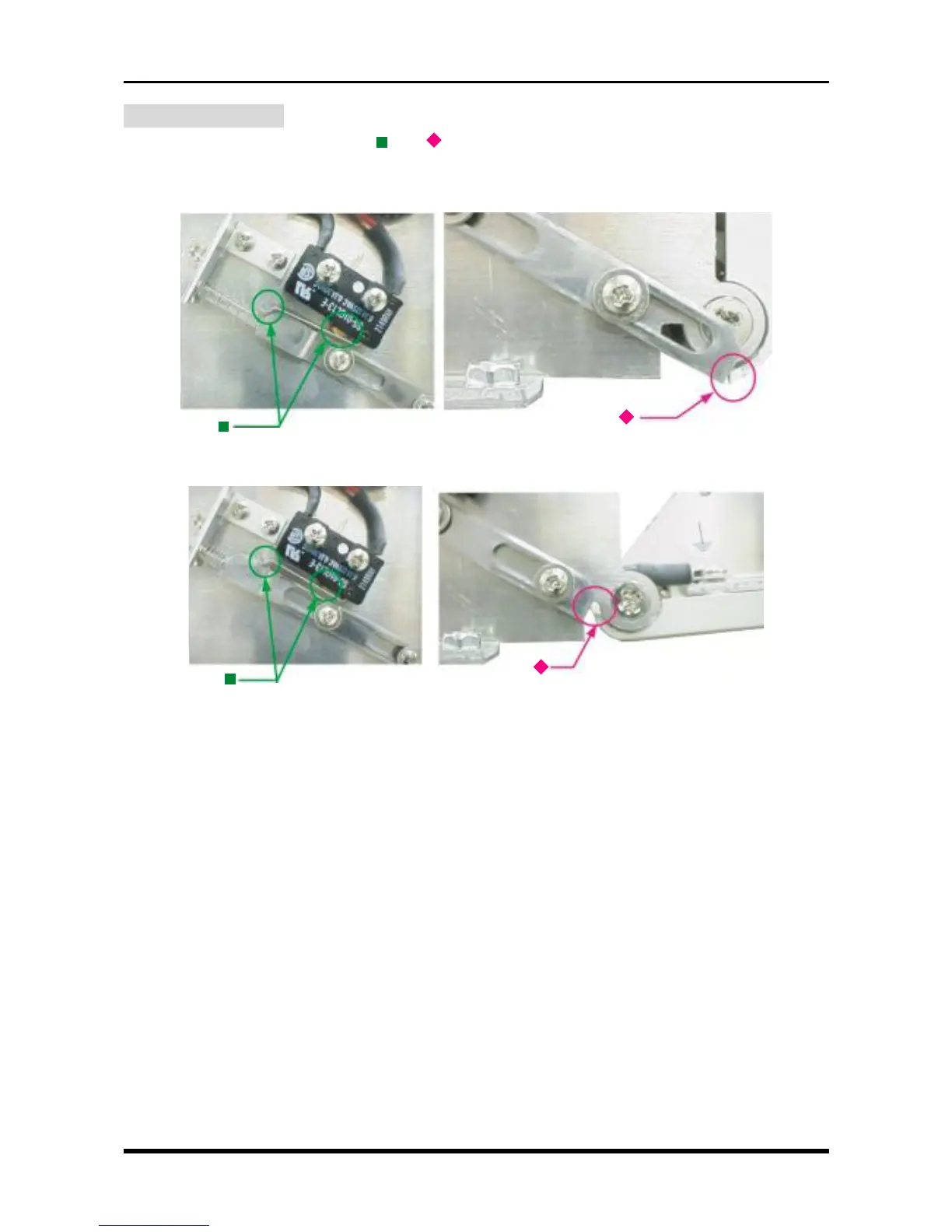
Check that the parts marked with the “ ” or “ ” symbol in Fig. 3-5-21 are in the status shown in the figure
below, depending on whether the printer cover is open or closed.
(1) When the printer cover is closed:
Fig. 3-5-23
(2) When the printer cover is open:
Fig. 3-5-24



 To Next Page