WR1000-UM-251–01–9380 6 – 22
6. INSPECTION AND CHECK PROCEDURES
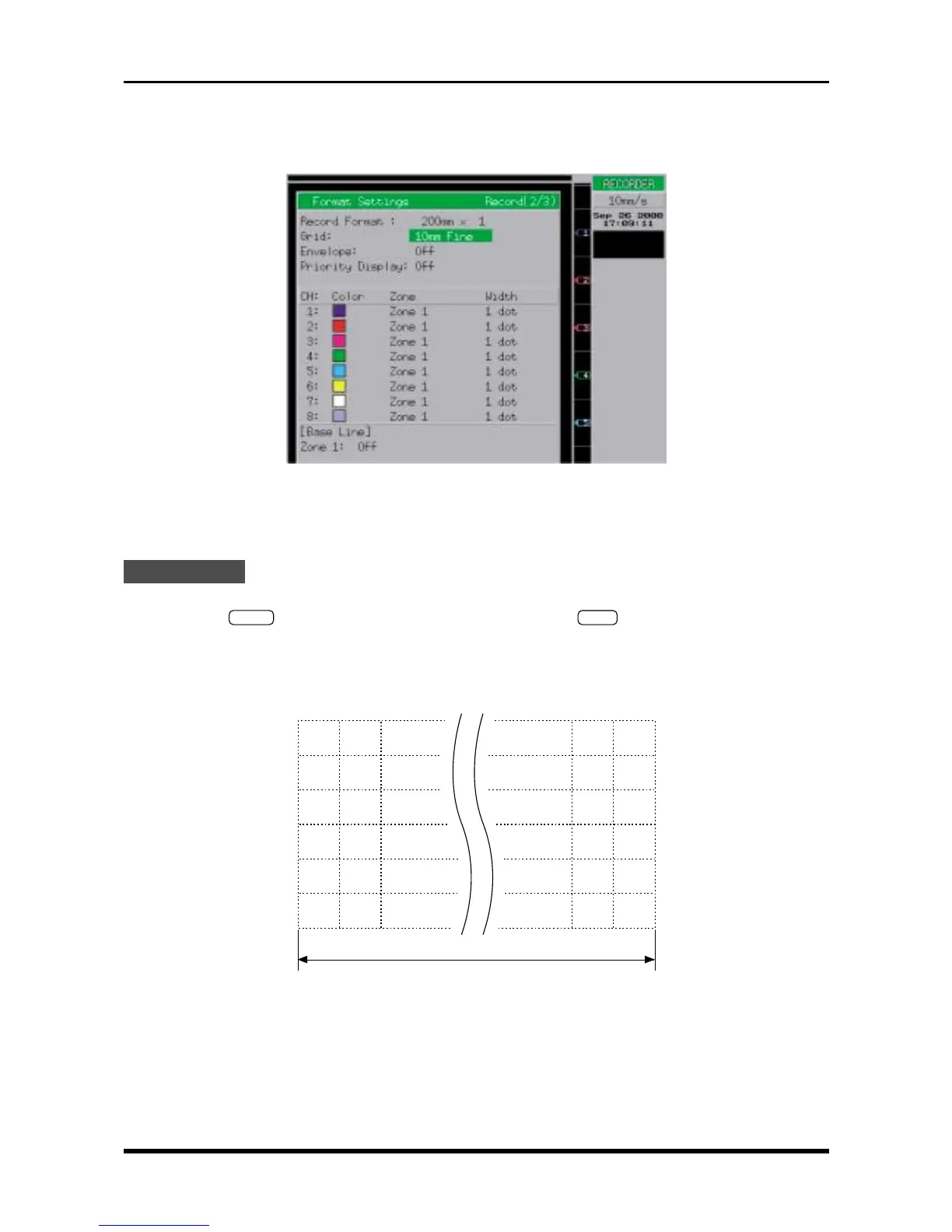
Display Mode Y-T
Function Direct
Chart Speed 10mm/s
Fig. 6-2-28. Format Settings window
Record Format 200mm × 1
Grid 10mm Fine
Measurement
(1) Turn on the printer.
(2) Press the
START
key to initiate measurement, then press the
STOP
key to stop measurement after
the chart paper has been advanced about 30 to 45 cm. (No signal input is required.)
(3) Using the glass scale, measure the printed grid (scale) on the chart paper to check that the chart feeding
precision is within the rated range.
Rating: 294 mm to 306 mm
Measure the distance using a glass scale
Fig. 6-2-29
(4) Change the “Chart Speed” setting to 200mm/s, repeat Steps (2) and (3), then check that the chart feed-
ing precision is also within the rated range for the Chart Speed setting of 200mm/s.



 To Next Page