WR1000-UM-251–01–9380 3 – 27
3. DISASSEMBLY AND REASSEMBLY
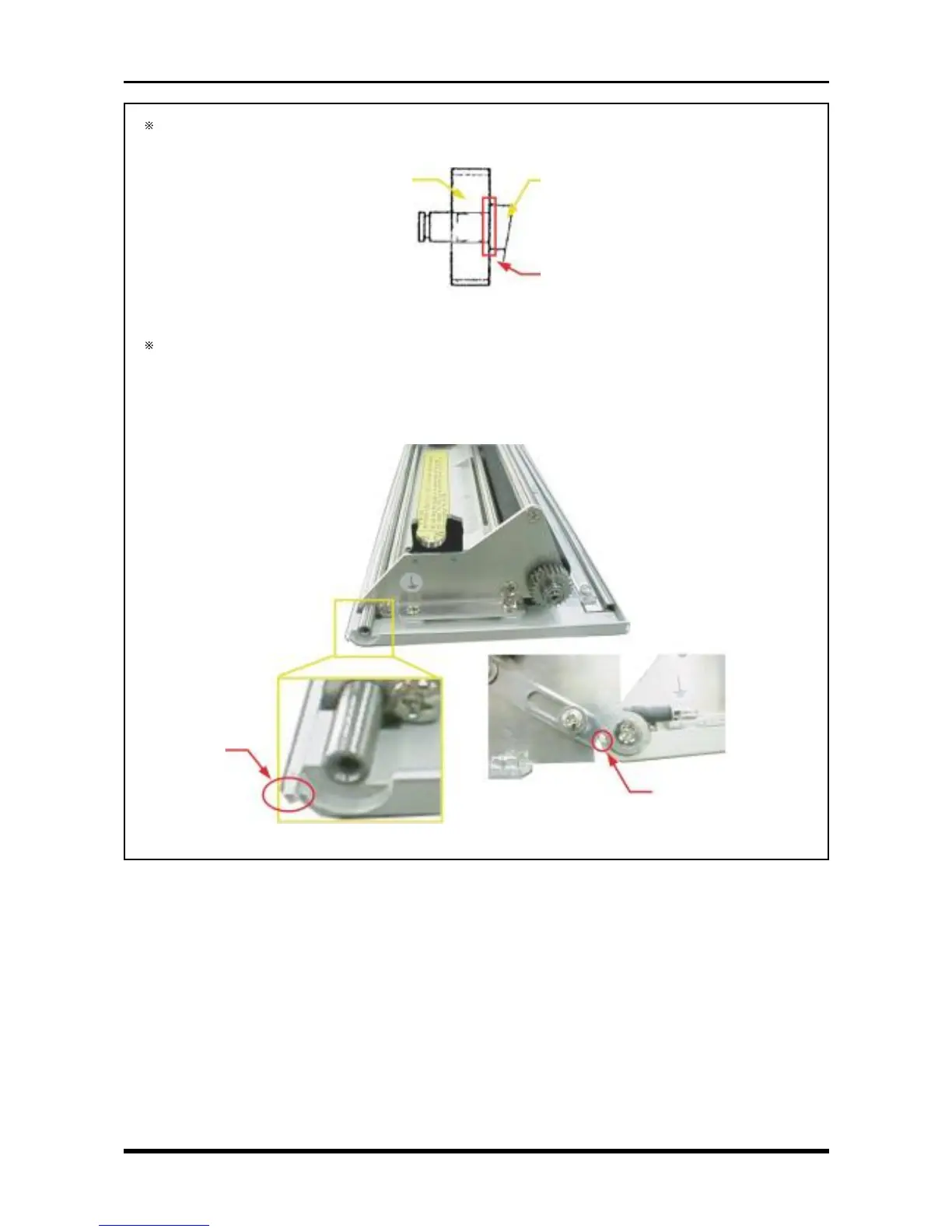
When remounting the drum gear, attach it so that it adheres closely to the platen shaft as shown
below.
Fig. 3-5-16
When removing the printer cover from the printer unit (as described in Subsection 3.5.3, “Replacing
the Platen,” and Subsection 3.5.4, “Replacing the Printer Cover”), be careful not to bend the protrud-
ing parts indicated by the “ ✩ ” symbol in the figure below.
These protruding parts form part of the sensing mechanism of the printer cover open/close sensor
(the micro-switch on the side of the printer unit).
Fig. 3-5-17
Platen shaft
Adhere closely here
Drum gear
✩
✩



 To Next Page