WR1000-UM-251–01–9380 3 – 38
3. DISASSEMBLY AND REASSEMBLY
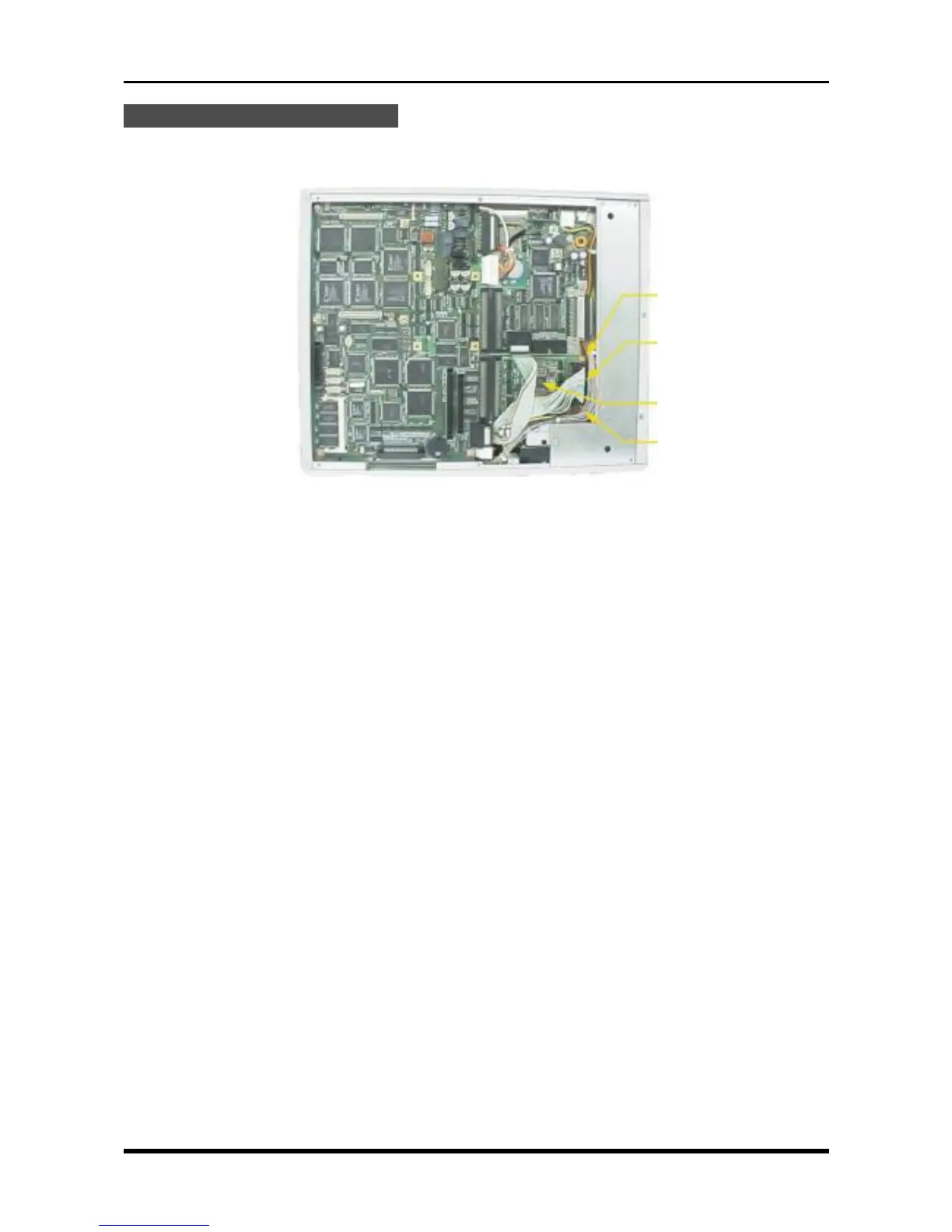
Replacing the FDD Control Board
(1) Remove the bottom plate (see Subsection 3.6.1, “Replacing the 16-CH Control Board”).
(2) Unfasten the two screws, disconnect one cable from its connector, then replace the FDD control board.
Fig. 3-9-3
M3L4 binding-head screw
P101
FDD control board
M3L4 binding-head screw



 To Next Page