WR1000-UM-251–01–9380 4 – 7
4. SETUP PROCEDURES
Setup Procedure
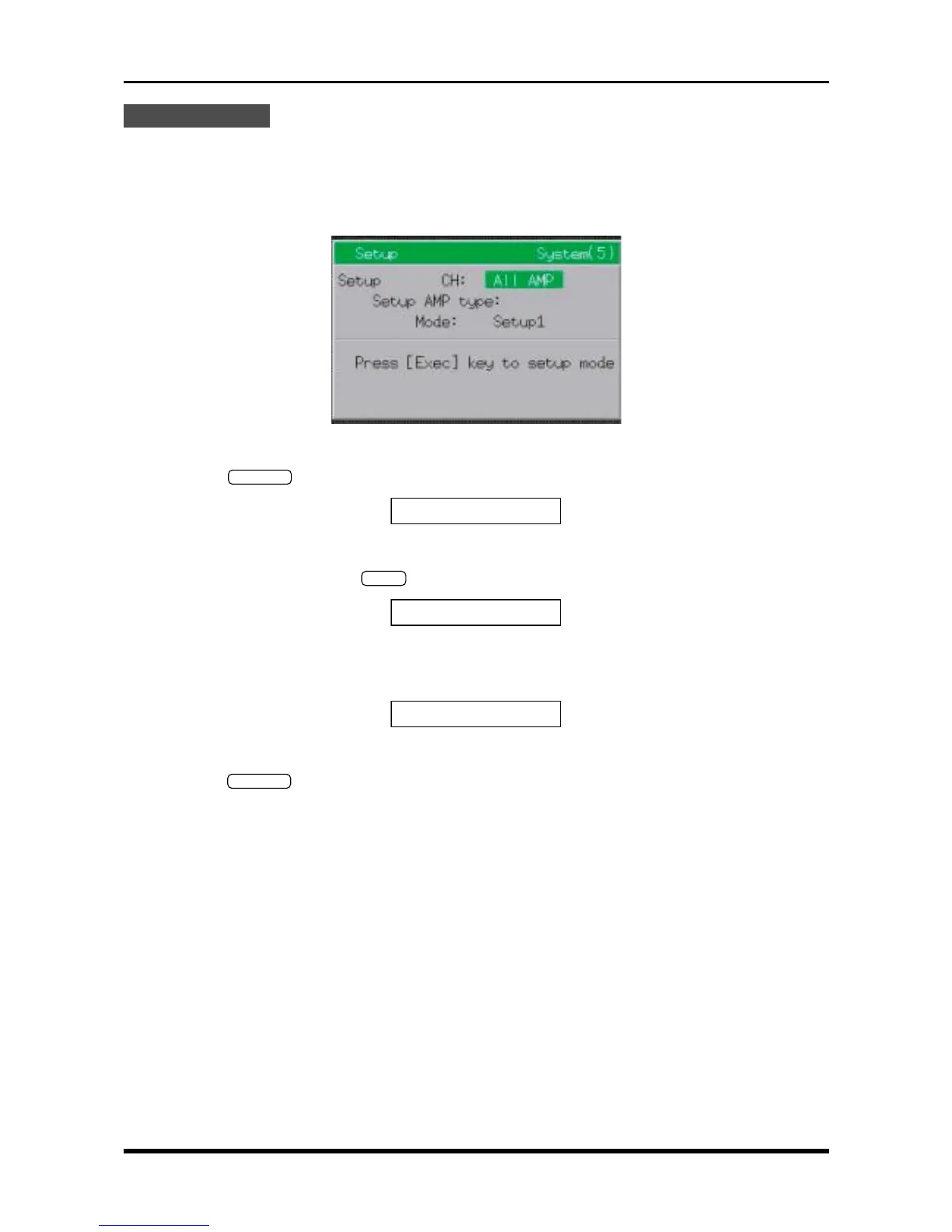
(1) At the Setup menu, set the parameters as follows.
Setup CH All AMP
Setup AMP type M
Mode Setup2
Fig. 4-5-7
(2) Press the
EXECUTE
key at the Conditions panel to display the prompt below.
rTEMP:
[
Start
]
to exec.
Fig. 4-5-8
(3) Press the main control panel’s
START
key to display the prompt below and initiate the Setup operation.
Exec:
[
Stop
]
to abort.
Fig. 4-5-9
(4) When the Setup operation is completed, the prompt below appears.
EEPROM:
[
Exec
]
to start
Fig. 4-5-10
(5) Press the
EXECUTE
key at the Conditions panel to begin writing the new Setup data to the EEPROM of
each amp.
(6) Turn off the WR1000.
This completes the Setup operation of the M amp(s).



 To Next Page