WR1000-UM-251–01–9380 6 – 7
6. INSPECTION AND CHECK PROCEDURES
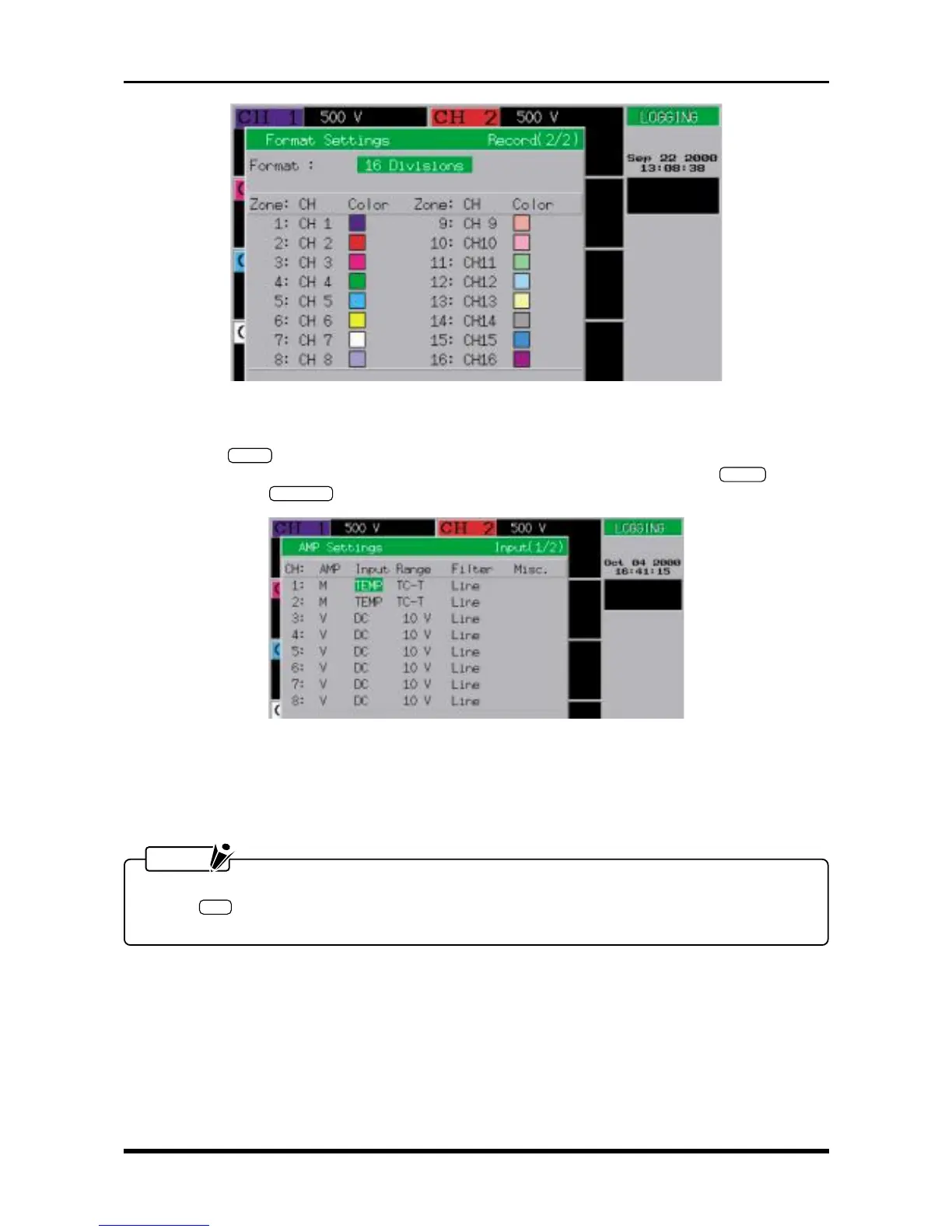
Fig. 6-2-6. Format Settings window
Format : either 8 Divisions or 16 Divisions
(3) Press the
INPUT
key on the Conditions panel to display the AMP Settings window shown below. Use
the arrow keys to move the cursor to the desired parameter, then use the arrow keys,
ENTER
key, jog/
shuttle dial, and
EXECUTE
key to enter the following settings.
Fig. 6-2-7. AMP Settings window
AMP M
Input TEMP
Range TC-T
Filter Line
NOTE
For a 16-channel model, first complete the settings for channels 1 through 8, press the amp control
panel’s
SEL
key to switch to the other channel group, then proceed to specify the settings for chan-
nels 9 through 16.



 To Next Page