Chapter 8 Hardware Reference
© 2017 Harmonic Inc. All rights reserved. 224 Harmonic MediaGrid Release 4.1
ContentDirector 1000F and High Performance ContentDirector 2000C
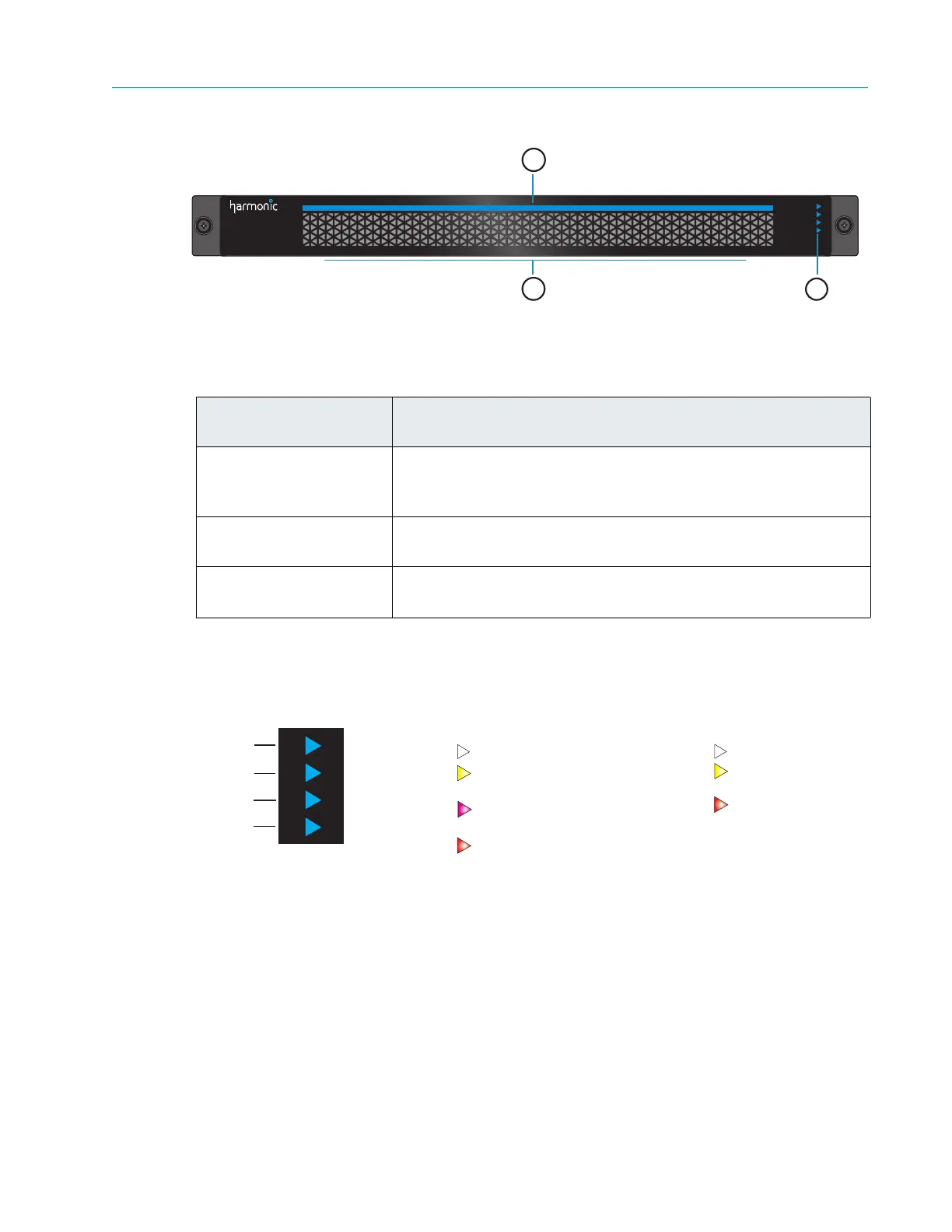
Figure 8–1: ContentDirector Front Panel
System Status LEDs
Figure 8–2 and Table 8–2 detail the four system status indicators on the front of the ContentDirector.
Figure 8–2: ContentDirector Front Panel Indicators
Table 8–1: ContentDirector Front Panel Descriptions
Indicator, Button, or
Connector
Description
1. Power indicator
A bright blue
power indicator is provided across the top of the
front panel. This indicator also provides a “wink” function, which
allows you to identify a unit from the SystemManager application.
2. Air vents Allows airflow through the unit. For optimum airflow, do not
obstruct
the air vents.
3. Status LEDs
An array of four
status LEDs is provided on the front panel. See
the following figure and table for descriptions of each status LED.
MediaGrid
ContentDirector
1
2
3
Public NIC
Private NIC
SSD 0
SSD 1
Both connections are good
White
Both connections have failed
Red
Yellow
Public: NIC 0 connection failure
Private: NIC 2 connection failure
Public: NIC 1 connection failure
Private: NIC 3 connection failure
Magenta
Public and Private NIC Indicator
SSD Indicators
Drive online
White
Drive failure
Red
Yellow
Drive replacement
warning



 To Next Page