Chapter 8 Hardware Reference
© 2017 Harmonic Inc. All rights reserved. 242 Harmonic MediaGrid Release 4.1
ContentServer 3000
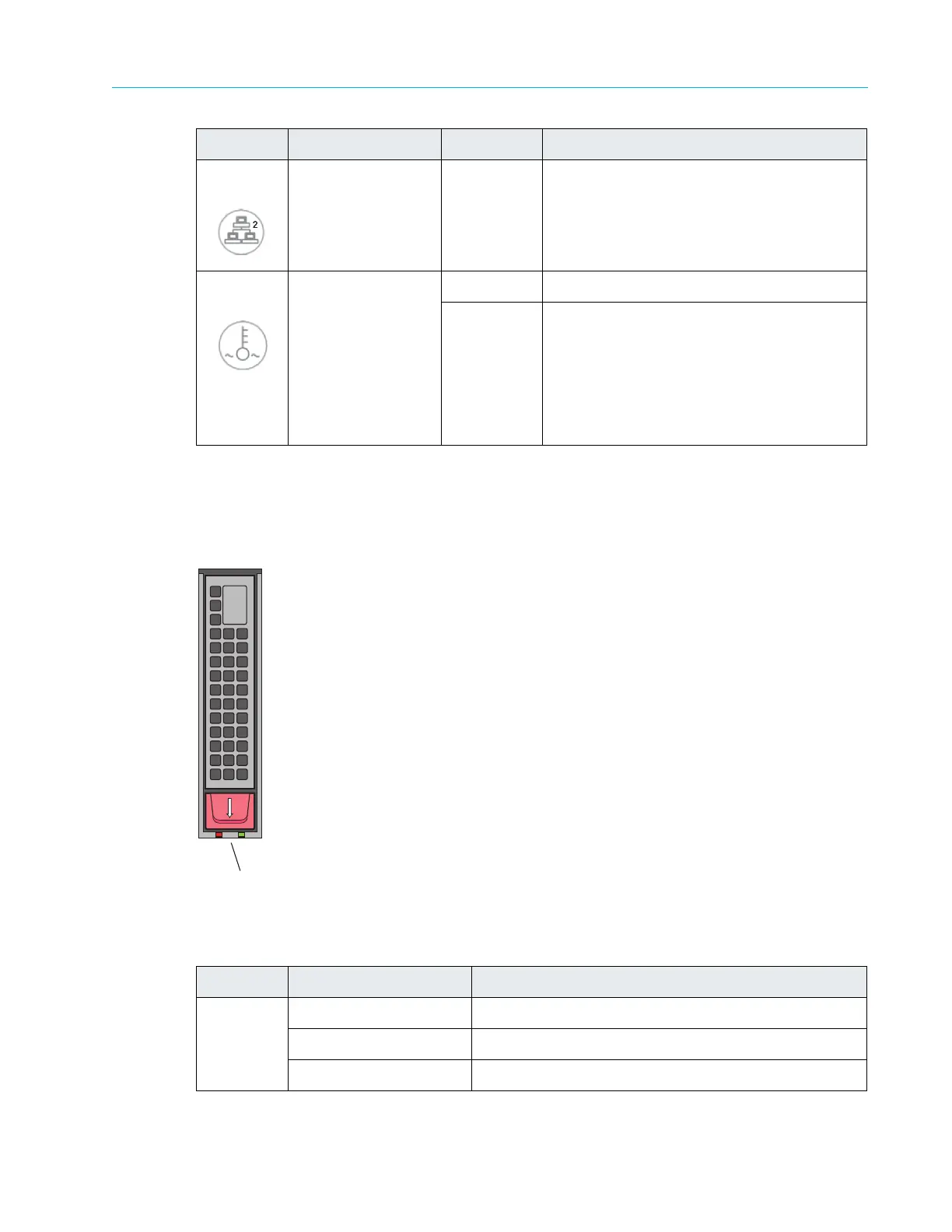
Disk Drive Status LEDs
Refer to Figure 8–22 and Table 8–21 for information on the Disk Drive Status LEDs. Refer to the
Harmonic MediaGrid Component Replacement Guide for instructions on replacing a failed drive.
Figure 8–22: Disk Drive Status LEDs
Table 8–21: Disk Drive Status LEDs
5 NIC 0 Flashing Indicates network activity on the NIC 0 port
6 Overheat/ Fan Fail Flashing Indicates fan failure
Solid Overheat condition, which may be caused
by c
ables obstructing the airflow in the
system or the ambient room temperature
being too warm. Check the routing of the
cables and make sure all fans are present
and operating normally. Also check to make
sure that the chassis covers are installed.
LED Color/State Description
Green Solid Drive is powered on
Off No power is being provided to the drive
Blinking Drive is in use.
Symbol LED Color/State Description
0
OPEN
LEDs



 To Next Page