GigE Area Scan Camera User Manual
92
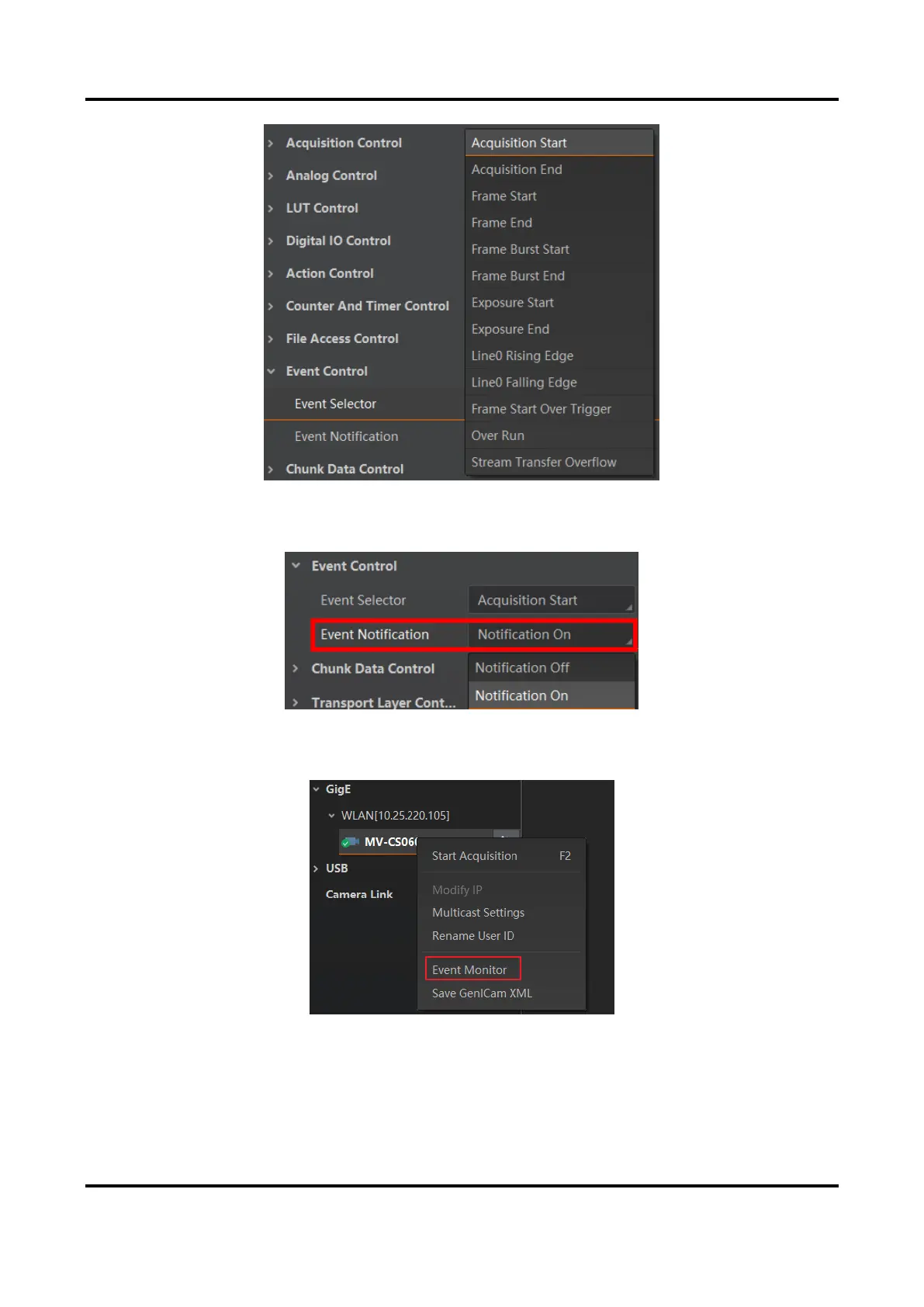
Figure 12-10 Event Selector
2. Select Notification On as Event Notification to output event.
Figure 12-11 Set Event Control
3. Right click the connected device and click Event Monitor.
Figure 12-12 Event Monitor
4. Check Messaging Channel Event, and view the specific event after the device starts live
view.



 To Next Page