GigE Area Scan Camera User Manual
8
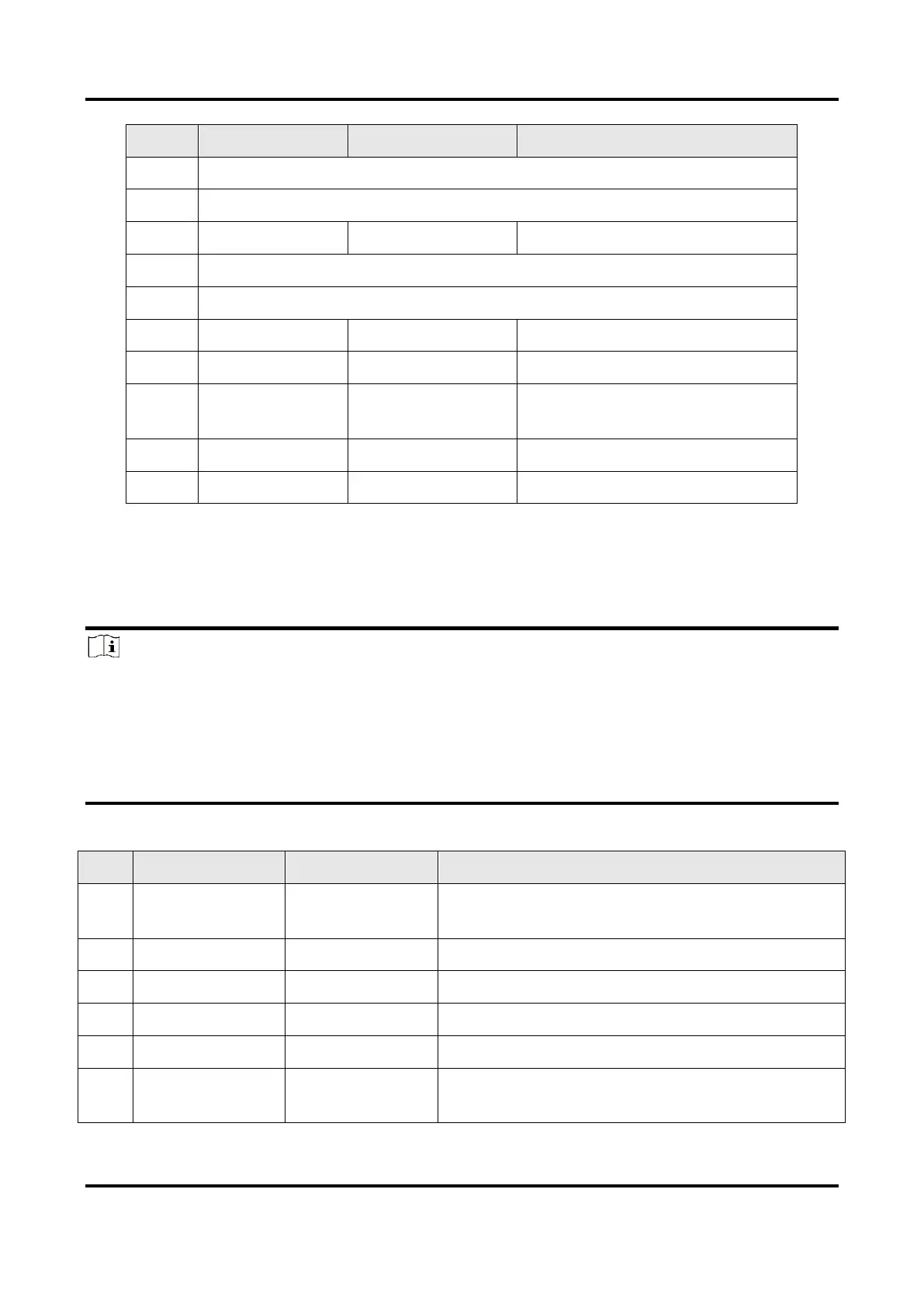
Opto-isolated signal ground
Can be configured as input or
output
3.2 Indicator
The device’s indicator is used to indicate the operation status of the device.
Note
●
The indicator status may differ by device models, and actual devices you purchased
shall prevail.
●
When the indicator is flashing rapidly, flashing slowly, or flashing very slowly, its unlit
interval is 0.2 sec, 1 sec, and 2 sec respectively.
●
The indicator sometimes may show a purple color when red and blue colors flashing at
the same time.
Table 3-4 Indicator Description
Device Status Description
The device’s wiring exception occurs.
The device exception occurs.
The device is acquiring images in trigger mode.
The device is acquiring images normally.
The device is in an idle status.
The function of finding me is executed, or the
firmware is updating.



 To Next Page