GigE Area Scan Camera User Manual
105
Note
●
The device will reboot automatically after updating the firmware.
●
The firmware updating process may take a few minutes, please wait patiently.
●
During firmware updating, do not disconnect the device or switch power off.
12.12 Encrypt Device via Dongle Tool
Note
●
This function may differ by device models.
●
You can contact the technical support to get the dongle tool.
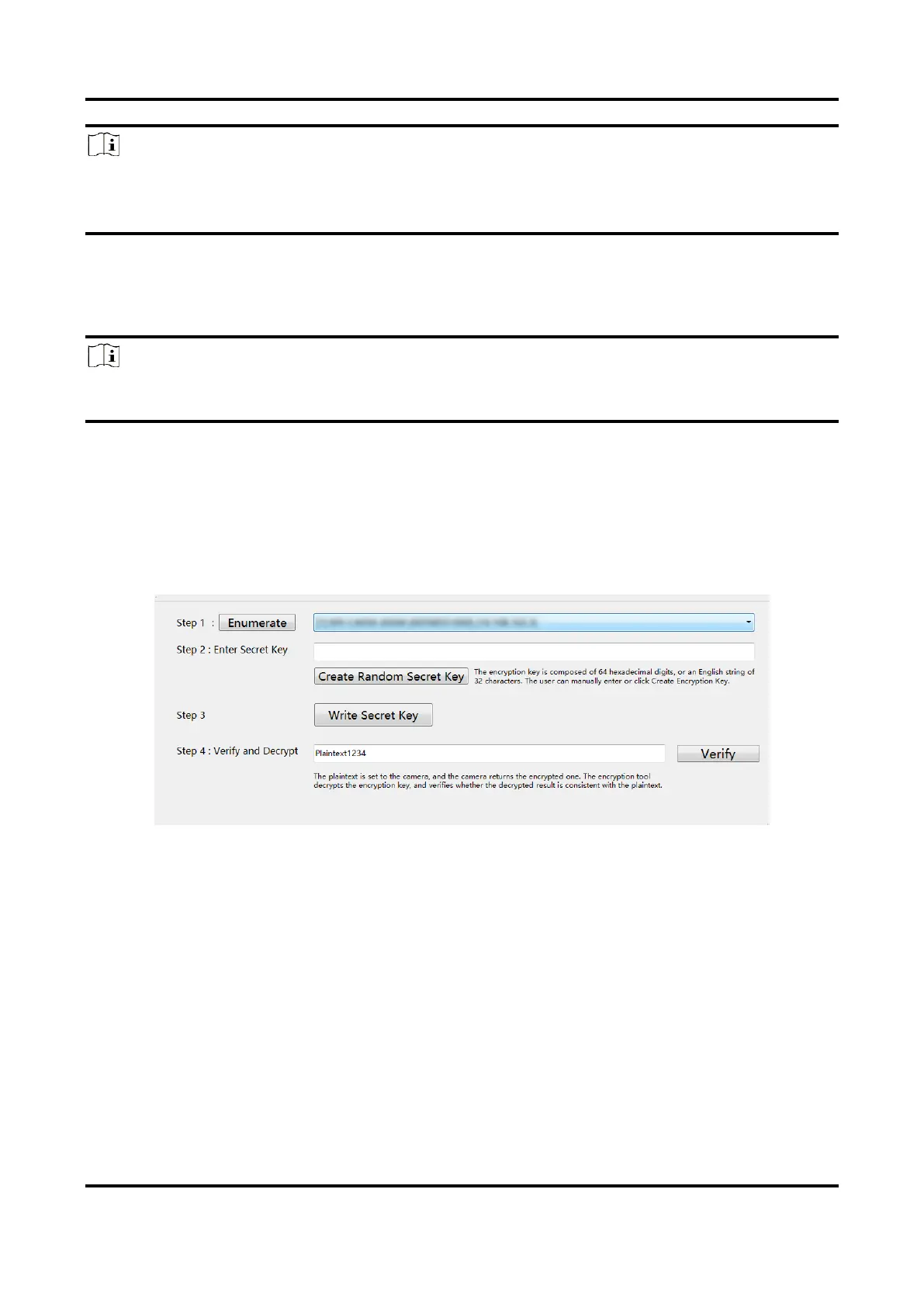
The dongle tool is used to encrypt and decrypt devices for protecting data.
Steps
1. Run the dongle tool, and click Enumerate.
2. Click Create Random Secret Key or enter it manually.
3. Click Write Secret Key.
4. Enter plaintext that should be no more than 15 characters, and click Verify.
Figure 12-26 Encrypt Device via Dongle Tool



 To Next Page