GigE Area Scan Camera User Manual
103
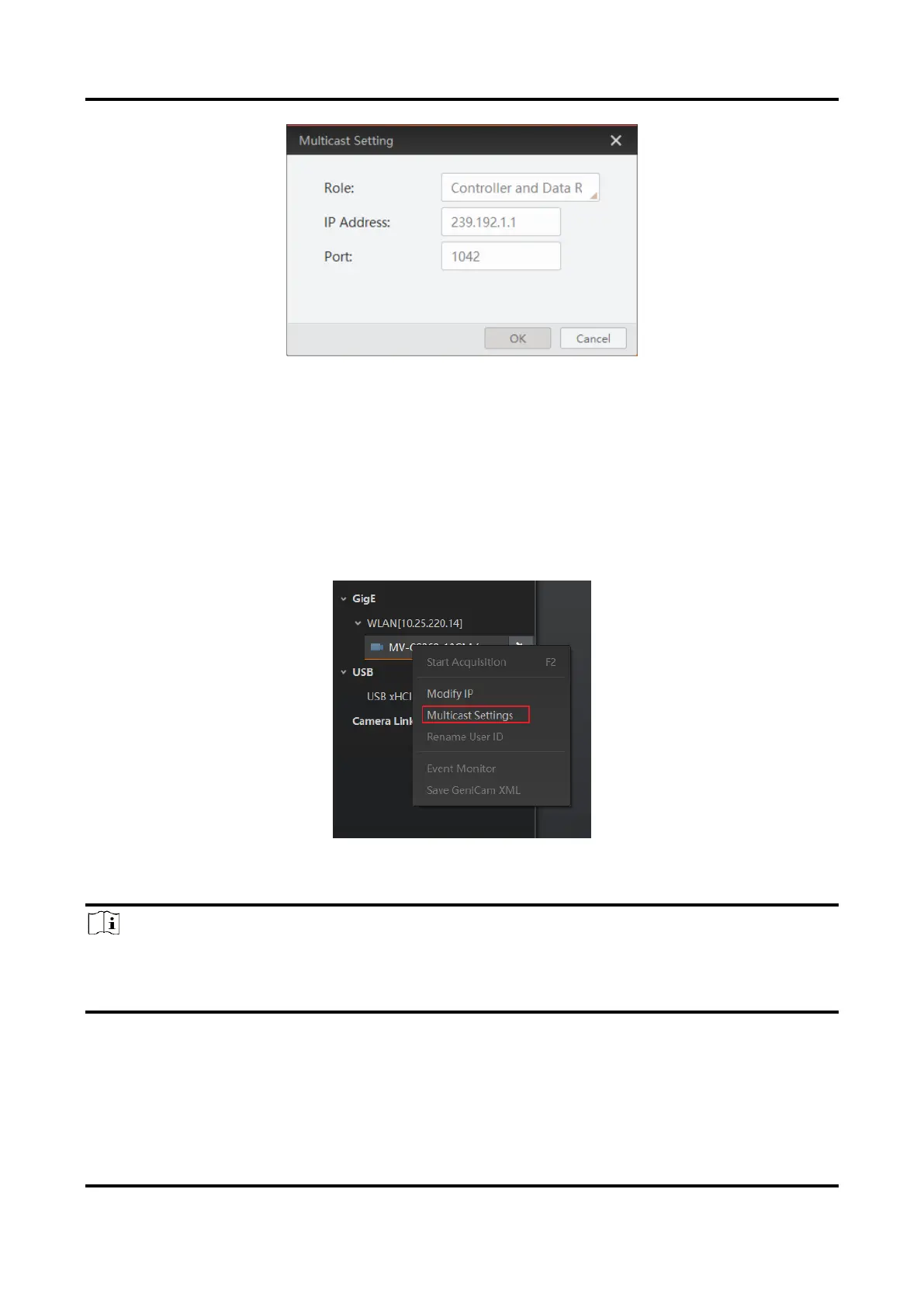
Figure 12-22 Set Parameters
3. Click OK.
12.10.2 Set Multicast (Connected Status)
Follow steps below to set multicast function if the device is in connected status.
Steps
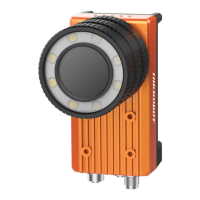
1. Right click the available device, and click Multicast Settings.
Figure 12-23 Multicast Settings
2. Enable the multicast function, and edit the IP Address and Port.
Note
●
The connected status device can use multicast function in Controller and Data Receiver
mode only.
●
The IP address should be class D IP address, and the port ranges from 0 to 65535.


 To Next Page