GigE Area Scan Camera User Manual
24
8.3 Set Acquisition Mode
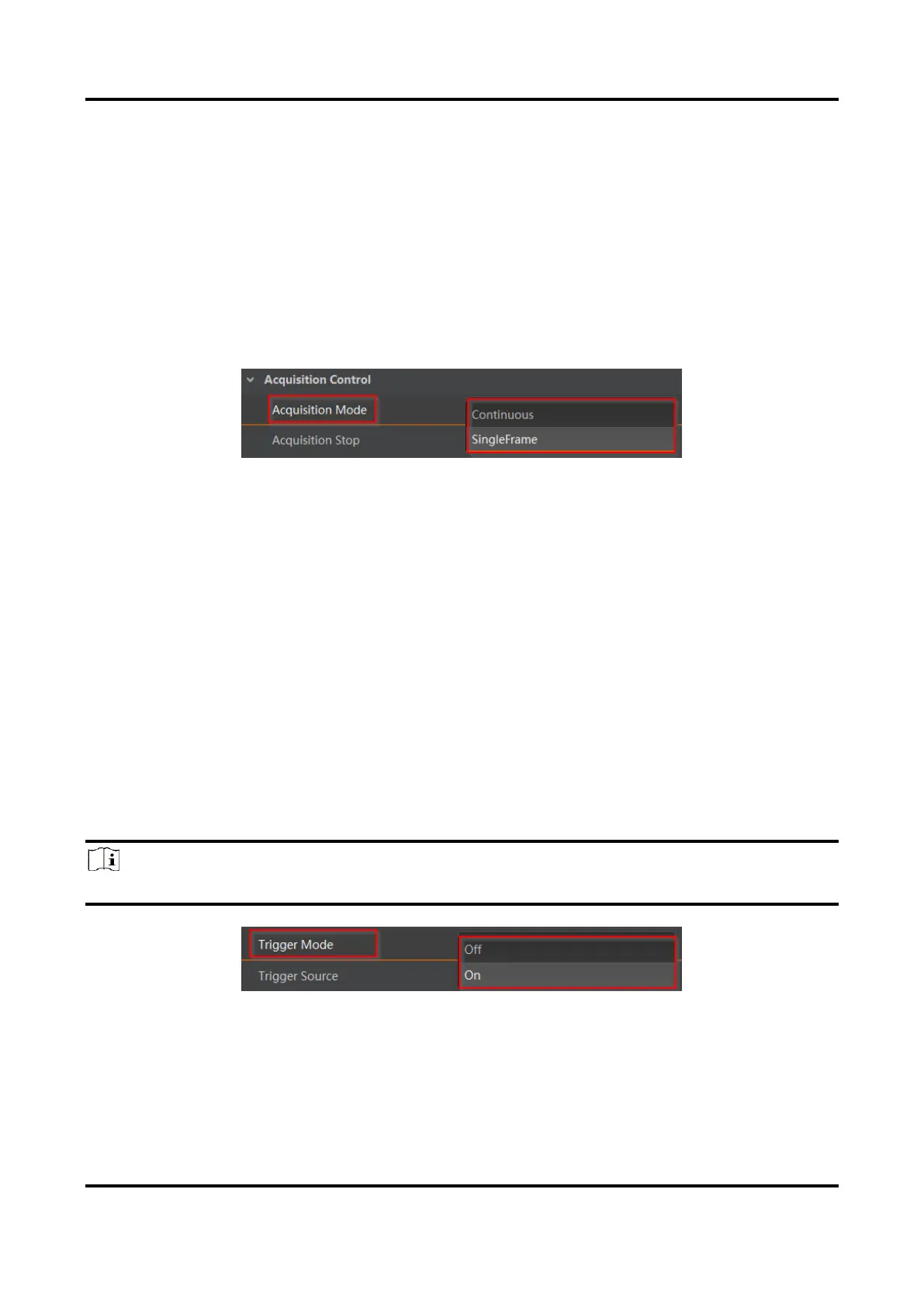
The device supports two types of acquisition modes, including SingleFrame mode and
Continuous mode. Go to Acquisition Control → Acquisition Mode, and select Continuous
or SingleFrame as Acquisition Mode according to actual demands.
●
SingleFrame: When device starts image acquisition, it acquires one image only, and then
stops.
●
Continuous: When device starts image acquisition, it acquires images continuously.
Real-time frame rate decides the acquisition frame number per second. You can stop
image acquisition manually.
Figure 8-4 Set Acquisition Mode
8.4 Set Trigger Mode
The device supports two types of trigger modes, including internal trigger mode and
external trigger mode. Go to Scan Control → Trigger Control → Trigger Mode and set it.
●
Internal Trigger Mode: In this mode, the device acquires images via its internal signals.
●
External Trigger Mode: In this mode, the device acquires images via external signals like
software signal and hardware signal. The trigger source of external trigger mode
includes software trigger, hardware trigger, counter trigger, action command trigger, and
free trigger.
8.4.1 Enable Internal Trigger Mode
Go to Acquisition Control → Trigger Mode, and select Off as Trigger Mode.
Note
Off refers to the internal trigger mode.
Figure 8-5 Enable Internal Trigger Mode



 To Next Page