GigE Area Scan Camera User Manual
88
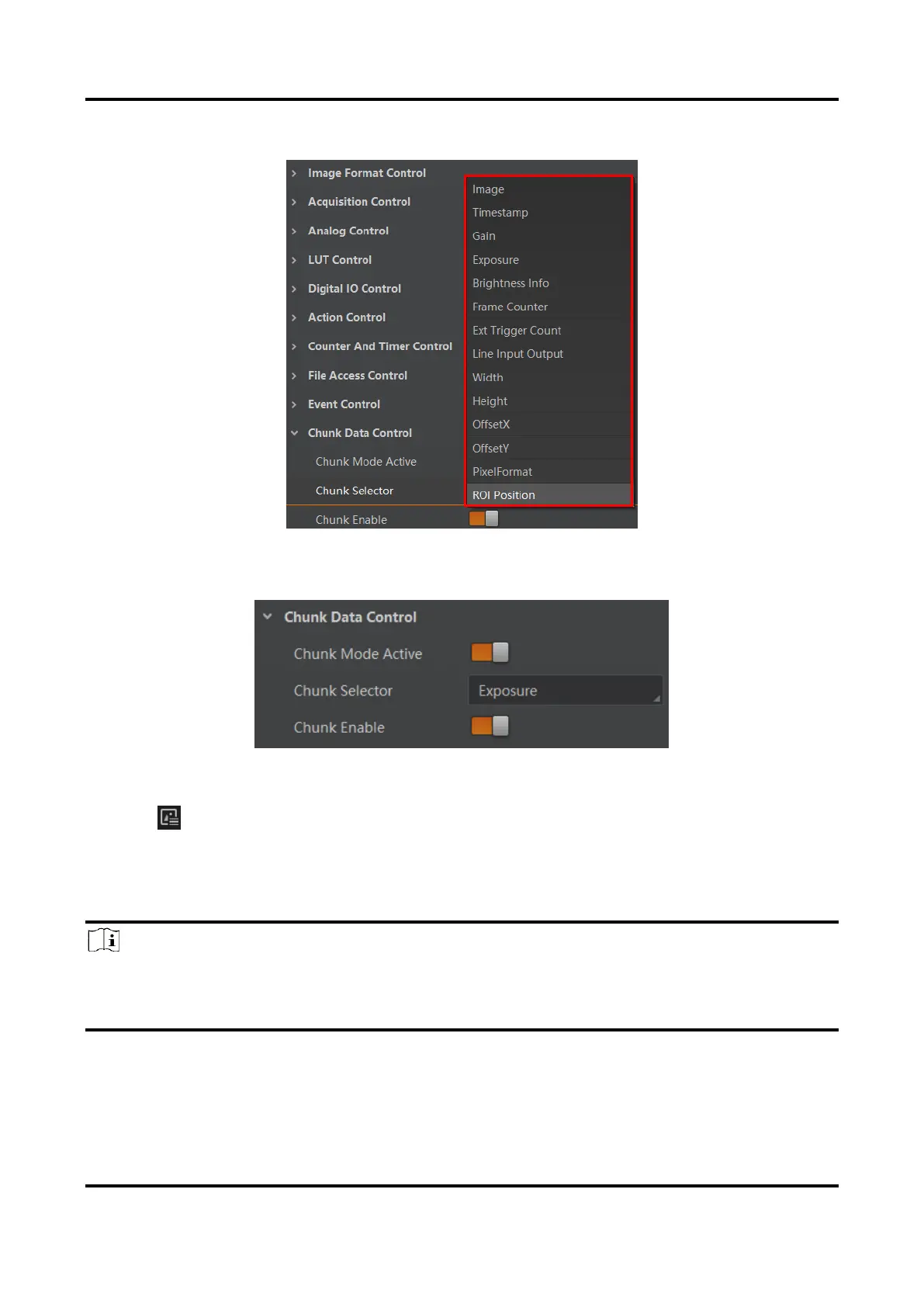
2. Select Chunk Selector according to actual demands.
Figure 12-5 Select Chunk Selector
3. Enable Chunk Enable to embed information into the image.
Figure 12-6 Chunk Enable
4. (Optional) Repeat steps above to add multiple Chunk information types.
5. Click on the control toolbar of the client software to view specific information.
12.3 Set Action Command
Note
●
The action command function may differ by device models.
●
Only V3.1.0 and above version of MVS client software support GigE Vision action
command.



 To Next Page