GigE Area Scan Camera User Manual
98
It is the transfer operation mode:
●
Single Block: Click Execute in Transfer Strat to
let the device transfer one image each time.
●
Multi Block: Click Execute in Transfer Strat to
let the device transfer multiple images in
cache.
Transfer Queue Max
Block Count
It displays the max. image quantity that the
device’s memory can save before the
compression.
Transfer Queue Current
Block Count
It displays current image quantity saved by the
memory.
Click Execute to let the device transfer images.
12.7.2 Basic Transfer Control
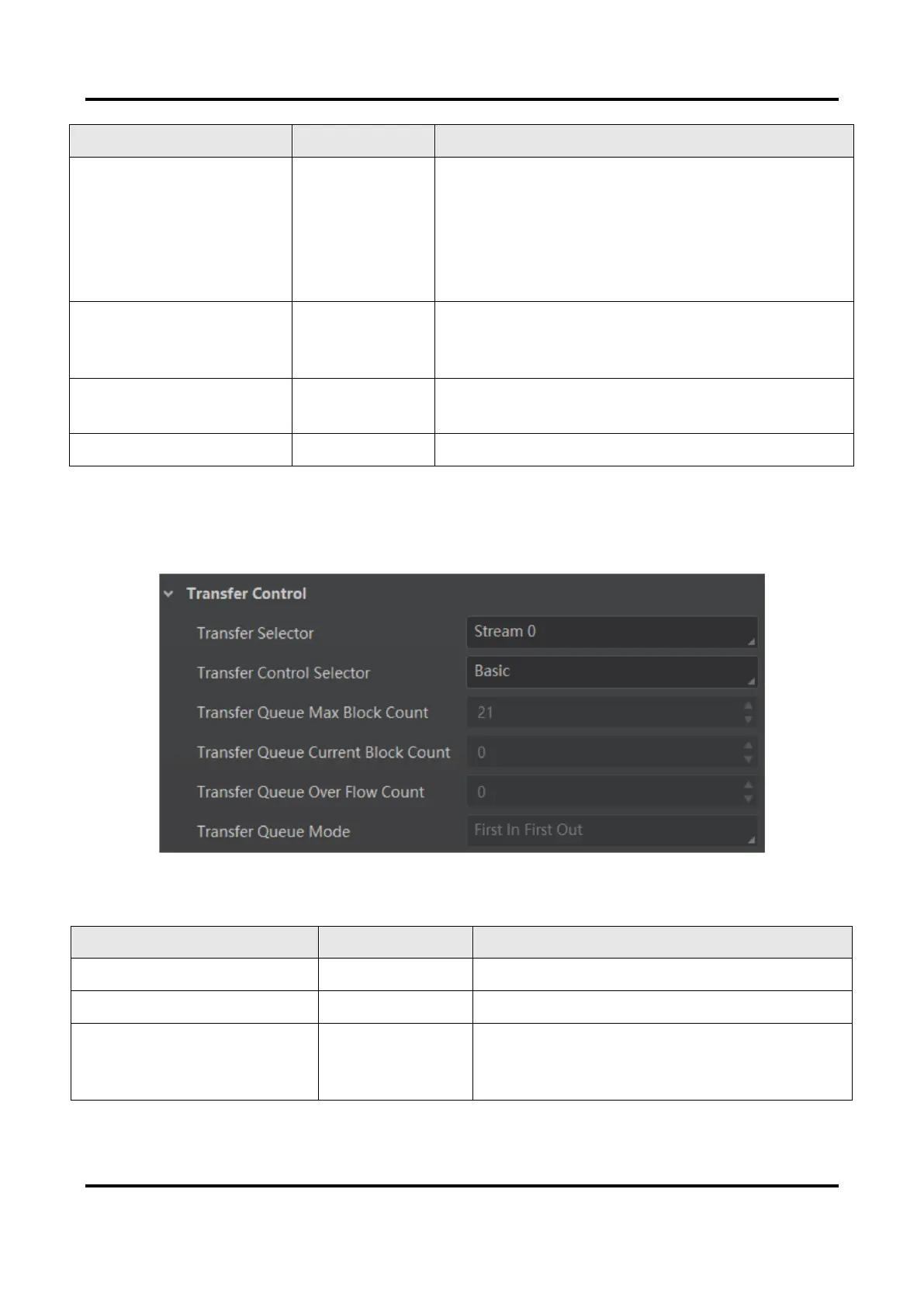
The parameters of basic transfer control are shown below.
Figure 12-15 Basic Transfer Control
Table 12-6 Parameters of Basic Transfer Control
It selects the transfer source.
Transfer Control Selector
It selects the transfer mode.
Transfer Queue Max Block
Count
It displays the max. image quantity that the
device’s memory can save before the
compression.



 To Next Page