GigE Area Scan Camera User Manual
52
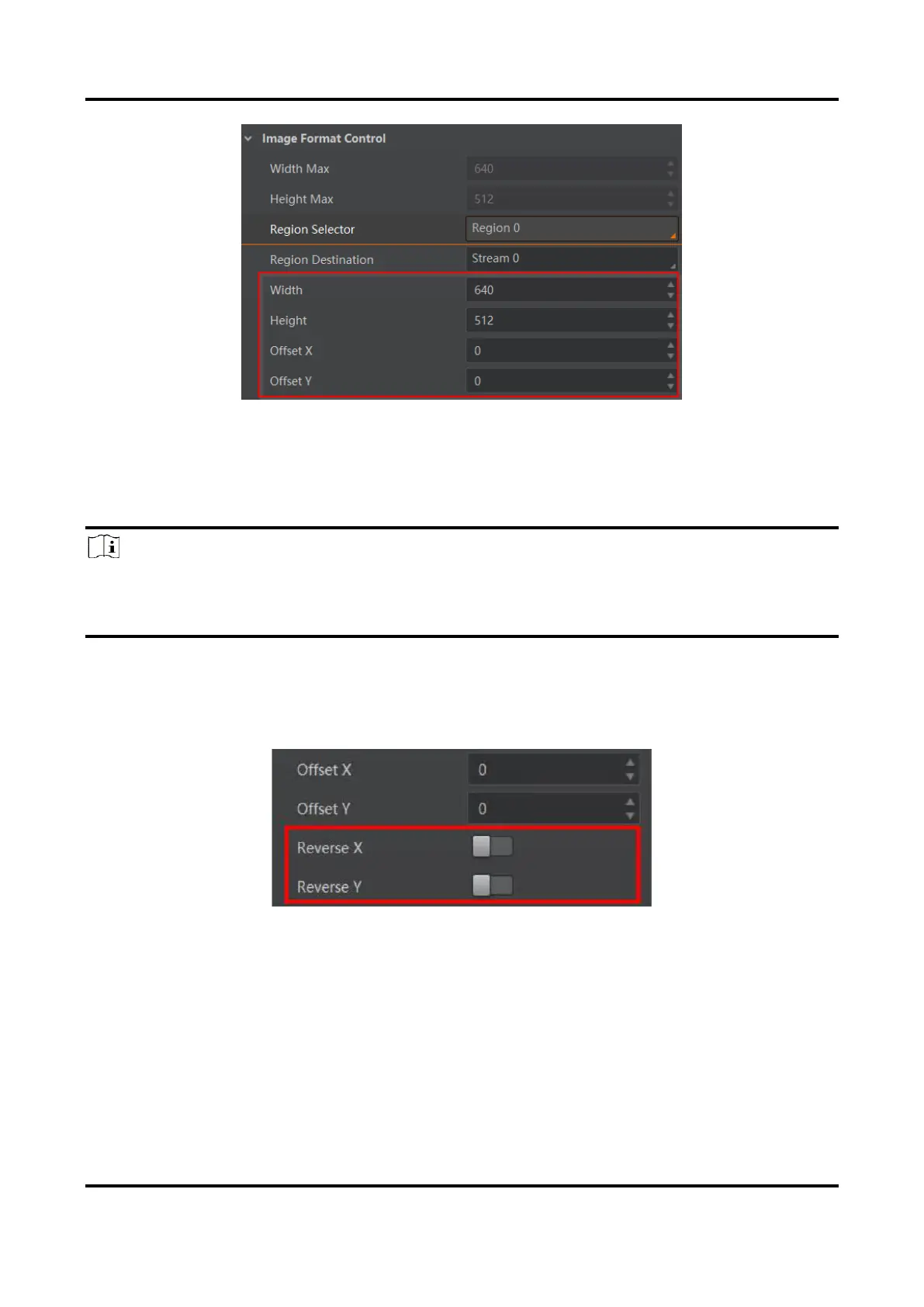
Figure 11-2 Set ROI
11.3 Set Image Reverse
Note
●
For different models of device, the image reverse function may be different, please refer
to the actual one you got.
●
Only when the device stops streaming, you can enable Reverse Y.
Reverse X refers to the image reverses in a horizontal way, and Reverse Y refers to the
image reverses in a vertical way.
You can click Image Format Control, and enable Reverse X or Reverse Y according to
actual demands.
Figure 11-3 Set Image Reverse



 To Next Page