GigE Area Scan Camera User Manual
93
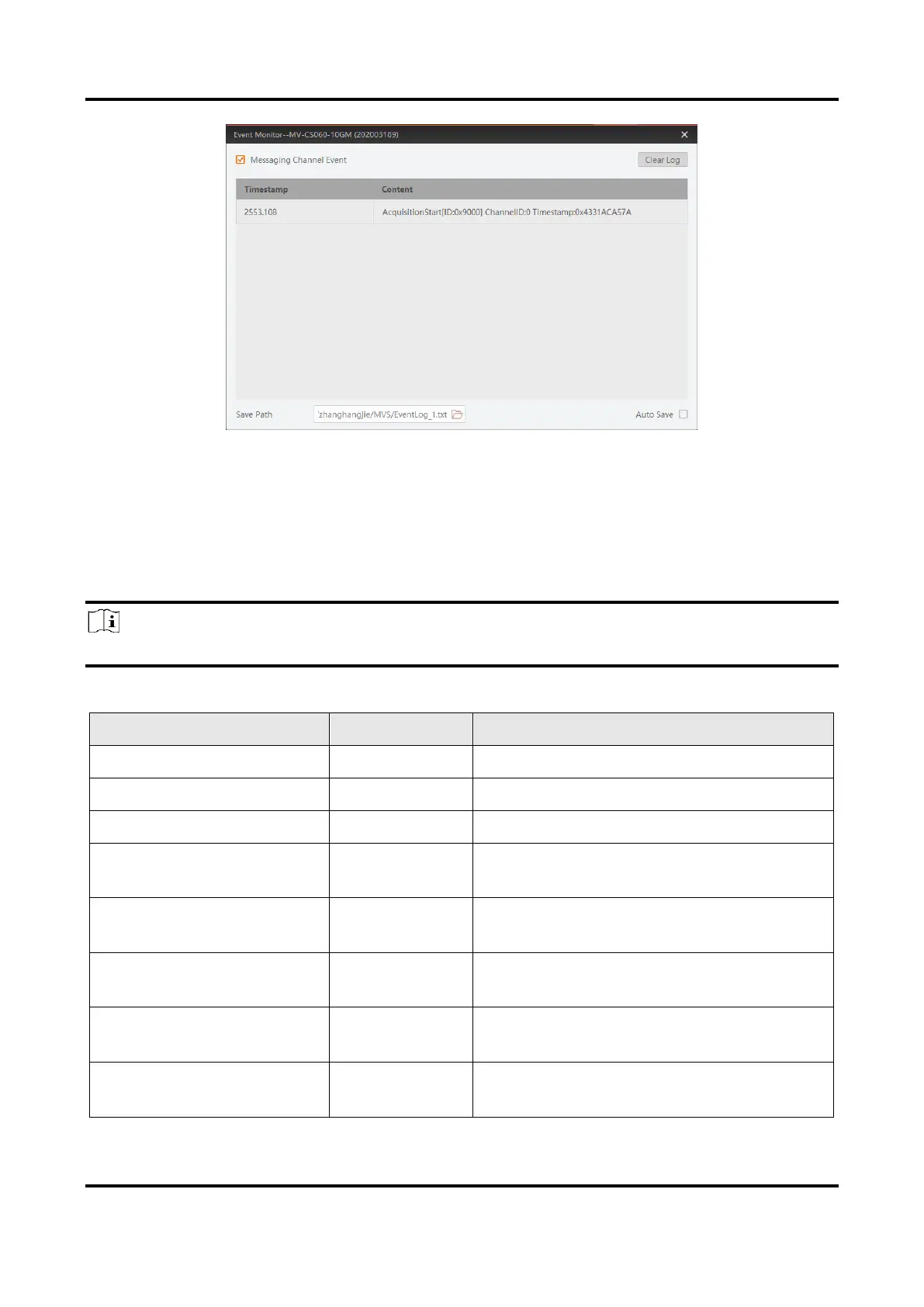
Figure 12-13 Event Monitor Window
12.6 Transport Layer Control
You can go to Transport Layer Control to view the device’s payload size, GenCP version,
etc.
Note
The specific parameters of transport layer control may differ by device models.
Table 12-4 Parameters of Transport Layer Control
It is the device’s load size.
It is the major version in GenCP version.
It is the minor version in GenCP version.
GEV Device Mode Is Big
Endian
It is the endianness in device’s register.
GEV Device Mode
Character Set
It is the character set in device’s register.
It sets which physical network interface
to be controlled.
It is the MAC address of the network
interface.
GEV Supported Option
Selector
It selects the GEV option to interrogate
for existing support.



 To Next Page