GigE Area Scan Camera User Manual
12
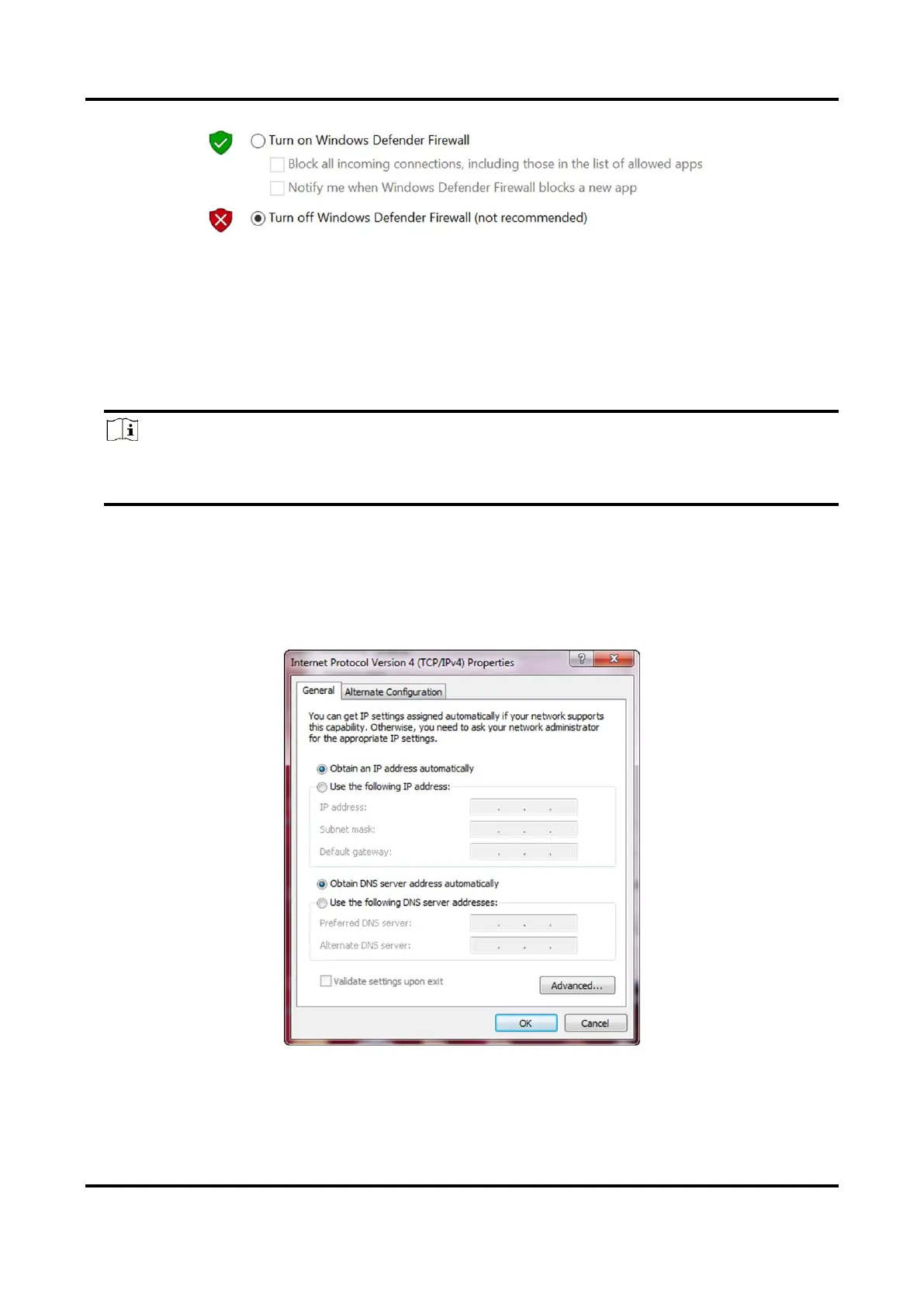
Figure 5-3 Windows Defender Firewall
4. Click OK.
5.2.2 Set PC Network
Steps
Note
For different Windows versions, the specific setting path and interface may differ.
Please refer to the actual condition.
1. Go to PC network settings page: Start → Control Panel → Network and Internet →
Network and Sharing Center → Change adapter settings.
2. Select NIC and set the IP obtainment mode.
●
Select Obtain an IP address automatically to get an IP address of the PC automatically.
●
Or select Use the following IP address to set an IP address for the PC manually.
Figure 5-4 Set PC Network



 To Next Page