GigE Area Scan Camera User Manual
91
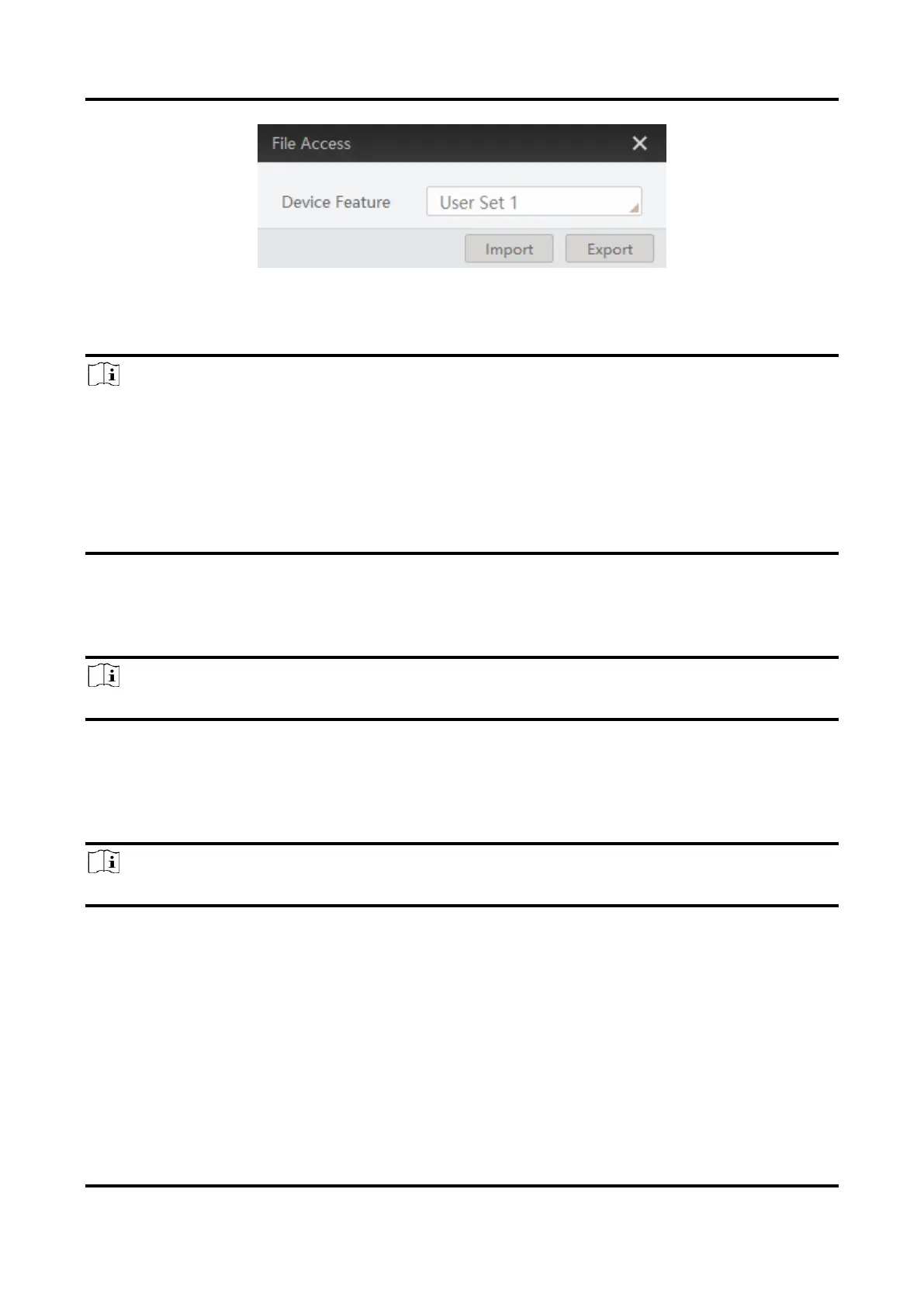
Figure 12-9 Import or Export
3. Select a mfa file from local PC to import or select a saving path and enter file name to
save and export.
Note
●
If User Set 1/2/3 is selected as device feature, you need to load the corresponding user
set you selected to take effect.
●
If LUT Luminance 1/2/3 is selected as device feature, and they will take effect only
when you select the same parameters in LUT Selector.
●
If DPC is selected as device feature, and it will take effect immediately.
●
Importing and exporting the device feature among the same model of devices are
supported.
12.5 Event Control
Note
The event control function may differ by device model.
The event control can record events happen to the device and allow you to view them.
Steps
1. Go to Event Control → Event Selector, and select Event Selector according to actual
demands.
Note
The specific events may differ by device models.



 To Next Page