GigE Area Scan Camera User Manual
101
●
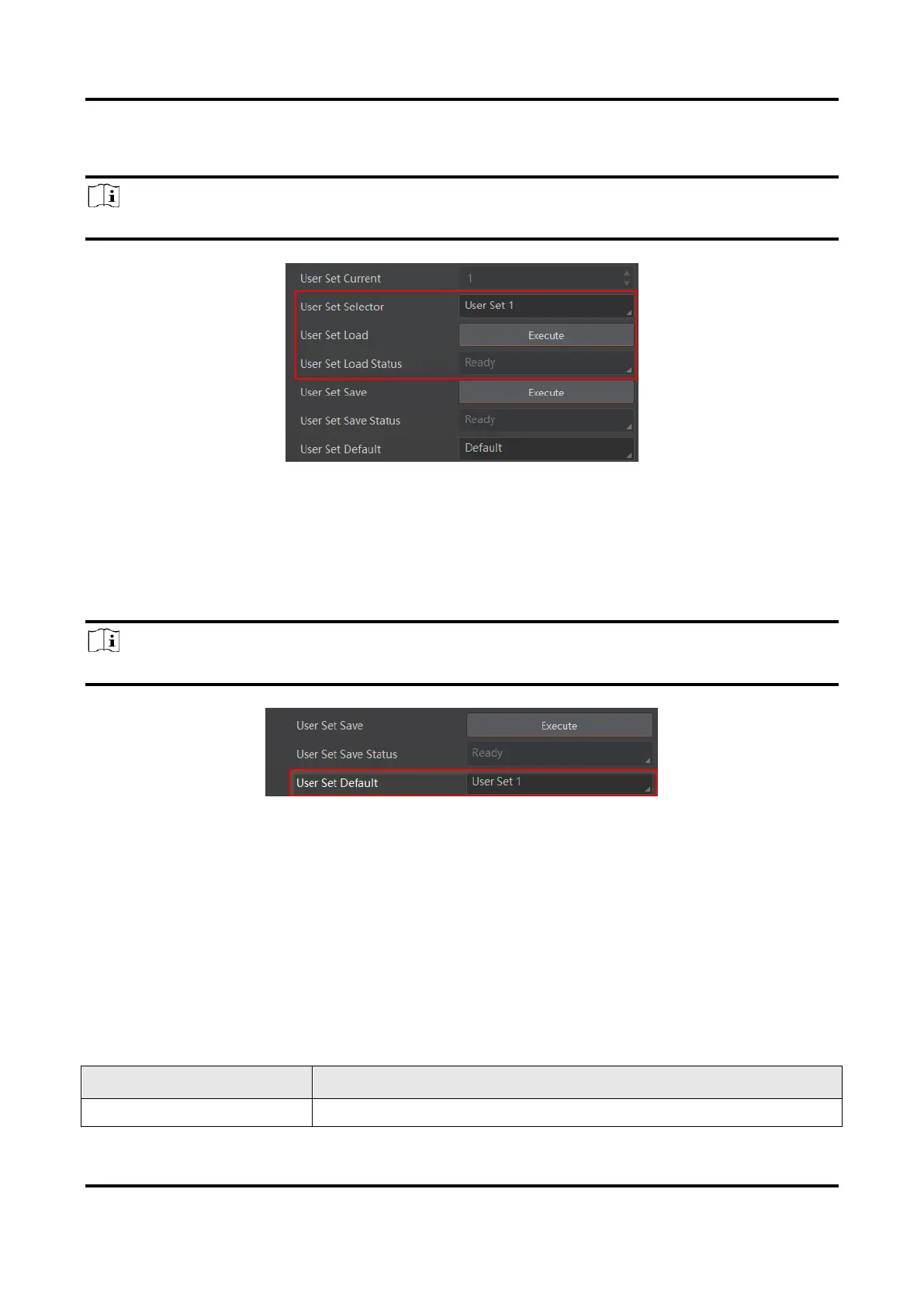
Saving: User parameters are being loaded.
●
Ready: User parameters are to be loaded.
Note
The parameter of User Set Load Status may differ by device models.
Figure 12-19 Load User Set
12.9.3 Set User Default
You can also set default parameter by going to User Set Control, and select a user set in
User Set Default.
Note
Here we take selecting User Set 1 as an example.
Figure 12-20 Set User Default
12.10 Multicast Function
The multicast function enables multiple PCs to access the same device at the same time.
At the same time, the same device can only be connected by one client in controller and
data receiver mode or controller mode, but can be connected by multiple clients in data
receiver mode. The multicast mode of each device within the client is controlled
individually. The description of three multicast modes is shown below.
Table 12-7 Multicast Mode Description



 To Next Page