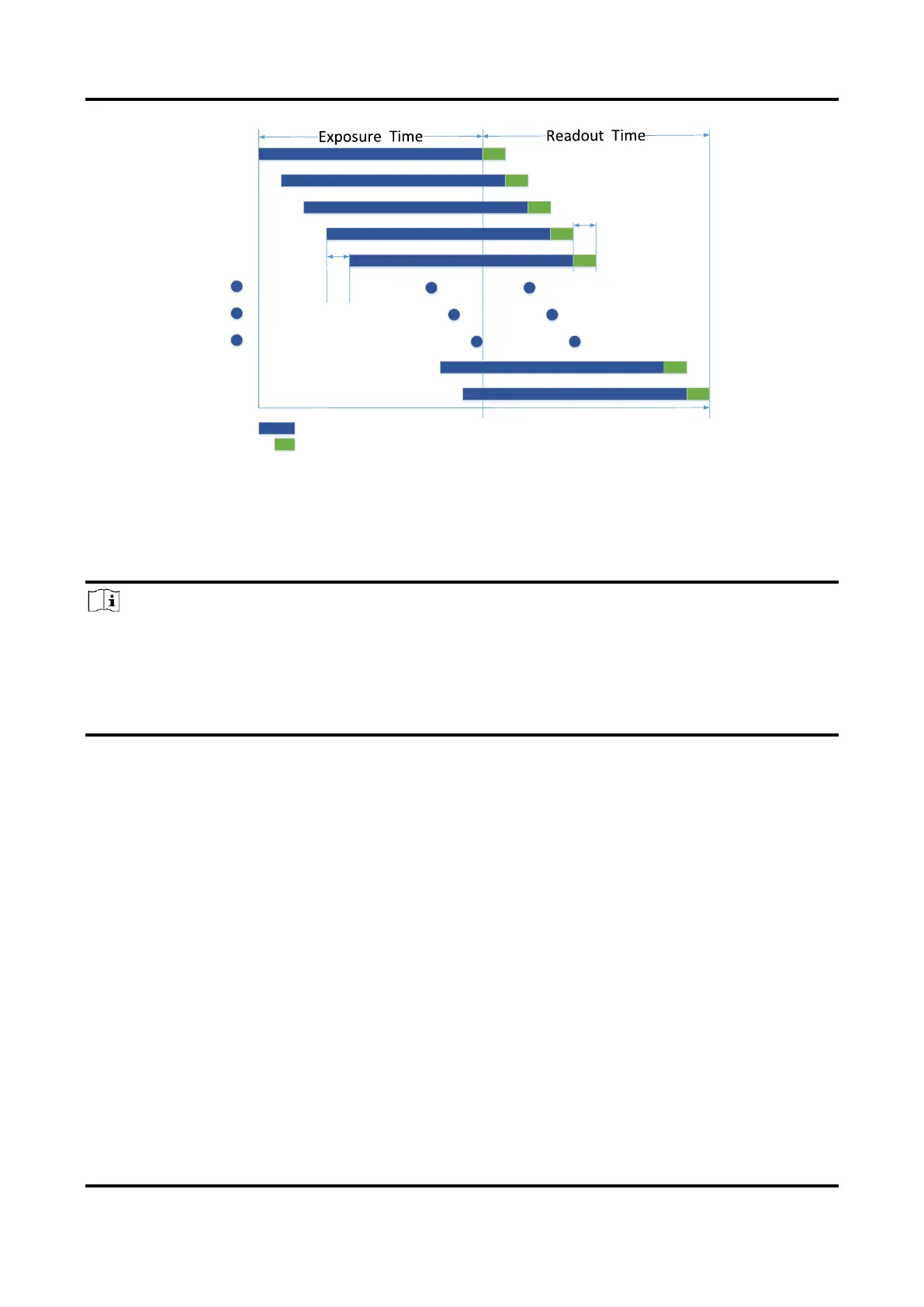
Figure 7-2 Rolling Shutter
7.3 Sensor Shutter Mode
Note
●
Only some models of devices with rolling shutter and corresponding firmware support
the sensor shutter mode. The actual product you purchased should prevail.
●
Stopping the real-time acquisition is required before setting the sensor shutter mode.
●
For some device models, only when Trigger Mode is On, you can set Sensor Shutter
Mode.
The sensor shutter mode allows you to set the operating mode of the device’s electronic
shutter. The shutter mode refers to the way in which the image data is captured and
processed.
In general, there are 3 sensor shutter modes, including Global Reset, Rolling and Trigger
Rolling. Global reset means that all of the sensor's pixels start exposing at the same time,
but stop exposing at different time.



 To Next Page