GigE Area Scan Camera User Manual
81
Steps:
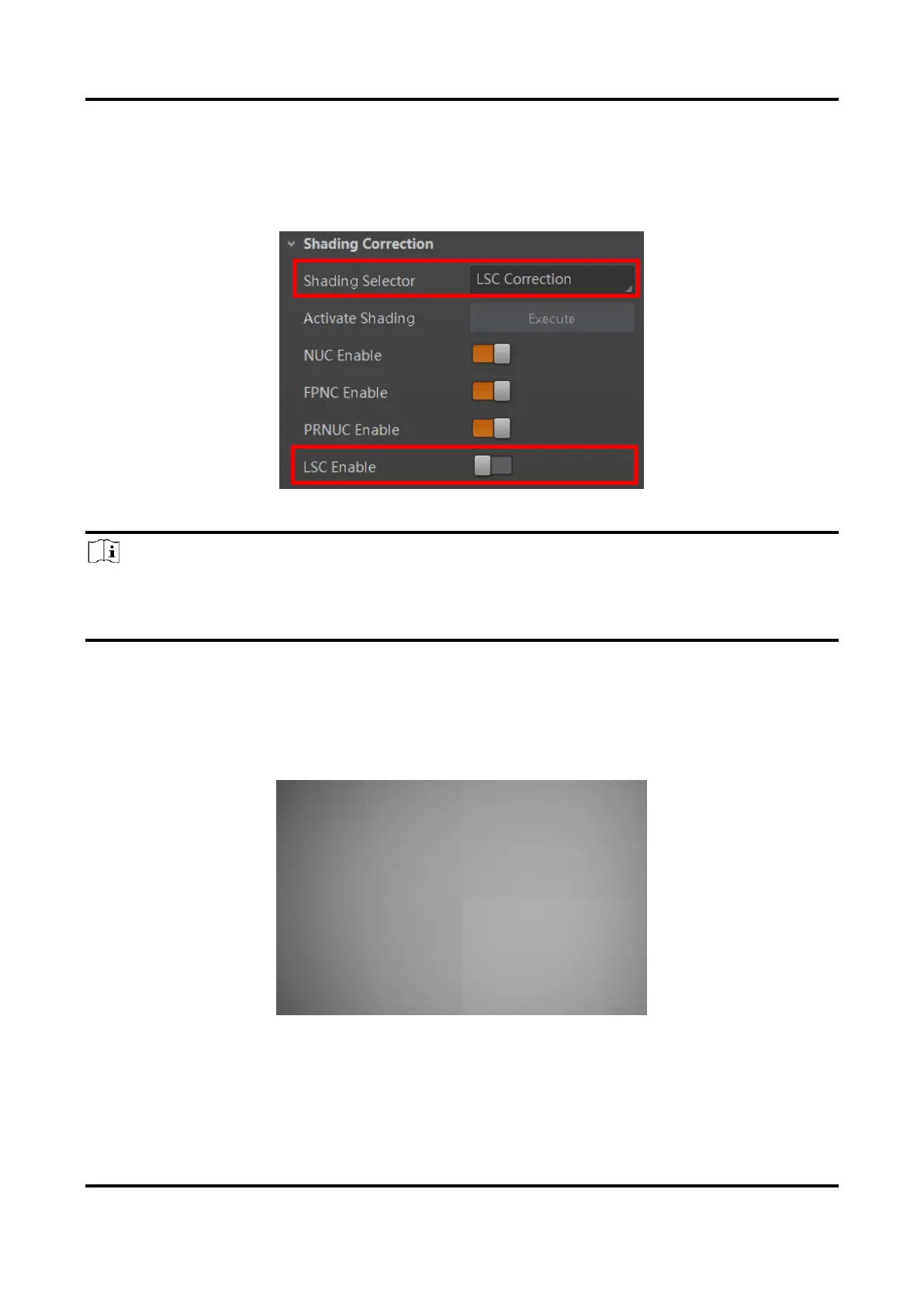
1. Go to Shading Correction, and select LSC Correction as Shading Selector.
2. Click Execute in Activate Shading to let the client software automatically calculate.
3. Enable LSC Enable.
Figure 11-55 LSC Correction
Note
●
LSC correction should be executed in full resolution. If you are only interested in a
certain region of the image, you can set a Region of Interest (ROI) instead.
●
Specific steps for executing LSC correction may differ by device models
11.30.2 Other Corrections
Other corrections include FPNC correction and PRNUC correction. The images before
correction and after correction are shown below.
Figure 11-56 Before Correction



 To Next Page