GigE Area Scan Camera User Manual
72
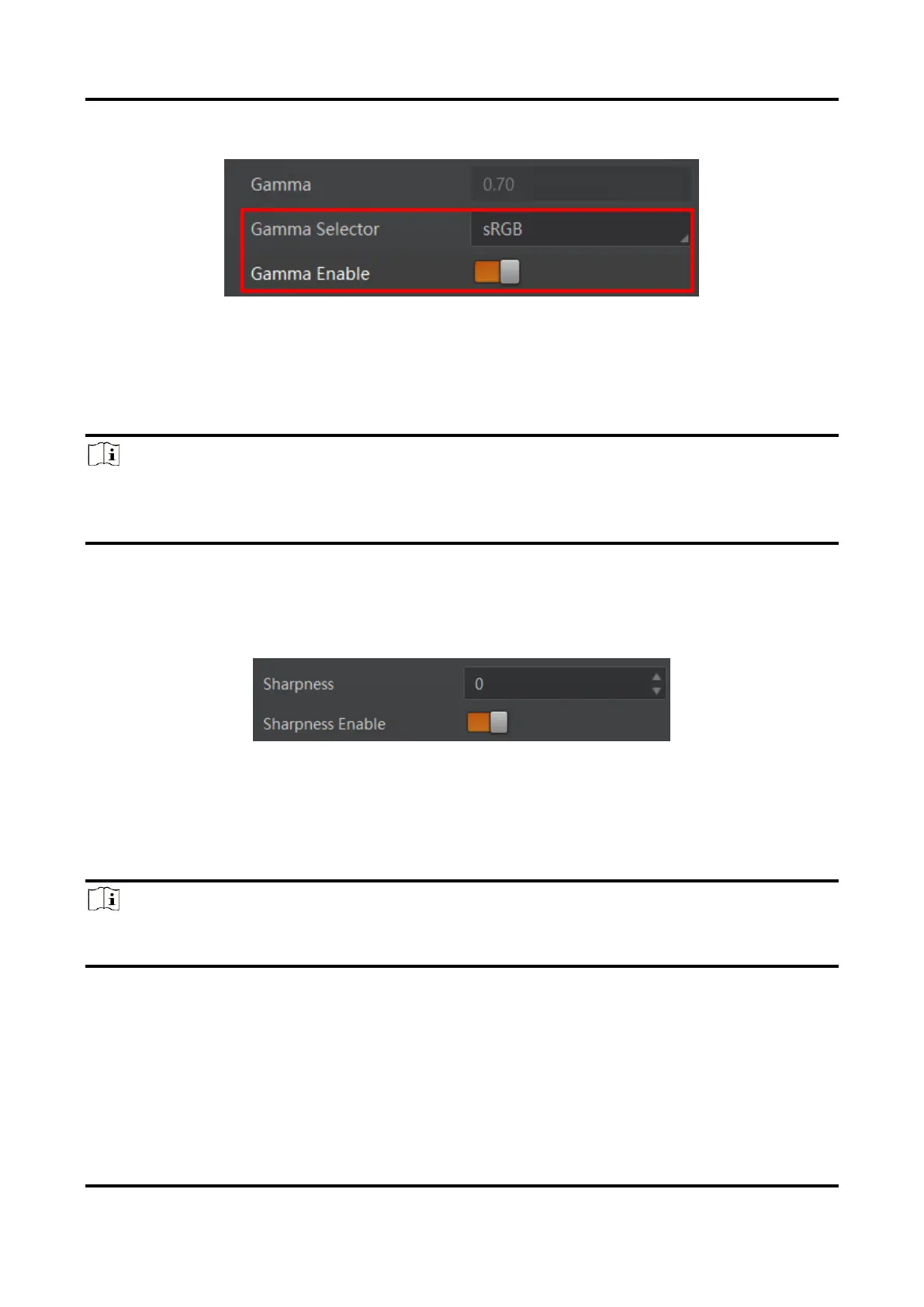
3. Enable Gamma Enable to enable it.
Figure 11-40 Set sRGB Mode
11.20 Set Sharpness
Note
●
The sharpness function may differ by device models.
●
Regarding the color device in Bayer pixel format, you need to enable Super Bayer Enable
first before using sharpness function.
The device supports sharpness function that can adjust the sharpness level of the image
edge, You can set sharpness as shown below.
Go to Analog Control → Sharpness Enable, enable Sharpness Enable, and enter
Sharpness according to actual demands.
Figure 11-41 Set Sharpness
11.21 Set Digital Noise Reduction
Note
●
The digital noise reduction function may differ by device models.
●
Excessive noise reduction will affect the image details.
The function of digital noise reduction can increase the image’s SNR and improve its
quality.
Steps
1. Go to Analog Control → Digital Noise Reduction Mode.
2. Select Expert as Digital Noise Reduction Mode.
3. Enter Denoise Strength and Noise Correct according to actual demands.



 To Next Page