GigE Area Scan Camera User Manual
68
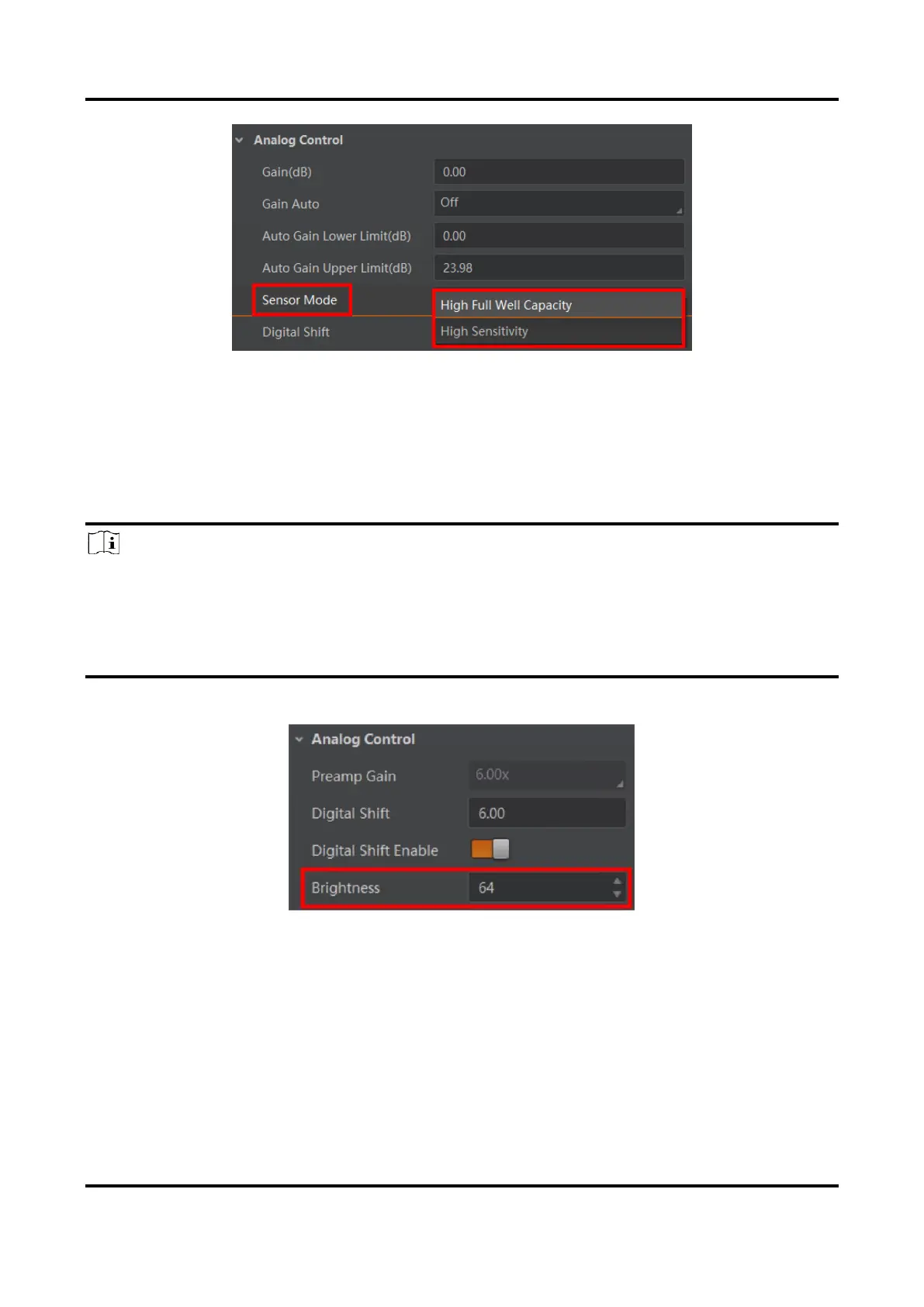
Figure 11-35 Set Sensor Mode
11.16 Set Brightness
The device brightness refers to the brightness when the device adjusts image under Once
or Continuous exposure mode, or Once or Continuous gain mode.
Note
●
You should enable Once or Continuous exposure mode, or Once or Continuous gain
mode first before setting brightness.
●
After setting brightness, the device will automatically adjust exposure time to let image
brightness reach target one. Under Once or Continuous exposure mode, or Once or
Continuous gain, the higher the brightness value, the brighter the image will be.
Go to Analog Control → Brightness, and enter Brightness according to actual demand.
Figure 11-36 Set Brightness



 To Next Page