GigE Area Scan Camera User Manual
83
Chapter 12 Other Functions
12.1 Device Control
Note
The specific device control parameters may differ by device models.
In Device Control, you can view device information, edit device name, reset device, etc. The
specific parameters in Device Control are shown below.
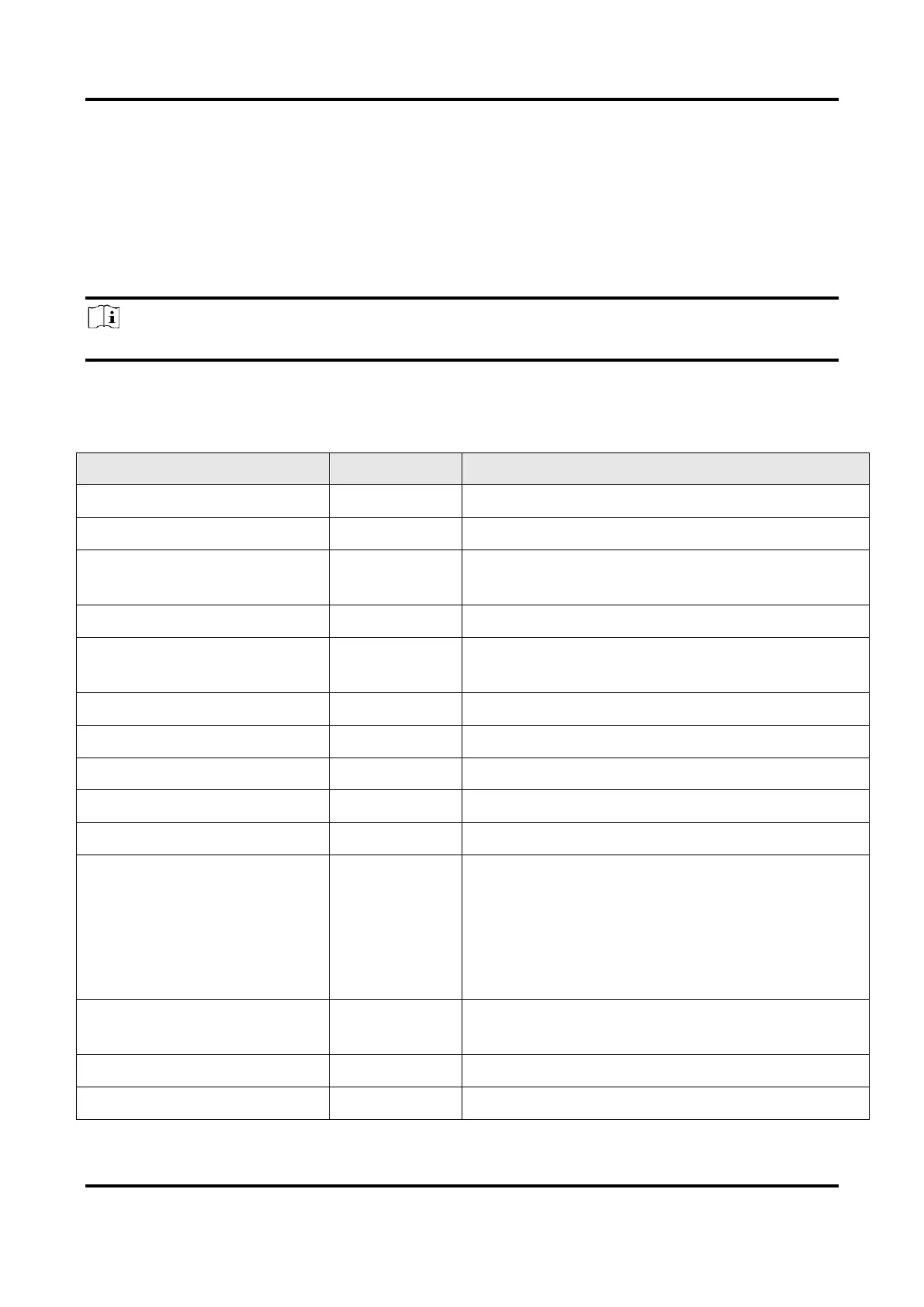
Table 12-1 Parameter Description
It is the scan type of the device’s sensor.
It is the name of the manufacturer of the
device.
It is the model of the device.
Device Manufacturer Info.
It is the manufacturer information about the
device.
It is the version of the device.
It is the firmware version of the device.
It is the chip system version of the device.
It is device's serial number.
Device name and it is empty by default. You
can set according to your preference.
●
If User ID is empty, the client software
displays the device model.
●
If you set it, the client software displays the
User ID you set.
It is the period of time when device is powered
up.
Device Connection Selector
It selects which Connection of the device to



 To Next Page